1. Introduction to Microsoft Certifications
1.1 What Are Microsoft Certifications?
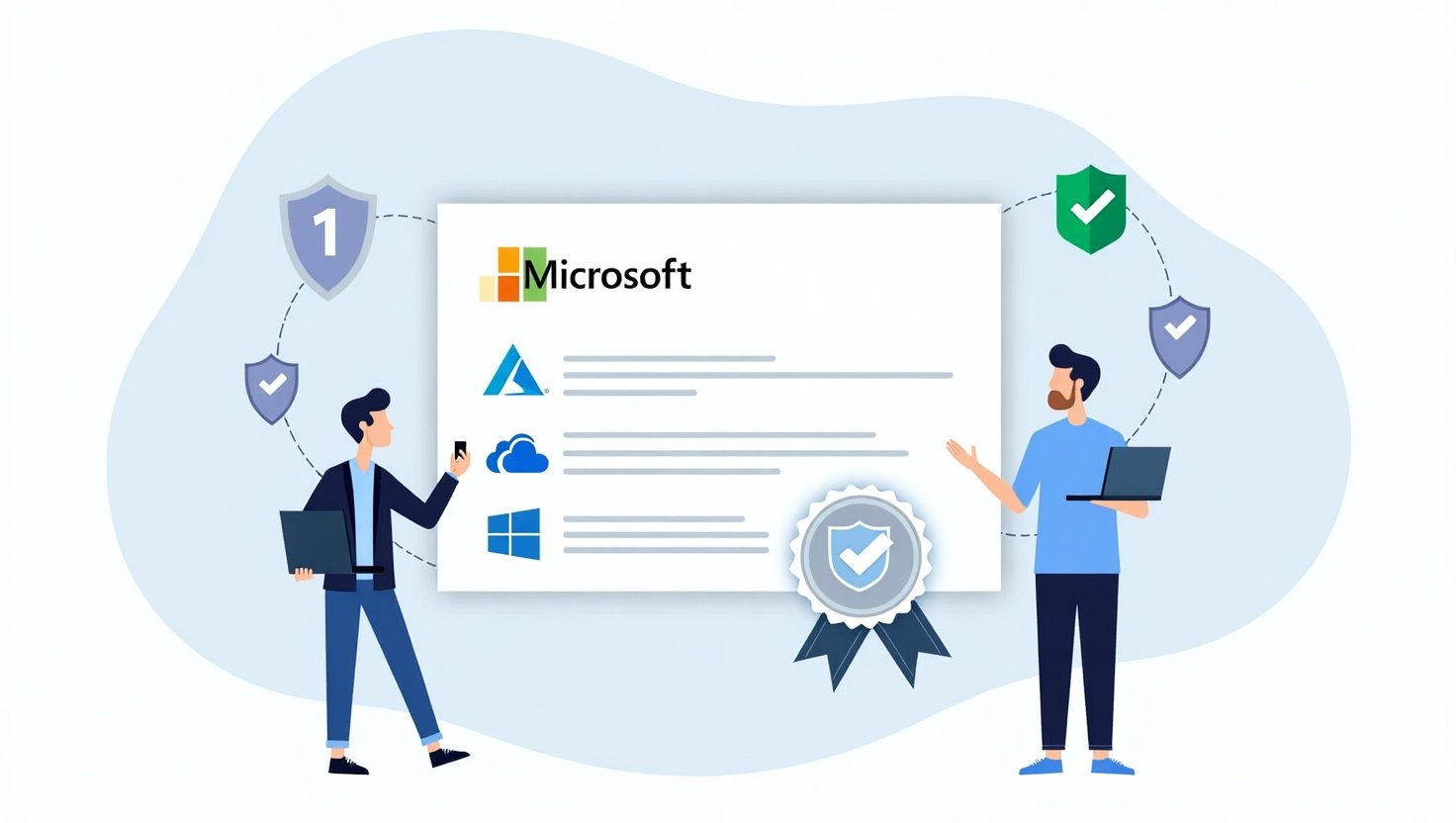
Microsoft Certifications are validation tools that confirm your expertise in specific Microsoft technologies and applications. They are designed to help IT professionals demonstrate their skills and commitment to continuous learning.
In today’s competitive job market, having a certification from a reputable source like Microsoft can significantly enhance your profile. Many employers view certifications as proof that candidates not only have relevant knowledge but also understand industry best practices.
Types of Certifications Offered:

- Role-Based Certifications: Target specific job roles such as administrators or developers.
- Technology Associate (MTA): Designed for beginners to introduce basic concepts and skills.
- Expert and Specialty Certifications: Targeted at seasoned professionals looking to validate advanced skills.
1.2 History and Evolution of Microsoft Certifications
Since their inception in the early 1990s, Microsoft Certifications have undergone considerable changes. The initial focus was primarily on Windows server components, but as technology evolved, so did the certification offerings.
Timeline of Certification Development:
- Early 1990s: Introduction of the first Microsoft certifications.
- Mid-2000s: Shift towards more specialized and advanced certifications.
- 2018 and beyond: Introduction of role-based certifications that align with current job demands.
The evolution of these certifications underscores their importance for professional development and staying relevant in the tech industry.
1.3 Why Pursue a Microsoft Certification?
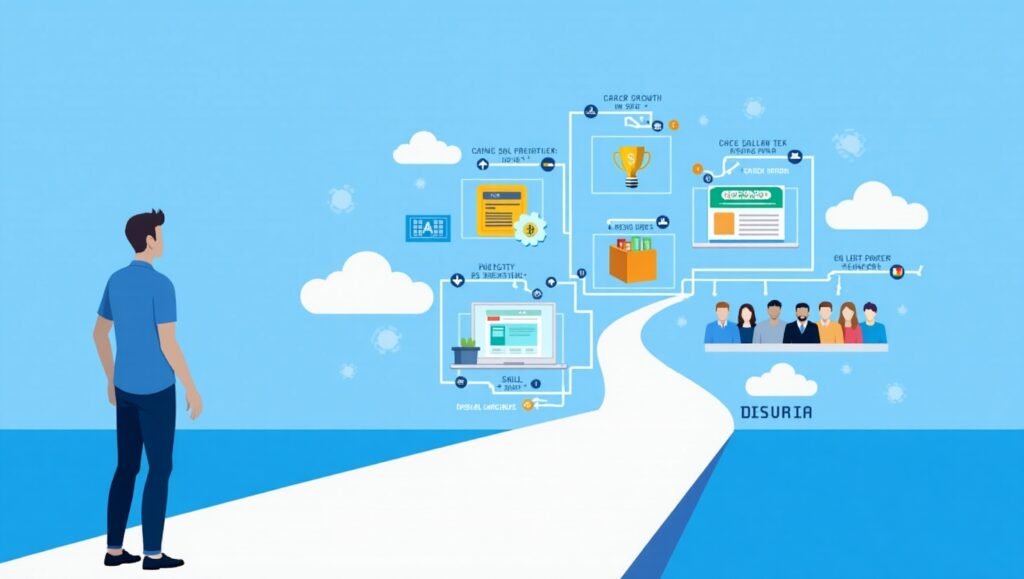
Pursuing a Microsoft Certification offers numerous career advantages:
- Career Advantages: Certified professionals often enjoy better job prospects, higher salaries, and faster promotions. The certification can set you apart from other candidates who may not have the same formal recognition.
- Skill Validation: Holding a Microsoft Certification serves as verification of your skills, lending credibility to your experience and knowledge.
- Opportunities for Networking and Growth: Certifications can open doors to new connections, including access to Microsoft user groups, conferences, and events designed exclusively for certified professionals.
2.1 Role-Based Certifications
Role-based certifications cater to specific job functions, ensuring that candidates gain the skills that are directly applicable to their roles.
Examples of Roles:
- Administrator: Focuses on managing Microsoft services and services’ infrastructure.
- Developer: Centric to developing applications using Microsoft technologies.
- Data Scientist: Covers skills in data analysis, machine learning, and AI through Microsoft tools.
Certifying in these roles not only boosts your confidence but often reflects positively in job performance.
2.2 Microsoft Technology Associate (MTA)
The MTA certification is perfect for those new to the tech industry or planning a career transition. This entry-level certification covers foundational skills without the prerequisites needed for other certifications.
Core Topics Covered:
- Software development basics
- Networking fundamentals
- Database fundamentals
MTA serves as an excellent stepping stone to more advanced Microsoft certifications, setting up a learning pathway that’s clear and structured.
2.3 Expert and Specialty Certifications
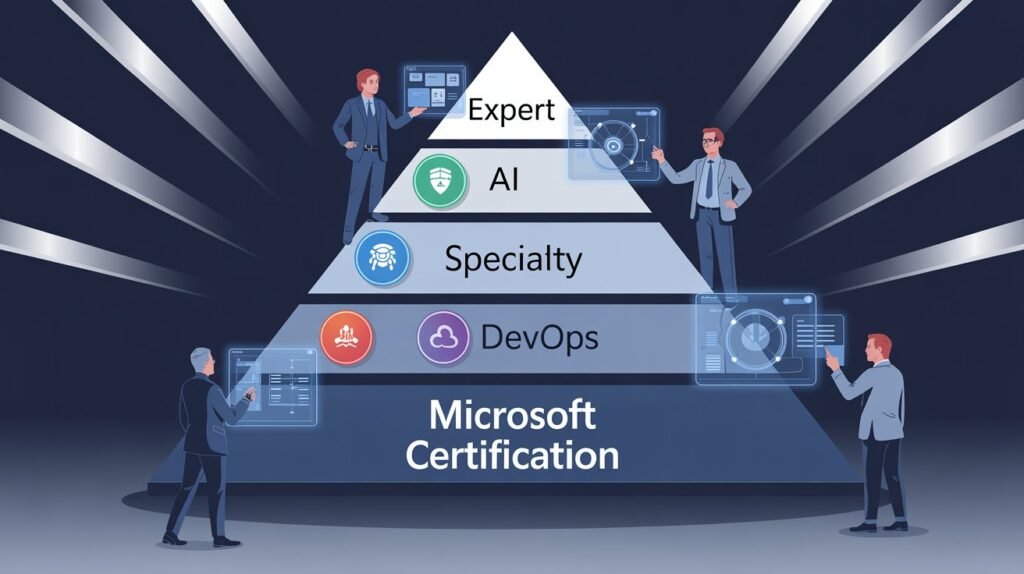
These certifications are intended for professionals who possess extensive experience and specialized knowledge in Microsoft technologies.
Value for Experienced Professionals:
Achieving expert and specialty certification demonstrates your commitment to staying at the forefront of technology and enhances your employment prospects substantially.
3. Certification Paths and Learning Resources
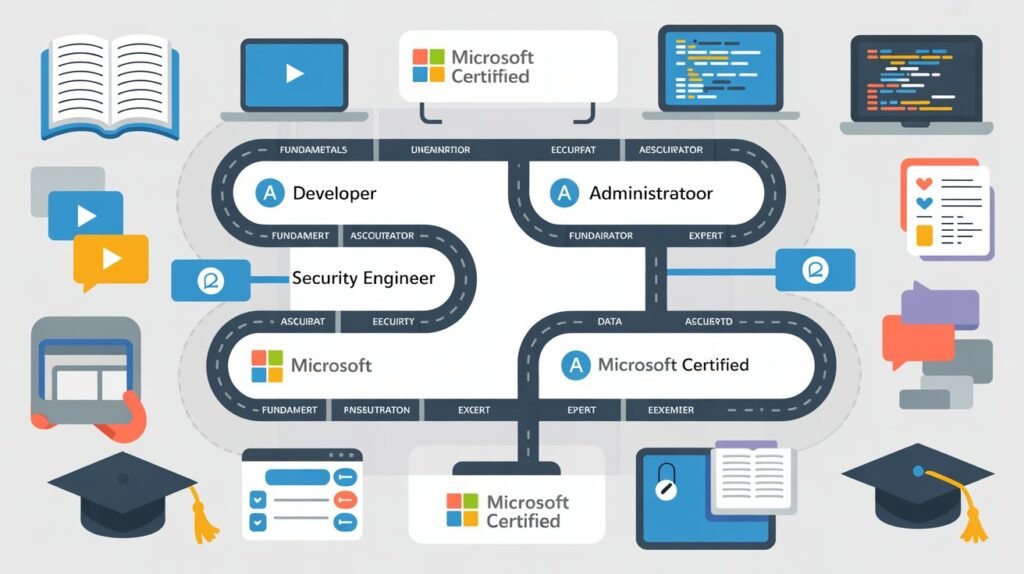
3.1 Understanding Certification Paths
Microsoft provides various certification paths suitable for all levels—from beginners to seasoned professionals.
- Overview of Different Paths:
- Pathways lead from fundamental certifications (like MTA) to more advanced roles (role-based or expert).
- Prerequisites for Certification: Some certifications require previous certifications or courses, so it’s essential to plan your path accordingly.
- Progression From Fundamental to Expert Levels: Each level builds upon the last, creating a comprehensive learning experience.
3.2 Official Learning Resources
Microsoft offers several resources to help prepare for certification exams:
- Microsoft Learn Platform: Free courses and hands-on labs designed to enhance your skills directly related to certification topics.
- Certification Books and Guides: Comprehensive texts that cover exam themes and insights.
- Online Courses and Workshops: A variety of structured courses featuring instructors who are experts in the field.
3.3 Community Resources and Study Groups
Connecting with others in your certification journey can provide motivation and support:
- User Groups and Forums: Engaging in discussions can illuminate new perspectives and share valuable tips.
- Local Meetups and Networking Events: Attend sessions in your area to meet professionals and learn collaboratively.
- Online Study Groups and Mentorship Opportunities: A great way to share resources, study together, and establish long-lasting professional connections.
4. Exam Preparation Strategies

4.1 Understanding Exam Formats and Requirements
Microsoft certification exams can vary in structure.
- Overview of Exam Types: Exams typically include multiple-choice questions, case studies, and performance tests.
- Typical Structure of Microsoft Certification Exams: Expect a mix of theoretical knowledge and practical application.
- Scoring and Retake Policies: Familiarize yourself with these policies to plan your exam strategy effectively.
4.2 Effective Study Techniques
Determining your study style can make a considerable difference in your preparation:
- Learning Styles and Preferences: Identify if you’re a visual learner or if hands-on practice suits you better.
- Time Management and Study Plans: Set schedules that balance study and other commitments for optimal learning.
- Practice Tests and Mock Exams: These resources can simulate the actual exam environment, reducing potential anxiety on test day.
4.3 Dealing with Exam Anxiety
Exam day can be stressful, and it’s essential to approach it with a clear mind:
- Recognizing Exam Anxiety: Understand the signs so you can address them before they affect performance.
- Practical Tips for Staying Calm: Techniques such as deep breathing or visualization can help improve focus.
- Preparing Mentally and Emotionally: Embrace a positive mindset, reminding yourself of your hard work and preparedness.
5. Post-Certification Considerations
5.1 Maintaining Your Certification
Interest in ongoing education and skill enhancement leads to longevity in your career:
- Renewal Requirements and Timelines: Stay on top of expiration dates to keep your certification valid.
- Continuing Education Options: Explore courses and workshops that can help fulfill your continuing education credits.
- Staying Updated with Industry Changes: Regularly review Microsoft’s updates to stay relevant.
5.2 Leveraging Certifications in Your Career
Your certification can be a powerful asset:
- Incorporating Certifications Into Your Resume: Clearly highlight your credentials to stand out in applications.
- Using Certifications for Job Advancement: Many companies reward certified professionals with advancement opportunities and raises.
- Networking with Certified Professionals: Build connections with other certified individuals through community events, which can lead to new opportunities.
5.3 Community and Industry Involvement
Engaging with others in the industry can provide additional benefits:
- Opportunities for Contribution: Share your expertise by mentoring or contributing to forums.
- Joining Microsoft User Groups: These groups foster a sense of community and provide access to exclusive information and resources.
- Engaging with Online Communities: Participating in discussions online can keep you active and connected within the field.
Conclusion
Recap of Key Points
Microsoft Certifications are a valuable path for personal and professional growth. They not only validate your skills but also open doors for networking and career advancement. The journey doesn’t stop at certification; continuous learning and community engagement are essential to long-term success.
Don’t hesitate to start your certification journey today—invest in yourself, and the rewards will follow.
FAQs
How long does it take to prepare for a Microsoft certification exam?
Preparation timelines vary based on prior knowledge but typically range from a few weeks to a few months.
Are Microsoft certifications worth the cost?
Yes, many find that the benefits in terms of job opportunities and salary increases make the investment worthwhile.
What support does Microsoft provide for certification candidates?
Microsoft offers a wealth of resources including preparatory exams, online courses, and community forums.
Can I take multiple certification exams at once?
Yes, but be sure to assess your readiness for each to avoid feeling overwhelmed.
How do I choose the right certification for my career?
Evaluate your career goals, current skill level, and the job market demands to make an informed decision.