1. Introduction: Why Are Pointers So Scary?
If you’ve ever tried learning C, you’ve likely had a moment where your brain short-circuited at the mere mention of “pointers.” You’re not alone—many programmers, from beginners to seasoned devs, have been baffled by segmentation faults, pointer arithmetic, and the cryptic * and & symbols.
Why the fear? It’s partly because pointers deal with memory—something abstract and hidden. Unlike high-level languages that pamper you with managed memory, C hands you the keys to the kingdom… and the ability to crash it.
But here’s the truth: pointers are not evil. They’re misunderstood. Once you wrap your head around the logic, pointers become your best friends—offering power, control, and insane performance.
In this guide, we’ll break it down like a friend tutoring you before finals—with real-life analogies, clear diagrams, and easy-to-follow examples. Whether you’re just starting C programming or revisiting it after some time away, this article will turn your pointer panic into pointer power.
Ready to conquer what most call the “boogeyman” of C? Let’s go.
2. What Is a Pointer, Really?
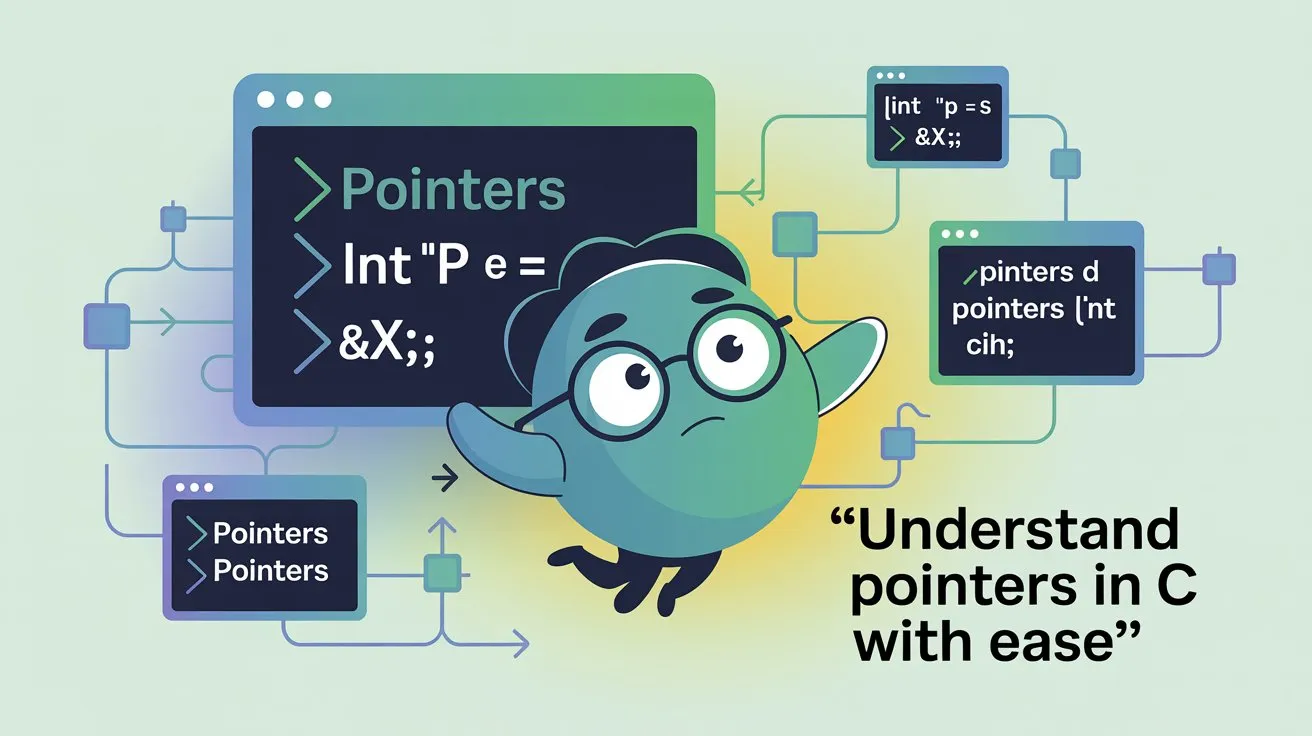
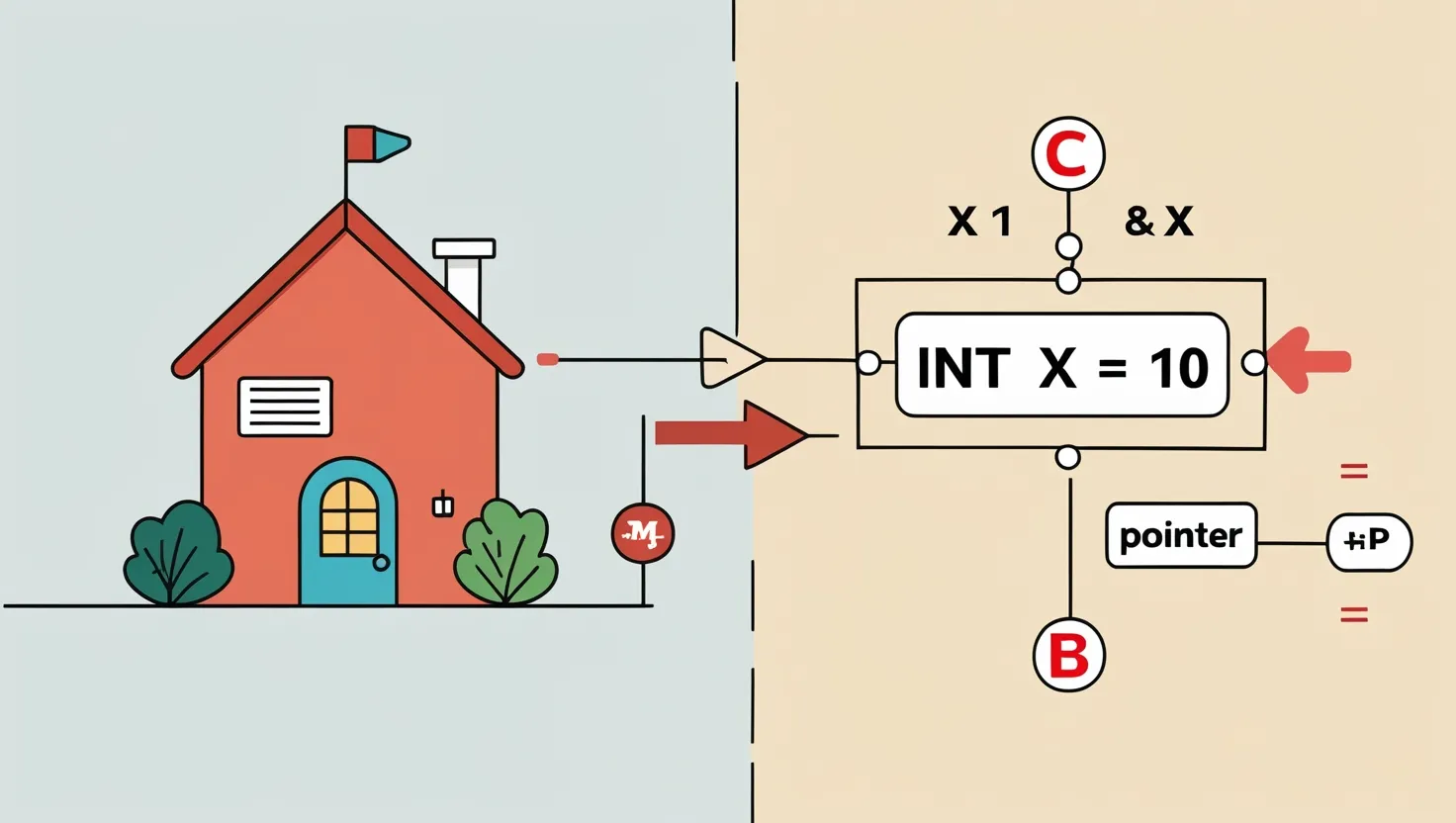 A pointer is simply a variable that stores the memory address of another variable. Think of it like a house address—it doesn’t contain the house but tells you where to find it.
Let’s break that down.
When you declare a variable in C like int x = 10;, it lives somewhere in your computer’s memory—let’s say address 0x100. You can create a pointer to hold that memory address:
Here:
-
&xgives the address ofx. -
*pmeans “go to the address stored in p and get the value there.”
So *p is 10. Magic? Not quite. Just good ol’ memory access.
Visual Metaphor
-
x = 10→ The variable (the house). -
p = &x→ The address (where the house is). -
*p→ The contents of the house (the value stored).
Pointers are how C lets you “look behind the curtain” of your machine’s memory. This peek-behind-the-scenes capability is what makes C both powerful—and tricky.
3. Understanding Pointer Syntax and Operators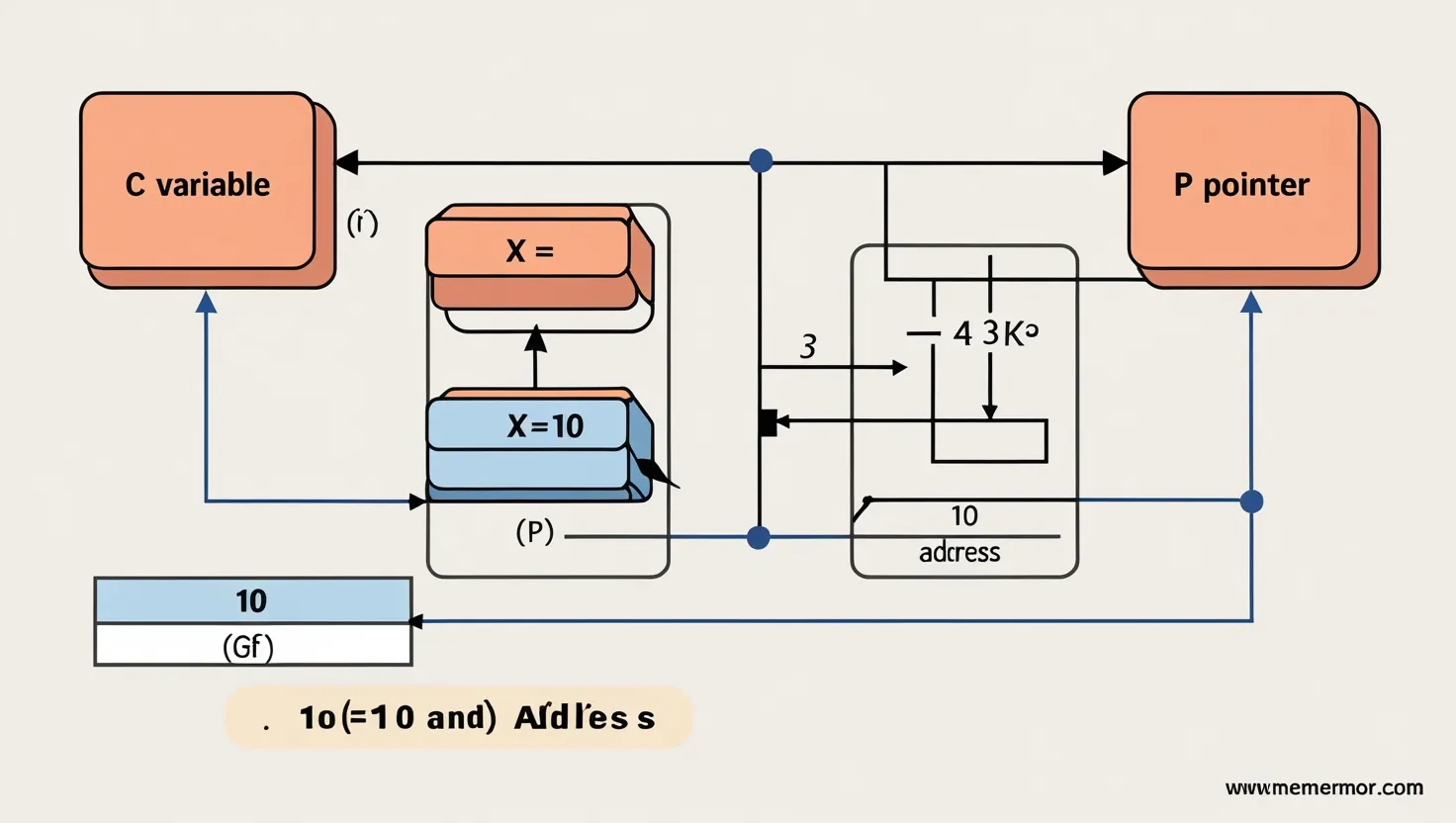
Once you understand the idea of a pointer, the next step is to speak its language. Here’s the breakdown:
& – The Address-of Operator
This gives you the memory address of a variable:
* – The Dereference Operator
This gets the value stored at the address:
Declaring and Initializing Pointers
NULL Pointers
Uninitialized pointers are dangerous. Always initialize pointers:
Using NULL avoids mysterious crashes when a pointer is not yet pointing anywhere useful.
Tip:
| Operator | Meaning |
|---|---|
& |
Address-of |
* |
Dereference |
-> |
Access structure members via pointer |
Mastering syntax early will help you avoid messy bugs later.
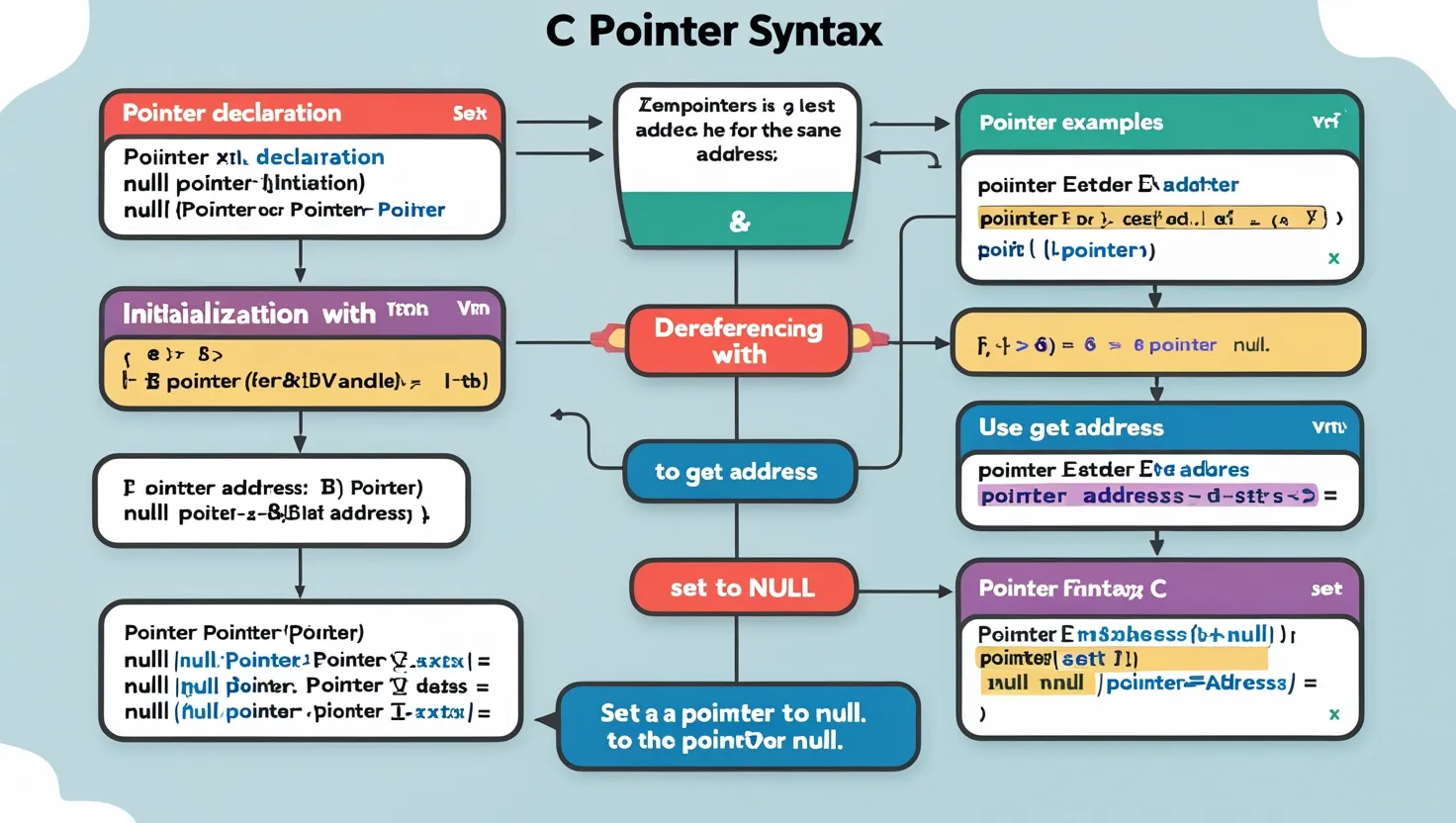
4. Pointers and Functions: Pass by Address
In C, arguments are passed by value by default—meaning copies are sent into functions. But what if you want to modify the original variable?
Enter pointers.
Here’s how to use it:
Now x is 20 and y is 10. You just modified variables outside the function—thanks to pointers.
Why Use Pointers in Functions?
-
Modify actual values.
-
Save memory (no data copying).
-
Return multiple values using parameters.
5. Pointers and Arrays: The Secret Relationship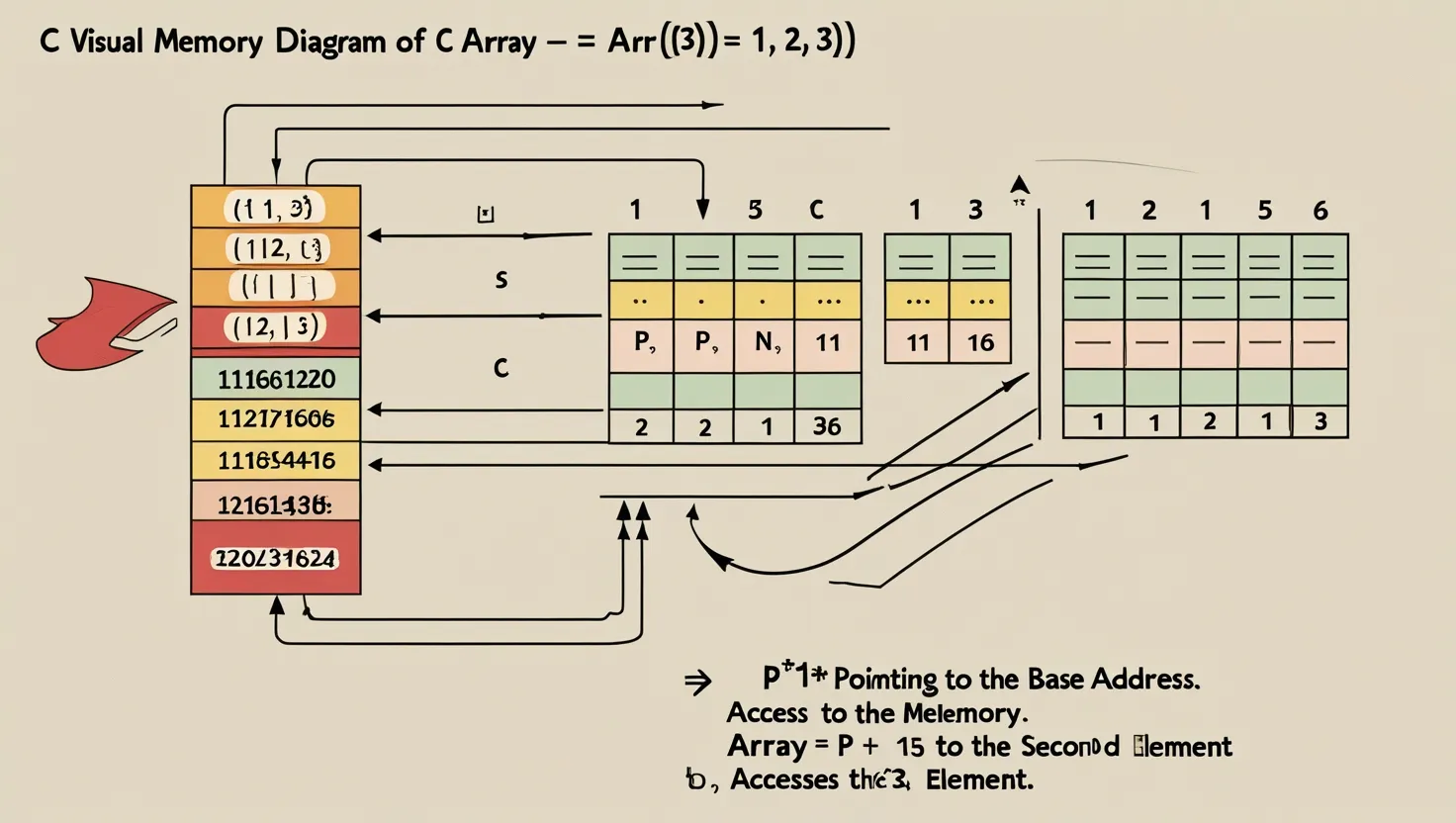
Here’s a cool fact: Array names are pointers. That means:
p now points to the first element of arr.
Pointer Arithmetic
You can use pointer arithmetic to traverse arrays:
Pointer math respects data size, so p+1 moves to the next integer (not the next byte).
Arrays and pointers are deeply connected in C. You can even do:
6. Pointers to Pointers (Double Pointers) 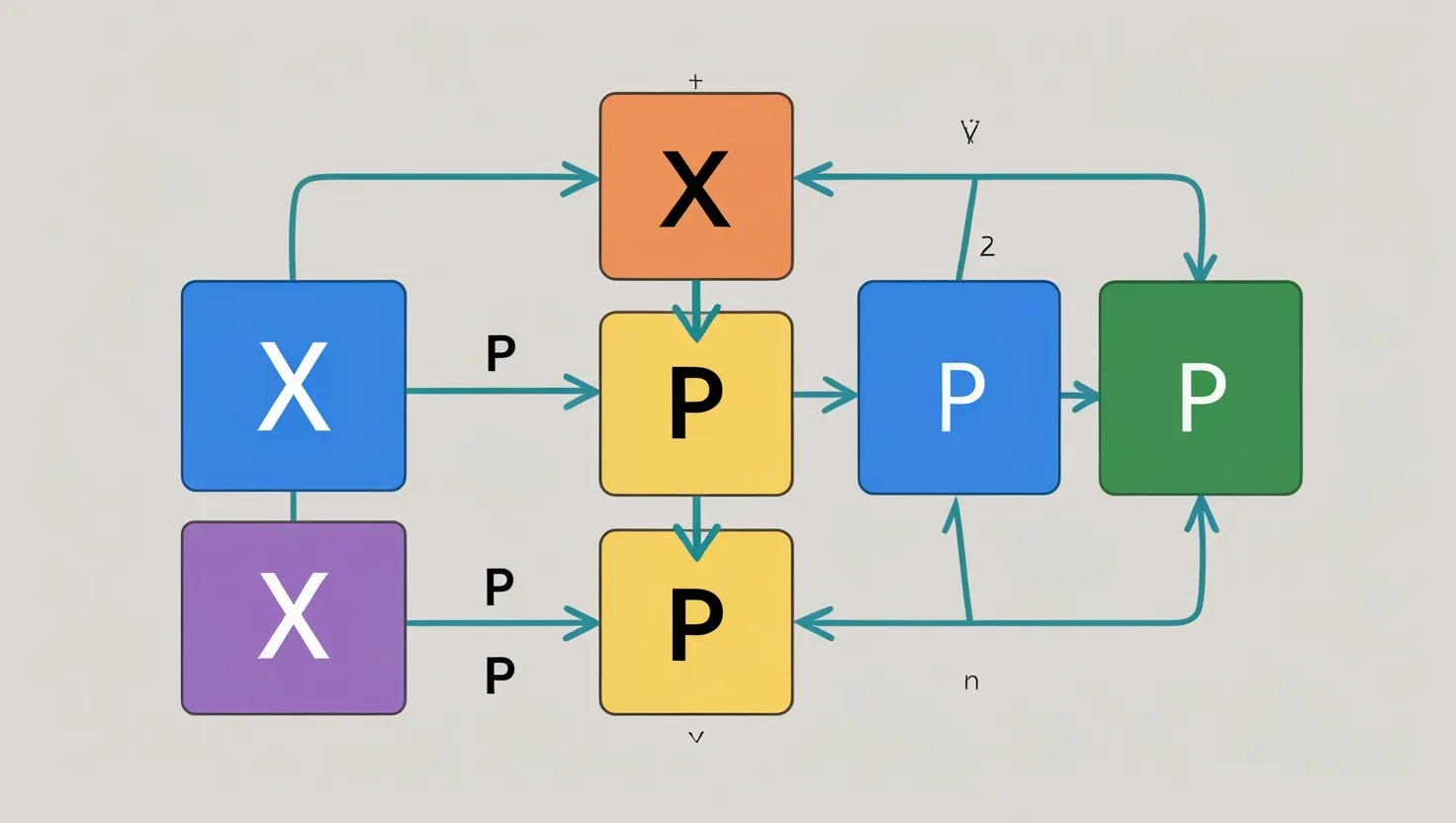
Think Inception—but for memory.
A pointer to a pointer is a variable that holds the address of another pointer.
So:
-
ppholds address ofp -
*ppisp -
**ppisx→ value: 5
Real Use Case: Dynamic Memory Allocation
Allows a function to assign memory back to the caller—a trick often used in linked lists and trees.
7. Dynamic Memory Management with Pointers
C gives you malloc, calloc, realloc, and free to manage memory manually.
Example:
Use calloc to get zero-initialized memory.
Always check if memory was allocated:
Failing to free() leads to memory leaks—a classic pointer crime!
8. Common Pointer Errors and How to Avoid Them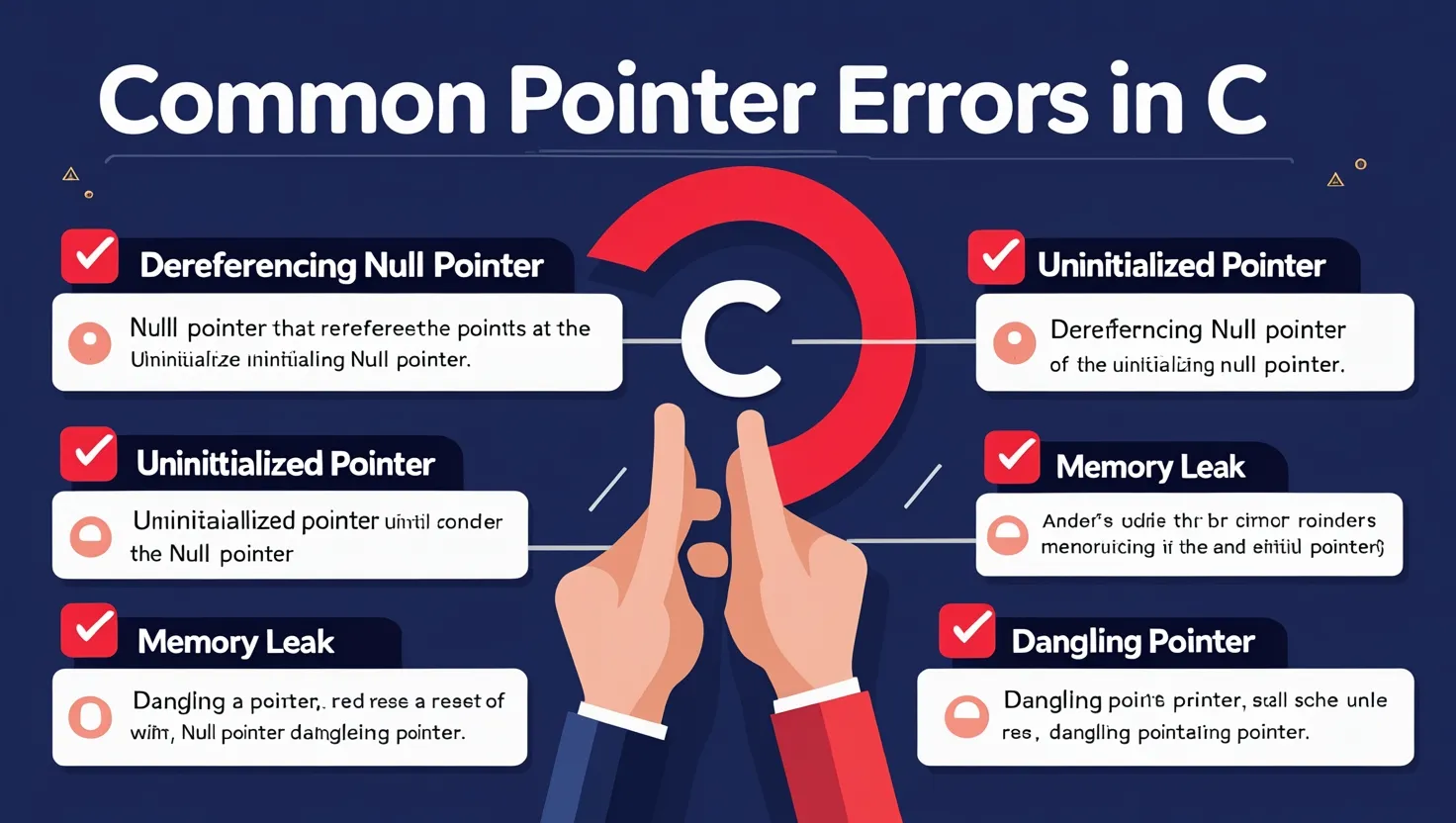
Even pros mess this up. Here are the biggest pointer sins:
1. Dereferencing NULL or garbage pointers
2. Memory Leaks
Not freeing memory after malloc.
3. Dangling Pointers
Debug Tip Table: Pointer Bug Quick-Fix Checklist
| Issue | Solution |
|---|---|
| Segfault | Check if pointer is NULL |
| Memory leak | Use free() |
| Dangling pointer | Set pointer to NULL after free |
Use tools like Valgrind to find leaks and invalid access.
9. Real-World Use Cases: Why Pointers Matter
Pointers aren’t just academic—they’re everywhere in real C programming.
1. Data Structures
Linked lists, trees, graphs—all pointer-powered.
2. System Programming
Device drivers, OS kernels (like Linux) are built with pointers.
3. Game Dev
Manage memory efficiently for rendering and game objects.
4. Open-Source Projects
The Linux Kernel, SQLite, and Git—massive C projects using pointers like pros.
10. How to Practice and Master Pointers
Ready to level up?
Start Simple:
-
Swap function
-
Reverse an array using pointers
-
Create a dynamic array
Projects:
-
Build a singly linked list
-
Write a basic memory allocator
Tools:
Resources:
-
“Let Us C” by Yashavant Kanetkar
-
Harvard’s CS50 lectures (free on YouTube)
Practice + curiosity = pointer mastery.
11. Conclusion: From Fear to Fluency
Congratulations—you’ve stared into the abyss of pointers, and you’re still standing!
We’ve tackled:
-
What pointers are
-
How to declare and use them
-
Their role in memory, functions, arrays, and more
You now know why pointers are feared and why they’re also deeply empowering. With practice, debugging skills, and some memory diagrams, pointers will become second nature.
So go on—build that linked list. Write that dynamic allocator. Be the C ninja you were meant to be.
12. FAQs
1. What exactly is a pointer in C, and why should I care?
A pointer is a variable that stores the memory address of another variable. Instead of storing a regular value (like 42 or ‘A’), it holds a location in your computer’s memory.
Think of it like this:
-
A normal variable is a house with stuff inside.
-
A pointer is the address of that house written on an envelope.
Why does this matter?
-
Efficiency: You can pass large data structures (like arrays or structs) to functions without copying them.
-
Flexibility: You can allocate memory at runtime (e.g., for dynamic arrays).
-
Power: You get fine-grained control over memory, which is essential in systems programming and embedded development.
In short, if you want to master C—or systems programming in general—pointers are non-negotiable.
2. Are pointers the same as references in C++ or other languages?
Not quite.
-
Pointers in C:
-
Can be reassigned.
-
Can be NULL.
-
Require explicit dereferencing with
*.
-
-
References in C++:
-
Must be initialized when declared.
-
Cannot be NULL.
-
Automatically dereferenced—more intuitive and safer.
-
In C, everything is explicit. You must manage the memory and dereferencing yourself, which is both a blessing and a curse.
If you’re coming from Python or JavaScript, think of a pointer as a super low-level reference—only with more responsibility (and danger!).
3. What does * mean in pointer declarations and usage?
The * symbol has two meanings in C:
-
Declaration:
-
int *p;meanspis a pointer to anint.
-
-
Dereferencing:
-
If
ppoints to anint,*paccesses the value stored at that memory location.
-
Think of * as saying: “Give me the value at this address.”
4. What is the & operator, and how is it related to pointers?
The & operator gives you the address of a variable. If you have:
Then:
-
ais 42 -
&ais the address ofa(e.g., 0x7ffee4…) -
pis now holding that address -
*pis 42 again, because it accesses the value at the address
Analogy:
If a is your house and p is a GPS, &a is the exact location of your house.
5. What happens if I forget to initialize a pointer?
Uninitialized pointers are one of the most dangerous bugs in C.
This pointer doesn’t point to any valid memory, but you’re still trying to write to it. This often causes segmentation faults or corrupt memory.
Safe practices:
-
Initialize to
NULLif you don’t have a value yet. -
Always assign valid memory before dereferencing.
Use tools like Valgrind to catch uninitialized pointer usage.
6. What is a NULL pointer and why should I use it?
A NULL pointer is a pointer that doesn’t point to any memory location. It’s like saying, “I have a pointer, but it’s currently pointing to nothing.”
Use NULL pointers to:
-
Indicate that a pointer is intentionally empty.
-
Avoid random garbage values.
-
Safely check whether a pointer has been set:
7. Can I assign an integer value to a pointer?
Not directly. Assigning a plain integer like 5 to a pointer is undefined behavior, unless you’re dealing with memory-mapped addresses in embedded systems (and know exactly what you’re doing).
This is wrong:
Always assign a pointer:
-
From another pointer.
-
From the
&operator. -
From
malloc()or another memory allocation function.
8. What is pointer arithmetic, and why does adding 1 to a pointer not increase it by 1?
When you do pointer arithmetic, you’re moving by data size, not raw bytes.
If int is 4 bytes, then p + 1 increases the address by 4 bytes—not 1. That’s why pointer arithmetic respects data types.
This makes navigating arrays easy:
9. Can I return a pointer from a function?
Yes—but only if you return a pointer to valid memory. You cannot return a pointer to a local variable because it will go out of scope once the function exits.
Returning pointers is common when you dynamically allocate memory.
10. What is a pointer to a pointer (double pointer), and why would I use one?
A double pointer is a pointer that stores the address of another pointer.
Useful for:
-
Returning pointers from functions
-
Allocating 2D arrays dynamically
-
Modifying a pointer itself inside a function
For example:
11. What are wild pointers, and how do I avoid them?
A wild pointer is a pointer that:
-
Points to an undefined memory location.
-
Hasn’t been initialized.
Avoid them by:
-
Initializing all pointers to NULL.
-
Validating memory allocation success.
12. How do pointers relate to arrays?
Array names are actually pointers to their first elements.
C treats arr[i] and *(arr + i) as the same thing.
But remember: sizeof(arr) gives total size (in bytes), while sizeof(p) gives pointer size (usually 4 or 8 bytes).
13. Can I use pointers with strings in C?
Absolutely! Strings in C are arrays of characters—so pointers are the norm.
You can also walk through strings using pointers:
14. What’s the difference between malloc() and calloc()?
Both allocate memory dynamically, but:
-
malloc(n): Allocatesnbytes, contents are uninitialized. -
calloc(count, size): Allocates and zeros out memory.
Use free(ptr) to release both.
15. What is a memory leak and how do pointers cause it?
A memory leak happens when you allocate memory using malloc() or calloc() but never free() it. The memory stays reserved—even after you’re done with it.
Example:
Use Valgrind to catch leaks:
16. What is a dangling pointer?
A dangling pointer points to memory that has already been freed or gone out of scope.
To fix:
17. Can pointers point to functions in C?
Yes! C allows function pointers.
Used in:
-
Callbacks
-
Event-driven code
-
Function tables (like in device drivers)
18. Why do pointers confuse beginners so much?
-
Indirect access: Understanding address vs. value takes a leap.
-
Syntax:
*,&, and[]all get mixed up. -
Memory: It’s invisible. You can’t “see” where you’re pointing.
-
Errors: Crashes are silent until runtime (no exceptions like in Python).
But with the right examples, memory diagrams, and lots of practice—it clicks!
19. Are pointers still relevant in modern programming?
Yes—very much so.
While high-level languages manage memory for you, C, C++, Rust, and Go all use pointer concepts.
Even in languages like Java or Python, references are pointers under the hood—they’re just hidden from the programmer.
If you’re working in:
-
Embedded systems
-
Operating systems
-
Game engines
-
Low-latency systems
You must understand pointers.
20. How do I get better at pointers?
Here’s a practice roadmap:
-
Swap two variables using pointers
-
Write a function to reverse an array using pointer arithmetic
-
Build a singly linked list
-
Create a 2D dynamic array using double pointers
-
Implement a basic memory manager using malloc/free
Tools:
Books:
-
Let Us C – Yashavant Kanetkar
-
The C Programming Language – Kernighan & Ritchie
✅ TL;DR Pointer Recap
| Concept | Meaning |
|---|---|
*p |
Dereference pointer (get value) |
&x |
Address of variable |
p = &x |
p points to x |
malloc |
Allocate memory |
free |
Release memory |
*p = 5 |
Store value at address |
*(arr + i) |
Access array element |
**pp |
Double dereference (pointer to pointer) |