INTRODUCTION
You’re sitting in the testing center, palms sweaty, knees weak, mouse shaking. You’ve just finished the Microsoft Office Specialist (MOS) exam. Your heart races as you click “Submit.” A loading screen. A moment of silence. Then… BAM! A giant green checkmark appears. You passed!
You leap from your seat, doing a silent fist-pump that borders on interpretive dance. The proctor gives you a raised eyebrow. You don’t care. You’re now officially a certified wizard of Word, an Excel guru, a PowerPoint Picasso. And you did it on the first try.
Passing the MOS exam on your first attempt isn’t just a win for your résumé—it’s a win for your confidence, your time, and let’s be honest, your wallet. You don’t want to pay for that exam twice. Or endure that rollercoaster of nerves again. (Unless you enjoy that kind of thrill. In which case, may we recommend skydiving?)
This blog is your joyful guide to acing the MOS exam in 2025—on your first try—with a smile on your face and maybe even a meme or two in your heart. We’ll cover smart strategies, top tools, and test-day mindset hacks. Updated for the latest formats, tech, and AI twists (yes, Copilot is here and ready to help… most of the time).
So grab your coffee (or matcha, we don’t judge), and let’s dive into the 2025 edition of how to conquer the MOS like a productivity superhero.
SECTION 1: What Is the MOS Certification?
Imagine telling someone in the 90s that you’d one day be certified in Microsoft Word and Excel. They’d either be deeply impressed or ask you to fix their printer. Fast forward to 2025, and the MOS certification is a respected, globally recognized badge that says, “Yes, I do know how to format a document without screaming into the void.”
What is MOS?
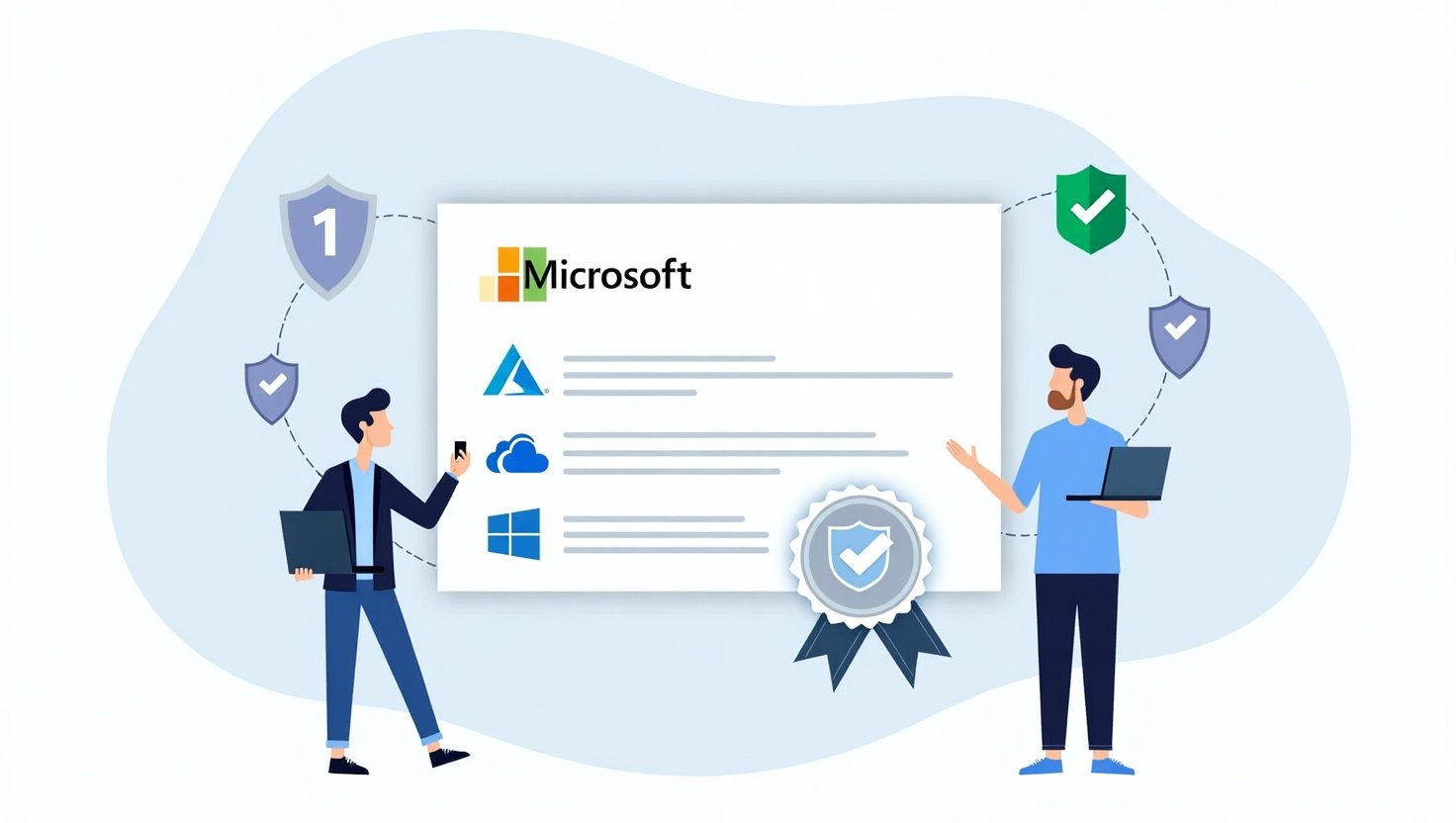
MOS stands for Microsoft Office Specialist, a certification that proves you’re fluent in the magical arts of Office apps. It’s issued by Microsoft and managed through Certiport, and it shows employers that you know your stuff—not just where the bold button is, but how to wield it like a formatting sword.
The 2025 Exam Tracks:
- Word (Associate + Expert): Master of margins and mail merges.
- Excel (Associate + Expert): Pivot table whisperer, formula alchemist.
- PowerPoint: Animation aficionado, slide symphony conductor.
- Outlook: Email tamer and calendar wrangler.
- Access: For the true data adventurers—database sorcerers.
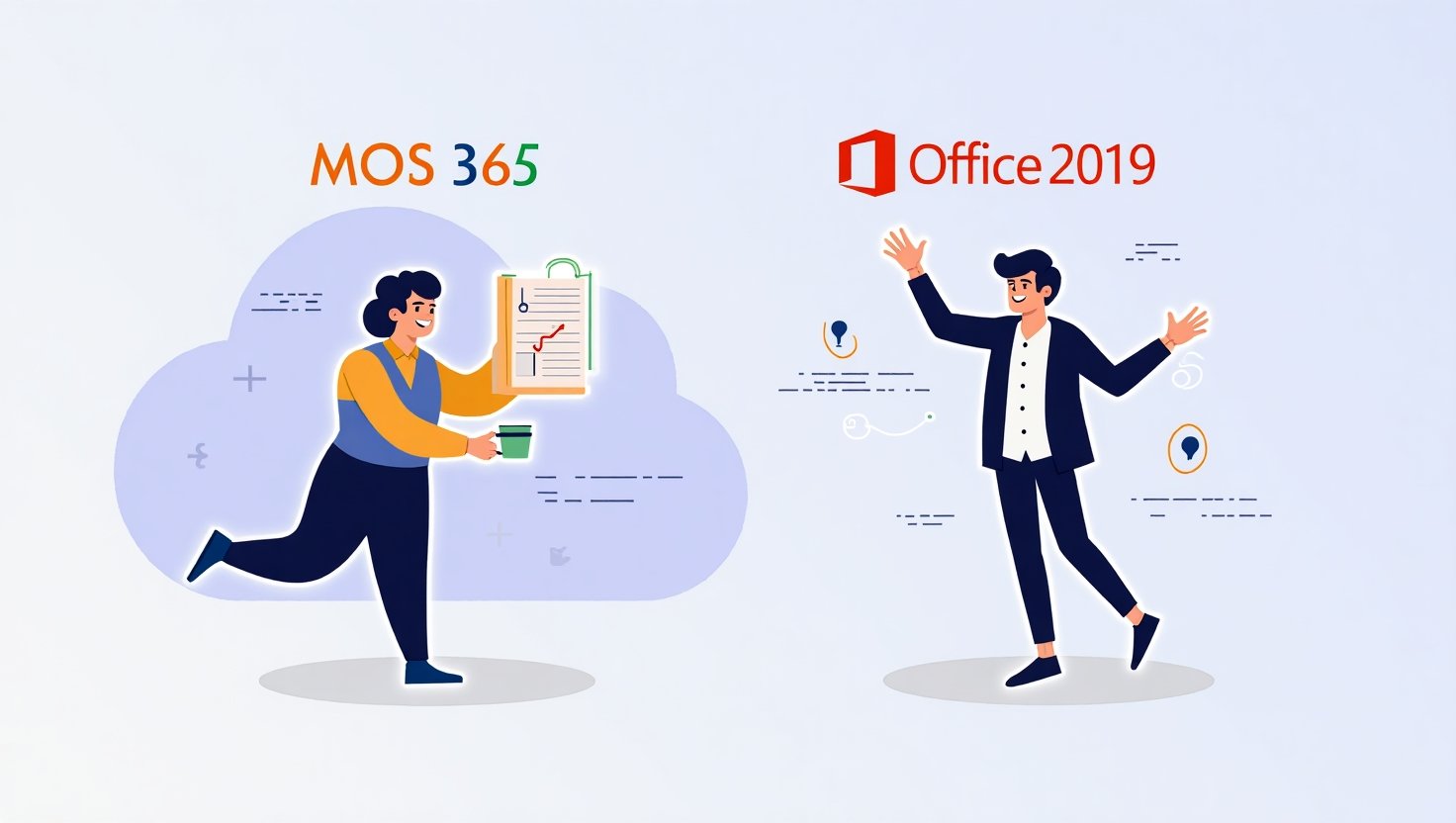
Oh, and here’s the twist: You can choose to certify in Microsoft 365 Apps or the classic Office 2019. What’s the difference?
- MOS 365: Includes cloud tools like OneDrive, Teams, and AI Copilot. Basically, Office with a jetpack.
- Office 2019: Still solid, still powerful, but more “local hero” than “cloud ninja.”
Who Should Take the Exam?
- Students: Want to stand out in that job application pile? This is your golden ticket.
- Professionals: Prove your skills and climb that career ladder (without tripping).
- Job Seekers: Show you’re serious. MOS on your résumé = instant credibility.
- Upskillers: If “learn Excel” has been on your to-do list for three years, this is your moment.
SECTION 2: Choose the Right Exam for Your Goals
Let’s play a quick round of “MOS Matchmaker.”
- Business analyst? You want Excel Expert. Formulas, charts, dashboards—it’s your world now.
- Marketing maven? Grab PowerPoint and Word. Design those decks and dazzle with documents.
- Admin superhero? Outlook + Word are your productivity sidekicks.
Now, what’s the difference between Associate and Expert?
- Associate: Think of it as Office fundamentals with flair. Great for all-around proficiency.
- Expert: Next level. Complex tools, advanced techniques, and probably some Excel sorcery.
Choose your path wisely—but don’t worry, you can always level up later. Pokémon evolves. So can you.
SECTION 3: Understand the 2025 Exam Format
Let’s bust a myth right now: the MOS exam is not multiple choice. You won’t be sitting there guessing if CTRL+B bolds your text or opens a black hole.
Instead, the MOS exam is task-based and project-style. That means you’re given real-world scenarios and told to complete tasks using the actual Office apps (or a simulated environment that looks and feels like them).
What Does That Look Like?
Example: “In the document, apply a heading style to the title and insert a table of contents below it.”
Sounds easy, right? Until you realize the TOC button is playing hide and seek.
Exam Format Highlights:
- No multiple choice: It’s all action. Do the thing or don’t.
- Project-based: You complete several tasks in a scenario-based file.
- Simulated interface: Looks just like Office… but slightly haunted. (Just kidding. Kind of.)
Common First-Time Mistakes:
- Clicking too fast: Slow down, turbo. Precision matters.
- Overthinking tasks: If it says “Insert chart,” don’t build a macro to do it.
- Ignoring the timer: Yes, there is a clock. And yes, it ticks aggressively.
2025 Updates:
- AI Copilot integration: Great helper, but remember—you’re being tested on you, not the robot.
- Cloud tools: Be ready to save to OneDrive, collaborate in Teams, and whisper sweet nothings to SharePoint.
- Interface changes: Office loves to move buttons just to keep us humble. Stay current.
SECTION 4: The Best Study Resources for 2025
We’ve all fallen down the YouTube rabbit hole. But when it comes to the MOS exam, you want tools that actually teach, not just distract with soothing background music.
Top Study Resources:
- Certiport Official Materials
- Start here. They have legit study guides and performance expectations.
- Think of it as the “exam GPS”—it tells you where you’re going.
- GMetrix Practice Tests
- This is your training montage. GMetrix simulates the real test with spooky accuracy.
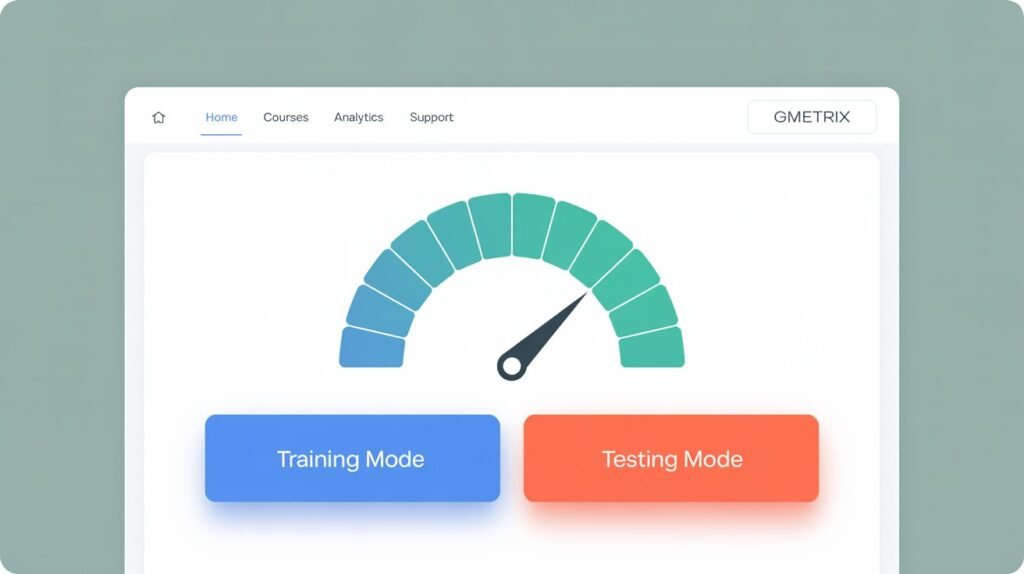
- Use Training Mode to learn, Testing Mode to panic slightly (like the real thing!).
- Microsoft Learn
- Free tutorials straight from the Office overlords themselves.
- Great for bite-sized learning and brushing up.
- YouTube Channels
- Try:
- Simon Sez IT: Clear, friendly, and thorough.
- Leila Gharani: Excel Queen. Bow down.
- Technology for Teachers and Students: Great for beginners.
- Try:
- Books + Workbooks
- MOS Study Guide series by Joan Lambert: Dry title, excellent content.
- Bonus: You can pretend you’re studying for the bar exam at your local café.
- AI-Powered Tools (2025 Style)
- Look for interactive study apps with AI tutors.
- Copilot can help while studying—but again, you take the test, not your AI intern.
SECTION 5: Build Hands-On Skills the Smart Way
You can read about swimming all day, but at some point, you need to jump in the pool.
Smart Practice Strategies:
- Use the real apps: Open Word. Open Excel. Click stuff. Make magic.
- Mini projects: Create a faux résumé, build a household budget spreadsheet, design a pet-themed PowerPoint.
- Simulate exam conditions:
- Set a timer.
- Close your browser.
- Don’t touch your phone.
- Bonus: Hide snacks until you’re done for maximum motivation.
Pro Tip:
Master the ribbon and keyboard shortcuts. Ctrl+Z may save your life. And if you can navigate Word without using your mouse, you’re basically a wizard.
SECTION 6: Master the GMetrix Practice Tests
Ah, GMetrix. Both your best friend and your toughest coach.
Why GMetrix Rocks:
- It mimics the actual MOS interface.
- You can review your answers.
- There’s even a “Training Mode” with hints and mercy.
Training Mode vs. Testing Mode:
- Training Mode: Like open-book karaoke. You get tips.
- Testing Mode: Like live American Idol—no help, just judgment.
What Score Should You Aim For?
- Hit 85% or higher consistently in Testing Mode before scheduling your real exam.
- And don’t just memorize answers—understand the “why” behind each task.
Red Flags to Watch For:
- Repeating the same mistakes.
- Not reading instructions carefully.
- Clicking on random things and hoping for the best. (We see you.)
SECTION 7: Test Day Tips and Mindset
It’s game time. You’ve trained. You’re ready. But nerves are real.
What to Bring:
- A valid ID
- Your confirmation email
- Your inner champion
What Not to Bring:
- Phone
- Smartwatch
- Crippling self-doubt (leave that at home)
Calm Strategies:
- Deep breaths before starting
- Pace yourself—don’t rush Task 1 like it owes you money
- Visualize success (seriously, Olympic athletes do it)
If You Freeze or Blank Out:
- Skip the task. Come back.
- Re-read the instruction slowly.
- Channel your inner Office ninja. You got this.
SECTION 8: After the Exam – What’s Next?
You passed? Pop the confetti. You didn’t? Still a win—you’re learning.
Understanding Your Results:
- You’ll get instant feedback.
- Look for areas you did well in—and what needs work (if needed).
Digital Badges and Bragging Rights:
- Add it to LinkedIn, your résumé, your email signature.
- “Certified in Microsoft Word” just hits different in job interviews.
Keep the Momentum Going:
- Consider leveling up to Expert level.
- Or explore another app. Excel + Outlook = a powerhouse combo.
CONCLUSION
Passing the MOS exam on the first try is totally doable—and maybe even fun (no, really!). You don’t need superpowers—just solid prep, consistent practice, and the ability to stay calm when the ribbon disappears for no reason.
You’ve got the tools. You’ve got the tips. Now all you need is the mindset.
You can do this.
And when you do, we want to hear all about it! Share your journey in the comments—or grab our bonus checklist to keep you on track.
Frequently Asked Questions (But Make Them Friendly)
1. How long do I need to study for the MOS exam? Be honest.
That depends—are you already besties with Word and Excel, or are you still typing with two fingers?
- For Associate-level exams, if you already use the apps a bit, you can be ready in 2 to 4 weeks with regular practice.
- Expert-level exams? Give yourself 6 to 8 weeks—there are more bells, whistles, and pivot tables involved.
Consistency is key! Even 30 minutes a day adds up fast. Think of it like training for a productivity marathon (but with fewer blisters and more spreadsheets).
2. Do I need to be a tech wizard to pass this thing?
Nope! You don’t need to summon formulas with ancient spells.
The MOS exams are made for regular humans—students, office workers, and folks who just want to prove they know their way around a toolbar. If you can open the app, find the ribbon, and follow instructions, you’re off to a great start.
But if you’re going for Expert level, you will need to dive a little deeper—think VLOOKUPs, custom slide shows, or mail merges. Nothing a few YouTube tutorials and practice sessions can’t conquer.
3. What if I fail the exam? Do I have to go live in a cave of shame?
Absolutely not. First of all—you tried, and that’s already awesome.
If you don’t pass, you can retake the exam. Usually, there’s a 24-hour waiting period before round two. No scarlet letters. No judgment.
Just review where you went wrong, practice those weak spots, and come back stronger. Plenty of people pass on their second try—and yes, some even do a celebratory dance.
4. Can I take the MOS exam from my couch, or do I have to put on pants and go to a testing center?
Good news: You can totally take it from your couch (pants still recommended, though).
Certiport now offers online proctoring, which means you can take the test from home—just make sure your computer meets their requirements (fast internet, webcam, and zero distractions… looking at you, cat on the keyboard).
Prefer a physical testing center with that thrilling “exam day” energy? That’s still an option too. You do you.
5. What if my version of Office is older than my phone?
No worries! The MOS exams are version-specific.
- If you’re certified in Office 2019, you’ll be tested on that version.
- If you’re going for Microsoft 365, then yes—you’ll want your apps up-to-date and synced to the cloud.
The key is to practice in the same version you’re testing in. Don’t train with Excel 2013 and expect to crush a 365 exam. That’s like learning to drive on a tricycle, then entering NASCAR.
6. I barely know what a ribbon is. Can I still do this?
Yes, yes, a thousand times yes!
Start with beginner tutorials—Microsoft Learn is free, friendly, and made just for this. You’ll learn where everything lives, what buttons do what, and how to stop screaming when something auto-formats.
Once you’re comfortable, start applying what you’ve learned in real documents or practice projects. Baby steps lead to bold skills.
7. Do I need to buy fancy software to prep for the exam?
No need to rob a bank. If you already have Office 365 or Office 2019, you’re good.
You don’t need special tools, but it helps to match your version to your exam type. Cloud tools like OneDrive and Teams only show up in the 365 exams.
Optional bonus gear: GMetrix practice tests, study guides, and a reliable coffee mug. (Okay, the mug is technically optional—but helpful.)
8. How much does this whole thing cost, and can I expense it to my dog?
The cost varies, but generally $100–$150 USD per exam. (Sorry, dogs can’t expense it unless they’re certified office assistants.)
Check with Certiport or your training provider—some schools and employers even offer discounted vouchers or bundles that include practice tests.
Pro tip: Some online courses come with a voucher baked in. Shop smart!
ft