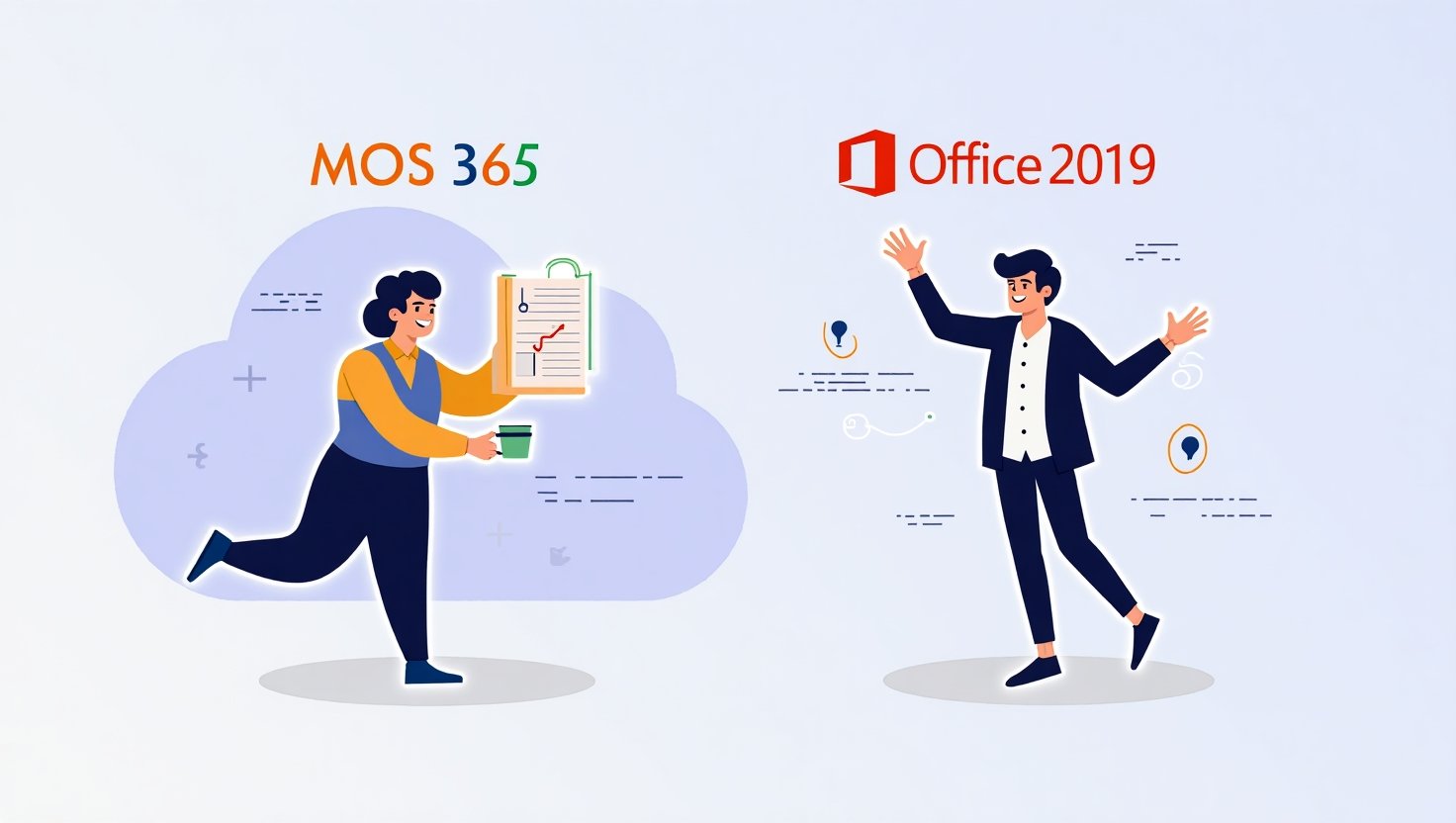
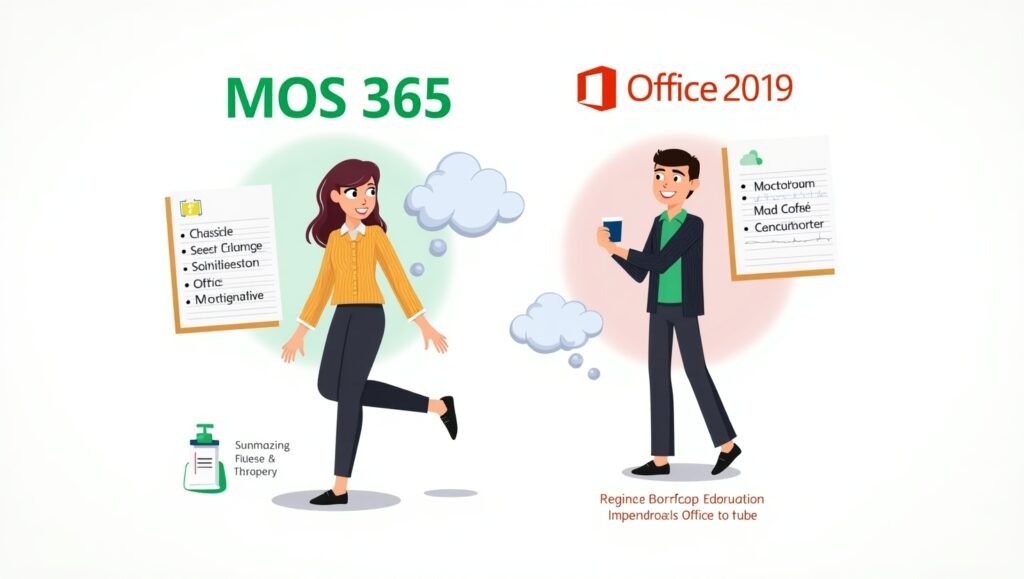
Are you Team Cloud or Team Classic? Team AI Autocomplete or Team “I like my buttons where I left them in 2016”? Choosing between MOS 365 Apps and Office 2019 is kind of like choosing between Spotify and a vinyl collection—both have their charm, but only one lets you access your files from a beach in Bali (spoiler: it’s not Office 2019).
This delightful guide will serve up the scoop, the sizzle, and the serious info (yes, serious with a side of sass) you need to choose the certification that makes your resume sparkle brighter than a freshly formatted Excel pie chart. We’ve got quizzes (well, quiz energy), comparison tables, decision checklists, and enough Office puns to make your IT instructor weep with joy.
So grab your favorite beverage—coffee, tea, or something that screams “I just made a pivot table and feel powerful”—and let’s find your perfect Microsoft Office match. Because in the land of productivity, being uncertified is so last spreadsheet.?
I. Introduction
Imagine walking into a job interview and the hiring manager casually says, “So, you’re good with Microsoft Office, right?” You smile, nod confidently—and silently panic. Do they mean Word, Excel, PowerPoint… or that mysterious beast known as Access? In today’s workplace, being “good at Office” isn’t good enough. Certifications have become the new gold stars, and Microsoft Office Specialist (MOS) certifications are the shining badges of productivity prowess.
Whether you’re aiming to impress employers, supercharge your resume, or just want bragging rights at the next family gathering (“Look, Grandma, I’m officially Excel-lent!”), Microsoft Office certifications offer a tangible, verifiable way to showcase your skills.
Now, here’s where things get spicy: there are two main tracks for MOS certification—Microsoft 365 Apps and Office 2019. But which one suits you? One is cloud-savvy, always up-to-date, and loves a good AI-powered autocomplete. The other is sturdy, classic, and doesn’t need the internet to feel validated.
This guide will walk you through both certification options in a fun, friendly way. Whether you’re a student, a job-seeker, a career-switcher, or just someone who enjoys color-coded Excel sheets a little too much (no judgment), this blog is for you. Let’s dive in and decode the differences so you can pick the one that aligns with your goals, vibes, and maybe even your caffeine intake.
II. Overview of Microsoft Office Certifications

First things first—what even is a Microsoft Office Specialist (MOS) certification? Think of it as your backstage pass to the Office Suite concert. It shows the world (and potential employers) that you know your way around Word, Excel, PowerPoint, and their slightly more introverted cousins like Outlook and Access.
MOS certifications are available for different Office versions, with the big contenders being Microsoft 365 Apps and Office 2019. These certifications come in two flavors:
- Core: Covers basic-to-intermediate tasks (like formatting documents, creating formulas, and dazzling your boss with a pie chart).
- Expert: For those who want to go full wizard mode, handling advanced functions and features that make Excel cry tears of joy.
These exams are offered by Certiport, which partners with Microsoft to deliver the tests, either at testing centers or online. Oh, and Microsoft Learn has now rolled up its sleeves and joined the party too, offering resources to help you prep without breaking a sweat.
Whether you want to show off your PowerPoint animations or your Excel pivot table kung fu, there’s a MOS cert with your name on it.
III. MOS 365 Apps Certification: Features & Focus

MOS 365 Apps is like the cool kid in the Microsoft neighborhood. It’s always updated, has all the latest gadgets (hello, AI), and lives in the cloud. If Office 2019 is a sturdy desktop, 365 Apps is a nimble ultrabook that knows how to collaborate in real-time.
This certification focuses on Microsoft 365—the subscription-based model that gives you access to the latest versions of Office tools. So yes, Word might look slightly different today than it did last Tuesday. That’s the beauty (and occasional panic) of working in an always-evolving interface.
But fear not! MOS 365 Apps exams are designed to reflect these modern features, emphasizing tasks like:
- Using AI-powered tools like Editor and Designer
- Collaborating through OneDrive and SharePoint
- Navigating a fresh, clean UI that likes to rearrange buttons just to keep you on your toes
This certification is perfect if you’re working in a cloud-centric, hybrid, or fully remote environment. If your office tools are always logged into a Microsoft account and you’re familiar with “autosave is life,” then MOS 365 Apps is calling your name.
Yes, you might need to adapt to a few new tools and features, but that learning curve turns into a productivity superpower pretty quickly. And hey, you’ll never have to hit Ctrl+S obsessively again.
IV. MOS Office 2019 Certification: Features & Focus

MOS Office 2019 is the classic rock of Microsoft certifications. It’s reliable, it works offline, and it doesn’t suddenly change the layout of the ribbon bar overnight. If you like your software the way you like your coffee—strong, dependable, and not prone to surprise updates—Office 2019 might be your jam.
This certification is based on the standalone, one-time purchase version of Microsoft Office. It doesn’t include cloud bells and AI whistles, but it excels (pun fully intended) at getting work done in traditional environments.
Here’s what to expect with the Office 2019 track:
- Familiar, no-frills interface
- Focus on offline document creation and data analysis
- No AI integration, no surprises
Office 2019 certification exams test your ability to perform standard functions across Word, Excel, PowerPoint, etc., just like you would in organizations that haven’t made the leap to the cloud. It’s ideal for:
- Government offices
- Schools and universities
- Companies with strict security protocols
If your current or future job involves working in a legacy environment, Office 2019 certification might just be the right move. It’s like the warm blanket of Microsoft Office—you know what you’re getting, and it works every time.
V. Side-by-Side Comparison Table
| Feature | MOS 365 Apps | MOS Office 2019 |
|---|---|---|
| Software Version | Always-updated 365 | Fixed 2019 release |
| AI/Cloud Integration | Yes | No |
| License Type | Subscription | One-time purchase |
| Target Environment | Cloud, remote, hybrid | Desktop-based |
| Relevance in 2025+ | Very High | Moderate |
| Interface Differences | Modern UI | Traditional UI |
Want the newest features and a future-proof edge? 365 Apps has your back. Prefer consistency and offline simplicity? Office 2019 is your trusty sidekick.
Either way, you’re learning valuable skills that translate into real-world productivity. It’s like choosing between a Tesla and a Toyota—both get you there, but one might suggest you like your spreadsheets with a side of AI.
VI. Career Impact and Industry Recognition
Okay, let’s talk jobs. Not just “any” jobs—but the ones that pop up in your dream searches with words like “data analyst,” “project manager,” or “marketing guru.” Guess what they often have in common? Yup, proficiency in Microsoft Office.
But here’s the kicker: saying you’re “proficient” is like saying you’re “fun at parties.” It hhttps://digitechworld.net/mos-365-apps-vs-office-2019elps if you can prove it. That’s where these MOS certifications really shine.
Industries that lean toward MOS 365 Apps include:
- Tech companies
- Marketing firms
- Remote-first organizations
- Startups that live in Google Meet and eat Zoom for breakfast
Meanwhile, Office 2019 is still highly valued in:
- Government roles
- Education
- Legal and finance sectors with strict IT policies
Both certifications are globally recognized, and many hiring managers view them as proof that you can hit the ground running. Throw your cert on your LinkedIn profile and your resume, and watch those recruiter emails multiply like Excel formulas.
Bonus: Real humans (like you!) have used these certifications to land internships, promotions, and even pivot careers. So yes, that shiny digital badge might just be your golden ticket to workplace glory.
VII. Choosing the Right Certification for You
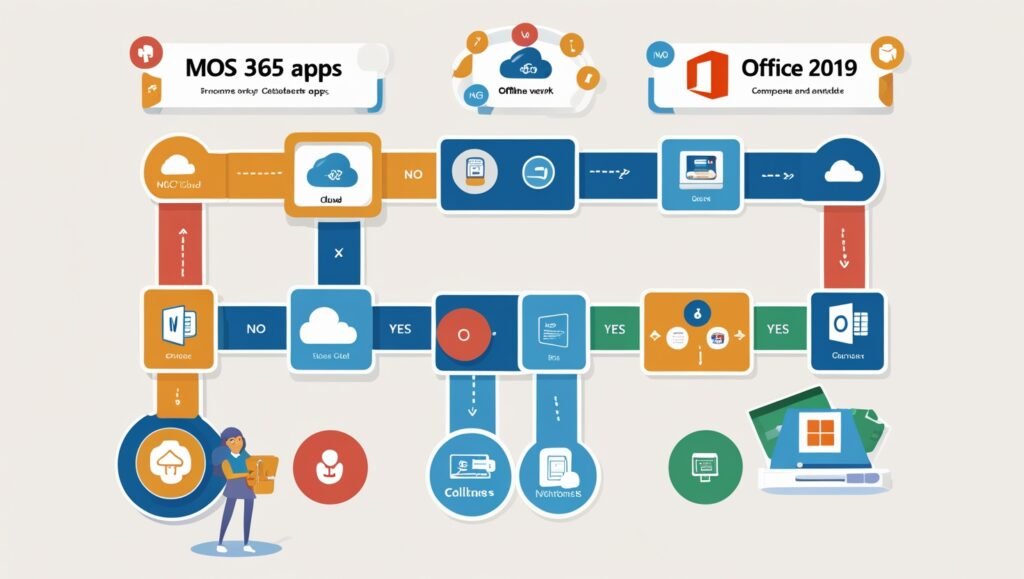
Now comes the million-cell Excel question: which certification should you choose?
Start with a little self-assessment. Grab your favorite beverage, open a blank Word doc (because symbolism), and ask yourself:
- What are your career goals?
- If you’re eyeing roles in modern, tech-forward environments, 365 is your go-to.
- For traditional fields or companies with legacy systems, Office 2019 fits like a glove.
- What kind of work environment do you prefer?
- Love real-time collaboration and cloud storage? MOS 365 it is.
- Prefer offline reliability with zero surprises? Hello, Office 2019.
- What version are you most familiar with?
- If you’ve been using Microsoft 365 for a while, stick with what you know.
- Still rocking Office 2019? You’ll feel right at home in that exam.
- What role are you aiming for?
- Data analyst, remote coordinator, digital marketing? 365!
- Admin assistant in a school district? 2019.
Still not sure? Here’s a quick decision matrix:
| Your Situation | Best Cert Pick |
| Job requires collaboration and cloud | MOS 365 Apps |
| Working in a school/gov office | MOS Office 2019 |
| Want the latest tools and updates | MOS 365 Apps |
| Like familiarity and no surprises | MOS Office 2019 |
Remember: there’s no wrong answer, just the best fit for where you are right now. You can always cross-train later. Certifications are like chips—hard to stop at just one.
VIII. Certification Costs, Exam Experience, and Resources
Time to talk dollars and sense (see what we did there?). Getting certified isn’t free, but it’s an investment in your career—and possibly your bragging rights.
Costs:
- Exams usually cost between $100–115
- Student discounts? Yes, please. Many schools offer vouchers.
- Retake policies: Some bundles come with free do-overs (just in case).
Testing Options:
- In-person at Certiport centers
- Online via remote proctor (so yes, you can test in pajamas)
Resources:
- Microsoft Learn: Free, official, and beginner-friendly
- Certiport: Practice tests and exam guides
- GMetrix: Simulated exams to test your mettle
- LinkedIn Learning: Great for visual learners
Study Tips:
- Set a study schedule (Procrastination is not a learning strategy)
- Focus on real tasks, not just memorizing buttons
- Practice in the actual version of Office you’ll test in
Most people need 2–4 weeks of part-time study. Treat it like training for a productivity marathon—you’ll build endurance and confidence.
IX. Frequently Asked Questions (FAQ)
Can I take both certifications? Yes! Double the certs, double the confidence. Especially useful if your workplace uses a mix of Office versions.
Is MOS 365 harder than Office 2019? Slightly. 365 includes newer features and a fancier interface, which means a little more learning upfront.
Which certification is more future-proof? MOS 365, hands down. Microsoft is betting big on the cloud.
Will Office 2019 certification become obsolete soon? Eventually, yes. But many organizations will use 2019 for years, so it’s still relevant now.
Do these certifications expire? Nope! But they are version-specific. So a 2019 cert won’t mean you know 365, and vice versa.
Can I take the exam online? Absolutely. Certiport offers remote testing options.
Are there discounts for students? Yes! Many schools and training centers offer free or discounted vouchers.
X. Final Verdict & Summary
Still with us? Gold star for you!
Here’s the TL;DR:
- MOS 365 Apps: Great for dynamic, cloud-first workplaces. Future-proof and flashy.
- MOS Office 2019: Ideal for traditional settings. Reliable and stable.
Both are solid choices that can boost your resume, confidence, and career prospects. Pick the one that fits your world today, and know that you can always level up later.
So go ahead. Get certified. You’ll never look at a spreadsheet the same way again—and that, dear reader, is the real magic of Microsoft Office.