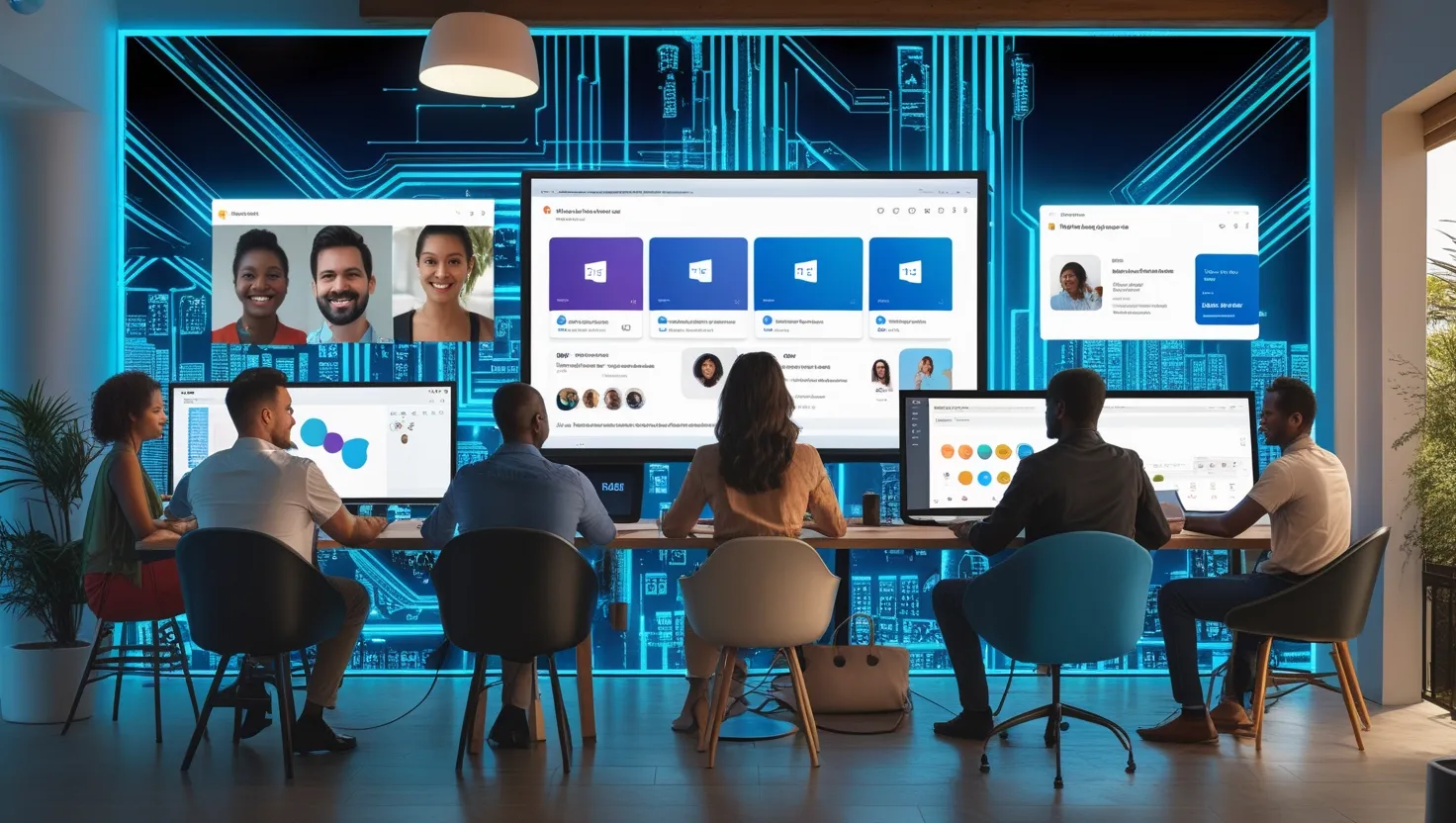
Let’s face it: Microsoft Teams is no longer just the place where we have meetings, share a few memes in the chat, and secretly work in our pajamas. It’s now the digital headquarters for remote and hybrid work—a true command center where communication, collaboration, and creativity collide. Whether you’re a team lead, project manager, educator, IT pro, or just someone trying to survive Monday, Teams is evolving to make your work life smoother and smarter.
In this deep dive, we’re unpacking the latest and greatest features of Microsoft Teams in 2025. From AI-powered meeting summaries to seamless OneDrive integration, enhanced calendars, and Teams Premium perks, consider this your friendly guide to staying ahead of the curve and making the most of what Teams can offer in a fast-changing workplace.
1. Intelligent Meeting Recap: Never Take Notes Again

Let’s start with a feature that basically says, “Hey, you can zone out for a minute and we won’t judge.”
What it is:
The intelligent meeting recap in Microsoft Teams uses AI to automatically generate summaries of meetings, including:
- Key discussion points
- Action items
- Speaker-attributed notes
- Suggested tasks
- A timeline with chapters based on when topics were discussed
- Linked resources or documents mentioned during the meeting
These summaries are easy to skim and come with clickable timestamps that let you jump to specific moments in the recorded meeting.
Practical takeaway:
After a meeting, attendees can review the summary without having to scroll through the entire recording or notes. Perfect for those who joined late, had to drop off early, or simply want a refresher.
Example: You missed the first 15 minutes of your team’s sprint planning session? No problem. The meeting recap summarizes the backlog discussion and even links to that exact timestamp. And if you need to follow up on who was assigned what, the action items section has you covered.
Bonus Tip: Intelligent recap works even better when used in conjunction with Copilot in Teams, which can extract personalized task lists and follow-ups for individual users.
2. OneDrive Integration: Smooth Navigation Right Inside Teams
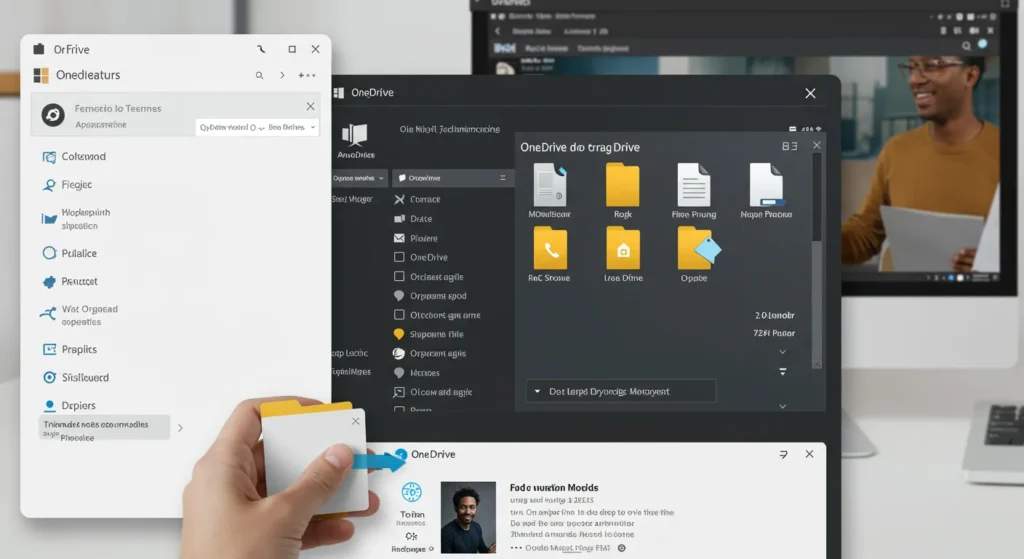
No more juggling windows or guessing where your latest doc went.
What it is:
Microsoft Teams now features improved OneDrive navigation within the Teams interface. You can browse, search, preview, and manage your OneDrive files directly in Teams—without having to switch tabs or apps. This includes real-time collaboration and inline editing for supported document types.
Why it matters:
This makes content collaboration lightning-fast and reduces context-switching fatigue. You no longer have to dig through folders or open separate browser tabs to find and share your work.
Practical takeaway:
Use the new file tab to create folders, drag-and-drop documents, and even share direct links with channel members—all in one place.
Pro tip: Filter files by type (Word, Excel, PowerPoint, PDF) to quickly find what you need without ever leaving the conversation.
Added value: The integration also respects Microsoft 365 security settings, so you can confidently share files knowing that access controls, sensitivity labels, and audit trails remain in effect.
3. Customizable Calendars: Tailor Your Time, Your Way
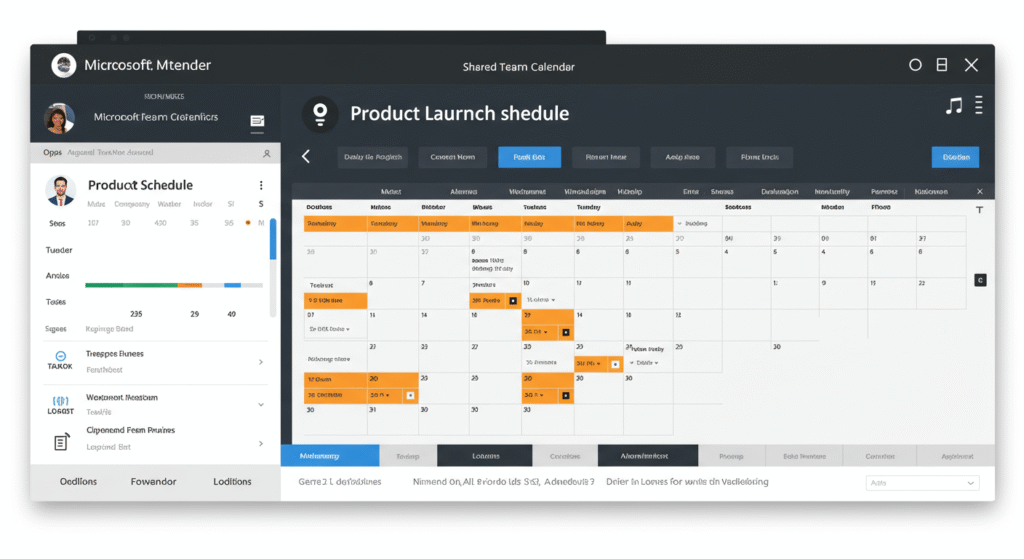
Who knew a calendar could be this exciting?
What it is:
Microsoft Teams now supports customizable calendar views that go beyond the basic week or work week. You can:
- Create shared calendars for specific teams or channels
- Set color-coded labels for different types of events
- Add external participants more easily
- Sync with Outlook and other calendars seamlessly
- Integrate with task lists and Microsoft Planner boards
Why it’s awesome:
Finally, a way to visualize your work life the way you want to. You can switch between list, day, week, and month views and easily add agenda items linked to your daily priorities.
Practical takeaway:
Create a dedicated calendar for a product launch or marketing campaign and share it with stakeholders. Everyone stays in the loop without a million reminders.
Use case idea: Imagine a cross-functional team working on a new service rollout. With shared calendars, marketing, IT, and customer support can coordinate go-live dates, training sessions, and promotional content without playing email tag.
4. Teams Premium: Elevate Your Experience
Time to put on your big kid pants.
What it is:
Teams Premium is a paid upgrade offering advanced features for organizations that want to take their Teams game to the next level. It’s designed for power users, enterprise needs, and anyone who hosts frequent high-visibility meetings.
Top features include:
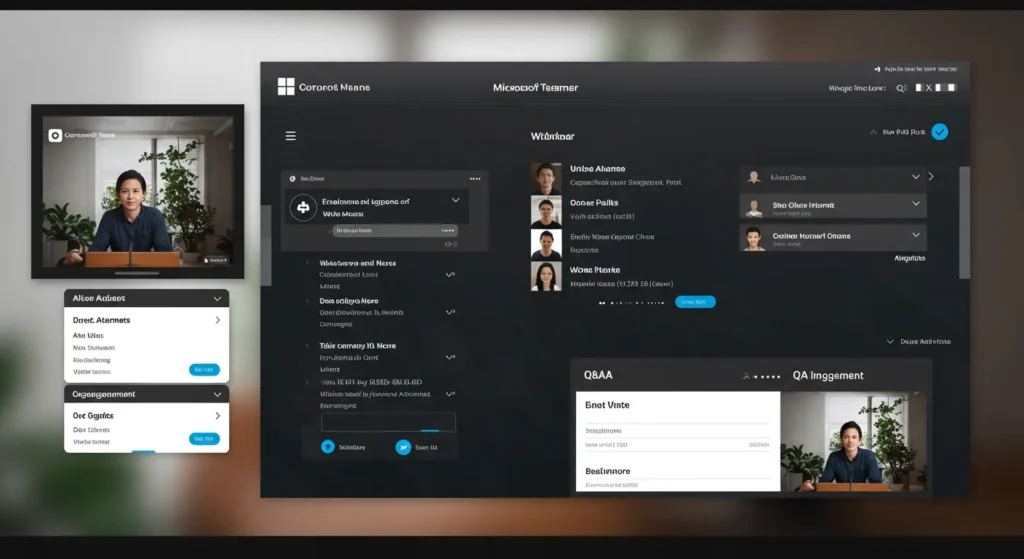
- Advanced webinars with registration waitlists, reminders, and custom branding
- Intelligent recap (even for meetings you didn’t attend)
- End-to-end meeting encryption
- Branded meeting rooms and custom meeting templates
- Real-time translation for captions in multiple languages
- AI-generated meeting insights and engagement reports
Practical takeaway:
If you regularly host customer webinars, training sessions, or high-stakes meetings, Teams Premium lets you look polished, stay secure, and automate more of the prep work.
Example: Hosting a virtual product demo? Use branded lobbies, pre-configured agendas, and attendee insights to wow your guests. Afterward, send them follow-up materials and track their engagement right from the dashboard.
Why it matters: Teams Premium isn’t just bells and whistles. It helps companies improve professionalism, meet compliance goals, and create better experiences for attendees and stakeholders alike.
5. Teams Connect: Shared Channels for Seamless External Collaboration
Working with people outside your org just got a lot less awkward.
What it is:
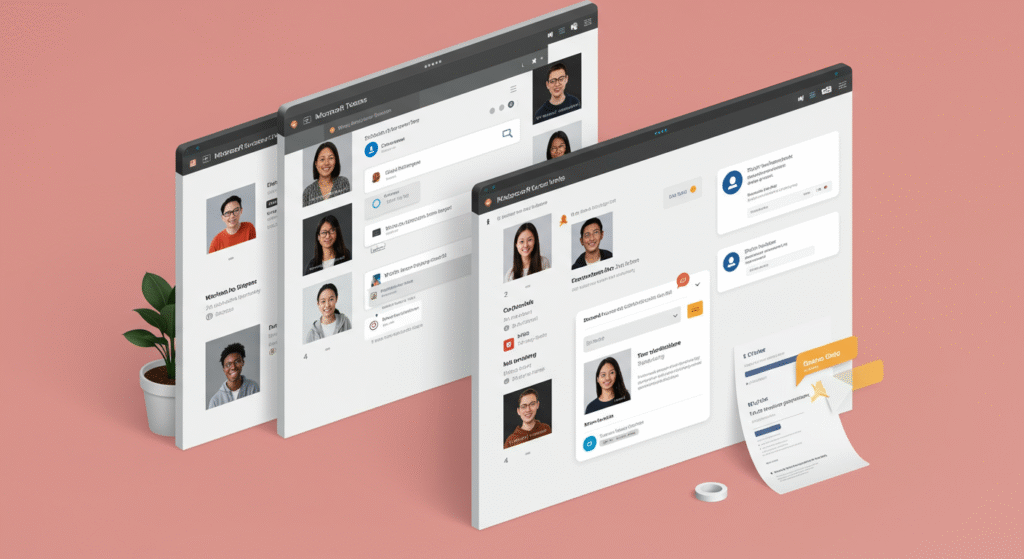
Teams Connect allows you to create shared channels that include users from multiple organizations—without requiring them to switch tenants or juggle logins. It feels just like working with internal teammates.
Key perks:
- Chat, call, and collaborate with external partners
- Set granular permissions per user or team
- Keep conversations centralized in one channel
- Use shared files and apps securely
Practical takeaway:
Instead of emailing your vendor five times a day, invite them into a shared channel where you can co-author documents, exchange updates, and stay synced in real time.
Pro tip: Perfect for client projects, vendor relations, and cross-company task forces.
Bonus feature: Shared channels can also include tabs for shared dashboards, embedded apps (like Power BI or third-party tools), and collaborative meeting notes—a true hub for getting things done.
6. Teams for Hybrid Events: The New Standard for Engagement

The hybrid era isn’t going anywhere, and Teams is doubling down.
What it is:
Microsoft has enhanced Teams’ capabilities to support hybrid events with robust tools, including:
- Front row layout (a more inclusive meeting experience)
- AI-powered speaker tracking (so you always know who’s talking)
- Live translation and captioning in multiple languages
- Attendee engagement analytics
- Polling, live Q&A, reactions, and breakout sessions
Why it matters:
Hybrid events often fail because remote participants feel like afterthoughts. With Teams, everyone gets a front-row experience no matter where they are.
Practical takeaway:
Whether it’s a quarterly town hall, global conference, or virtual coffee hour, Teams helps you reach everyone—in-person or remote—without skipping a beat.
Example: Hosting an all-hands meeting? Use the hybrid event tools to engage remote staff with polls, live Q&A, and reactions.
Added benefit: These tools are also great for educational events, onboarding new hires, and community outreach sessions.
Why These Innovations Matter (A Quick Recap)
In 2025, Microsoft Teams isn’t just keeping up with the times—it’s setting the pace. Here’s why it matters:
- Increased productivity through intelligent recaps and centralized tools
- Stronger collaboration across org boundaries via Teams Connect
- Better time management with smart calendars
- Enhanced professionalism using Teams Premium webinar features
- Scalable hybrid events that foster inclusivity and engagement
- Improved file access with smarter OneDrive navigation
- Smarter meetings with AI-driven insights and automation
These improvements help teams feel more connected, reduce the friction of daily workflows, and ultimately lead to better results.
Final Thoughts: Time to Level Up Your Teams Game

Microsoft Teams is no longer just a meeting tool—it’s your mission control. By embracing these innovations, you’re not just adapting to the future of work; you’re shaping it. These features aren’t just shiny new toys—they represent a smarter, more streamlined, and more human way to work in a digital-first world.
So go ahead, experiment with shared channels, play around with hybrid event tools, or finally stop scribbling meeting notes by letting AI do the heavy lifting. Create a custom calendar that reflects your actual workflow, or use Teams Premium to run webinars that make your brand shine.
Have you tried any of these new features? Got a favorite Teams hack or success story? Drop a comment or share this with your team—let’s make remote work really work.
Cheers to smarter collaboration, and here’s to your best (and most organized) year yet!