Welcome to a practical deep dive into the applied use of Microsoft Office—one of the most essential digital toolkits in the modern world. Whether you’re navigating strategic decisions in a business setting, engaging students in meaningful learning, or collaborating across time zones, Office applications provide a robust, adaptable foundation.
This blog isn’t just a rundown of features. It’s a case-based, analytical look at how Office integrates into various professional and academic ecosystems. Let’s explore scenarios that reflect the realities and challenges of today’s dynamic work and learning environments.
Microsoft Office in Business: Strategic Enablement Through Tools
In business environments, Microsoft Office does more than handle documents and data. It enables data-driven decisions, collaborative innovation, and operational clarity.
Excel for Financial Modeling and KPI Dashboards

Excel is a foundational tool in business analytics and financial planning. It allows analysts and managers to evaluate multiple performance indicators, model financial outcomes, and present data-driven insights.
Academic-Level Applications:
- Develop multi-scenario financial forecasts
- Create dynamic dashboards using PivotTables and slicers
- Conduct regression analysis or sensitivity modeling with built-in functions
Applied Example:
A financial analyst at a mid-sized firm prepares a Q3 revenue forecast:
- Aggregates data from ERP and CRM systems
- Applies
XLOOKUP,INDEX, and nestedIFstatements for projections - Implements charts with conditional formatting to show trends
- Publishes results via SharePoint for collaborative review
- Integrates the dashboard into Power BI for executive reporting
🧠 Insight: Excel supports robust analytical modeling, acting as both a spreadsheet and a low-code decision engine.
Word for Contracts, Proposals, and Policy Documentation
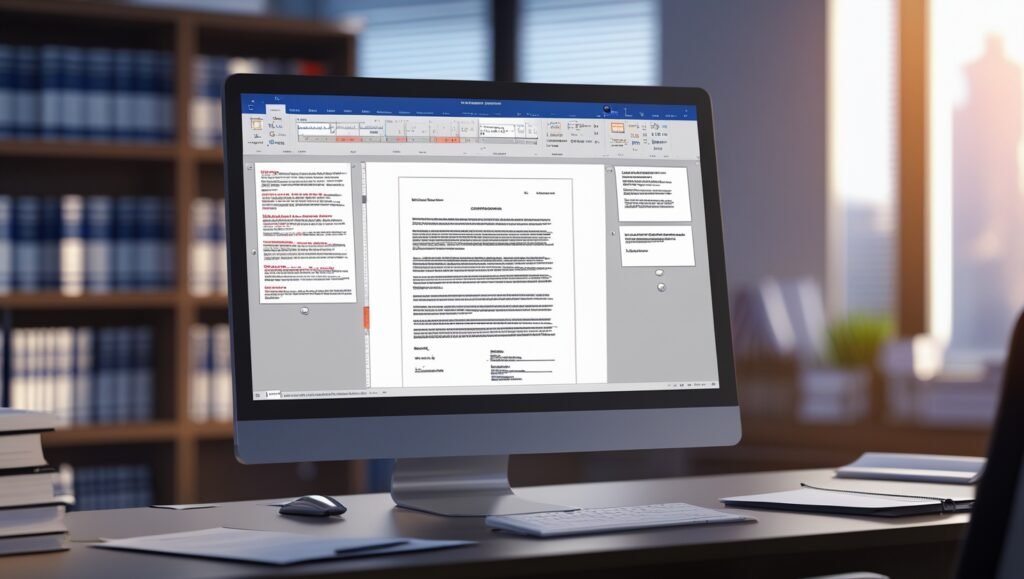
Microsoft Word is widely used for structured professional communication, from legal documents to business plans.
Academic-Level Applications:
- Standardize formatting with Styles and the Navigation Pane
- Manage revision histories with version control
- Embed citation fields and legal templates
Applied Example:
A legal associate drafts an NDA:
- Utilizes document templates customized to industry standards
- Incorporates AutoText for reusable legal clauses
- Enables ‘Track Changes’ for collaborative review
- Applies encryption and digital signing features for security
- Converts finalized draft to PDF with metadata tagging
🧠 Insight: Word provides the infrastructure for high-quality, controlled documentation aligned with regulatory standards.
PowerPoint for Persuasive Communication and Corporate Storytelling

PowerPoint is a multimedia communication platform ideal for conveying strategic narratives, product pitches, and instructional materials.
Academic-Level Applications:
- Develop slide templates using Slide Master
- Integrate dynamic data from Excel and Power BI
- Apply instructional design principles for knowledge retention
Applied Example:
A marketing director presents a go-to-market strategy:
- Structures presentation with a problem-solution-outcome framework
- Embeds testimonial videos and dynamic charts
- Uses SmartArt and iconography for clarity
- Rehearses using Presenter Coach to fine-tune delivery style
- Delivers live via Teams and follows up with annotated handouts
🧠 Insight: Effective presentations fuse narrative coherence with visual and data literacy—PowerPoint supports both.
Microsoft Office in Education: Enhancing Learning Outcomes and Operational Efficiency
Academic institutions rely on Microsoft Office to streamline workflows and optimize student engagement. It supports both administrative tasks and instructional strategies.
Word for Academic Writing and Research
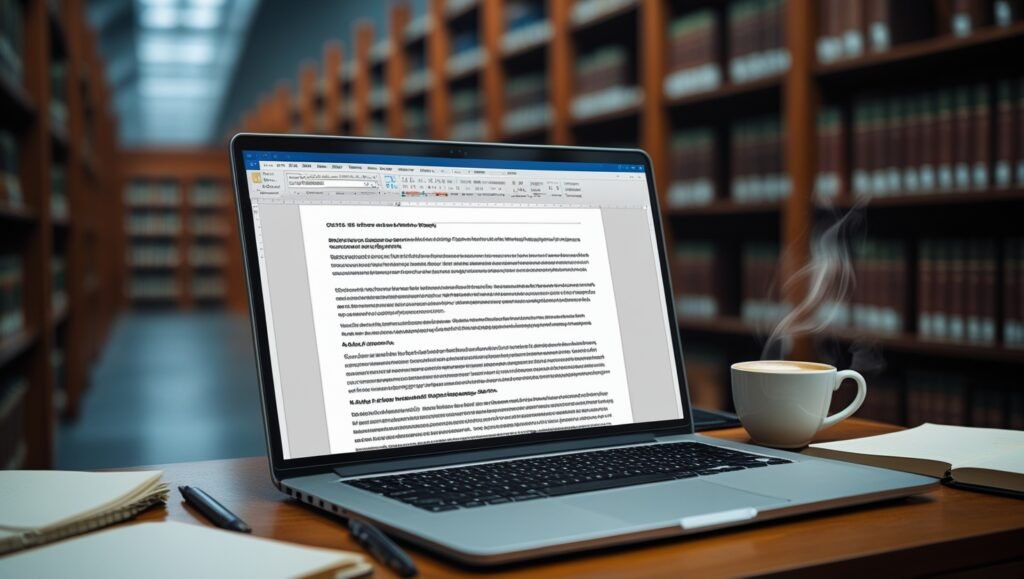
Word provides an advanced writing platform ideal for structured research, formatting-intensive projects, and collaborative editing.
Academic-Level Applications:
- Configure APA/MLA styles using built-in tools
- Manage large documents with headings and automatic TOC
- Cite sources with Word’s Reference Manager
Applied Example:
A senior undergraduate composes a research thesis:
- Begins with an APA-style academic template
- Inserts inline citations and builds a bibliography
- Uses heading styles for automatic TOC and navigation
- Requests advisor feedback via ‘Track Changes’
- Validates document accessibility and grammar prior to submission
🧠 Insight: Word reduces cognitive load for formatting and compliance, freeing mental energy for critical thinking.
Excel for Grade Management and Academic Analysis

Educators use Excel to centralize grading data, assess student performance, and visualize academic trends.
Academic-Level Applications:
- Apply weighted average calculations with nested formulas
- Visualize longitudinal performance with line charts
- Correlate attendance with academic outcomes
Applied Example:
A high school teacher creates a semester-long gradebook:
- Assigns weights to categories (e.g., homework, tests, participation)
- Uses conditional formatting to flag students below threshold
- Integrates survey data from Forms for holistic insights
- Produces performance dashboards by subject and class
- Prepares data extracts for parent-teacher conferences
🧠 Insight: Excel enables evidence-based teaching practices through data analysis.
Teams for Collaborative and Virtual Learning Environments

Microsoft Teams supports asynchronous and synchronous instruction, bridging geographic and scheduling gaps.
Academic-Level Applications:
- Host live sessions and record lectures for later review
- Organize instructional material by module or unit
- Monitor student engagement through Teams Insights
Applied Example:
A university lecturer conducts a flipped classroom:
- Creates a Teams channel per module
- Uploads pre-recorded lectures and reading material
- Hosts live Q&A and discussion sessions
- Assigns tasks and collects submissions via the Assignments tab
- Evaluates engagement with real-time analytics
🧠 Insight: Teams operationalizes blended learning methodologies by centralizing communication and content.
Microsoft Office in Remote Work: Scalable Collaboration and Personal Productivity
Remote and hybrid teams benefit from Office tools designed for clarity, connectivity, and efficiency.
Outlook for Productivity and Workflow Optimization
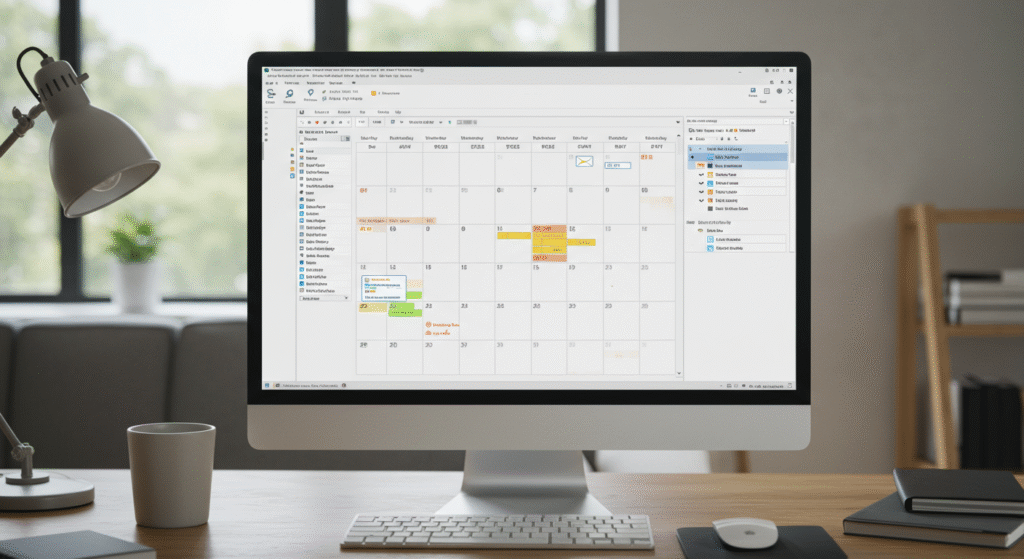
Outlook extends beyond email into full-spectrum time and information management.
Academic-Level Applications:
- Automate meeting scheduling using Scheduling Assistant
- Triage inbox using rules, Quick Steps, and categories
- Use calendar integrations for time-blocking and task alignment
Applied Example:
A project manager coordinates across international teams:
- Sets recurring check-ins with Scheduling Assistant
- Flags emails for task conversion
- Syncs Outlook with To Do and Planner for unified task view
- Blocks calendar for deep work intervals
- Uses color-coded categories by client and project stage
🧠 Insight: Outlook structures the flow of communication and task execution, crucial for remote alignment.
Teams for Remote Collaboration and Workflow Integration
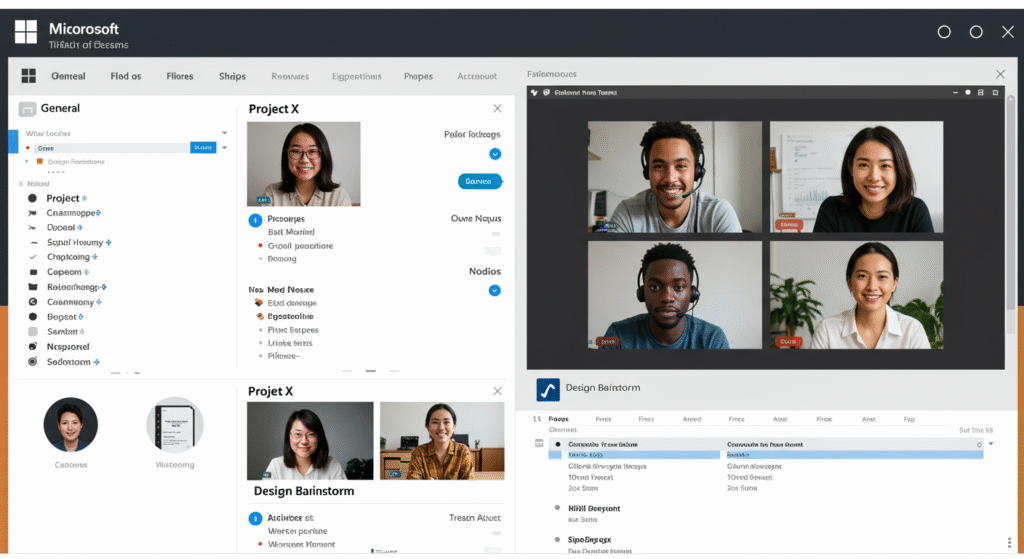
Microsoft Teams is a remote operations hub that connects conversations, content, and tools.
Academic-Level Applications:
- Share and co-edit files across Office apps
- Integrate third-party tools like Trello, Adobe XD, and GitHub
- Use shared channels for cross-organization collaboration
Applied Example:
A globally distributed product team collaborates on a launch:
- Creates Teams channels for UX, engineering, and marketing
- Integrates design prototypes via Adobe Creative Cloud
- Hosts stand-ups and retrospectives with live transcription
- Uses Planner to assign and track tasks
- Archives meeting recordings and whiteboards for reference
🧠 Insight: Teams creates a cohesive remote work environment where communication and deliverables converge.
Microsoft Access for Small Business and Administrative Solutions
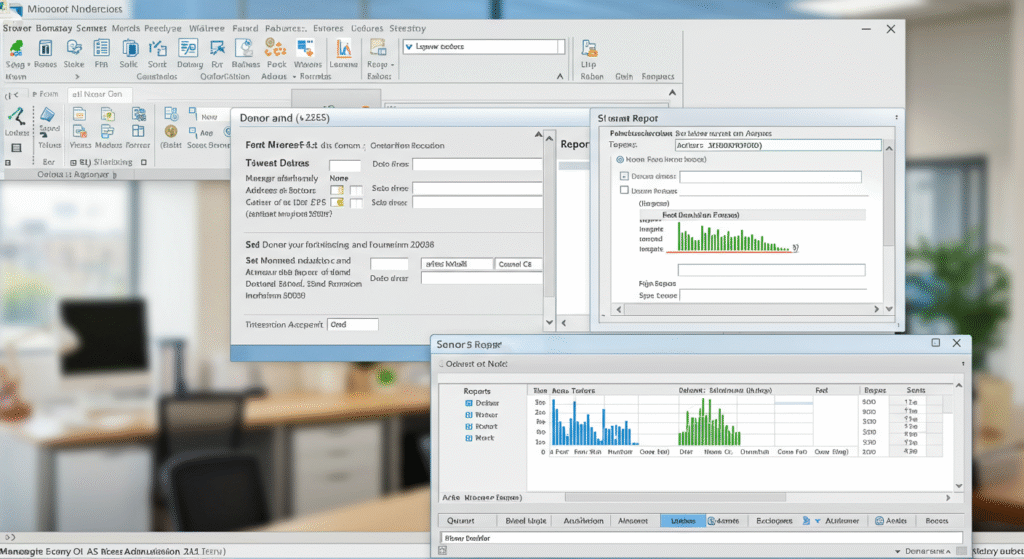
Access offers a low-code relational database solution ideal for organizations with structured yet flexible data needs.
Academic-Level Applications:
- Design relational databases with referential integrity
- Develop form-based user interfaces for non-technical staff
- Generate reports using queries and macros
Applied Example:
A nonprofit manages donor data using Access:
- Sets up linked tables for donors, donations, and events
- Uses forms for event registration and contact logging
- Automates thank-you emails via macros
- Generates donation reports filtered by campaign or region
- Exports data to Excel for financial reconciliation
🧠 Insight: Access bridges the gap between Excel and enterprise databases, enabling scalable solutions for growing teams.
Conclusion: Microsoft Office as a Functional Framework
Microsoft Office is more than a suite of tools; it is a platform for knowledge work. Whether you are analyzing financials, guiding students, coordinating remote projects, or managing stakeholder data—Office adapts to your specific context.
Summary Recap:
- In Business: Office tools support analytical rigor, strategic communication, and operational efficiency.
- In Education: Enhance pedagogy and academic management through structured digital workflows.
- In Remote Work: Foster connection, productivity, and project visibility across distributed teams.
- In Small Business: Access provides affordable, powerful database solutions without a steep learning curve.
💬 What’s your most creative or effective use of Office in your professional journey? Share your workflow—or forward this to a peer seeking better digital solutions.
Let’s keep elevating how we work, teach, and collaborate—one Office tool at a time.