
🧭 Intro – Turning Scripts into Scalable Systems
So, you’ve written a Python app. It runs. It works. Heck, it even solves a real problem. You’ve reached that golden moment: “It works on my machine!” Congratulations! And now… it’s time to deploy.
Welcome to the wild world of Python app deployment — where your humble script takes its first terrifying steps into production, and suddenly, things get real.
Let me paint a picture: You hit deploy, everything crashes, logs look like hieroglyphics, your database starts screaming (metaphorically… hopefully), and suddenly you’re Googling “how to rollback production in less than 5 minutes without crying.”
Here’s the deal: building a cool app is only the beginning. Deploying it — reliably, securely, and scalably — is a whole different skill set. You need structure. You need strategy. You need to stop past-you from hardcoding that one thing that breaks everything at scale.
This post is your roadmap from “functional prototype” to “battle-tested, cloud-native, production-ready machine.” We’re talking about:
-
How to pick the right Python web framework for scale (Flask, Django, FastAPI, oh my!)
-
Making friends with tools like Docker, Kubernetes, Gunicorn, Redis, and PostgreSQL
-
Building bulletproof CI/CD pipelines so bugs get caught before they party in prod
-
Containerization, monitoring, load balancing, caching, Celery-fueled background task wizardry, and more
-
And yes, how to do all of this without breaking the bank or your sanity
We’ll tackle the pitfalls that plague Python apps in production, and how to dodge them with elegance and maybe a few laughs. Whether you’re a backend engineer, startup dev, or a tech lead trying to get your team to stop SSHing into prod — this guide’s for you.
Let’s ship that app right — and make sure it stays up. 💪
🛠️ 1. Architecting Your Python App for Scale
Before you think about Kubernetes, CI/CD, or launching your app into the cloud stratosphere, you need to make sure it’s actually built to scale. Scaling spaghetti code is like putting a rocket engine on a shopping cart — it’s going to crash spectacularly.
Let’s break down the architectural fundamentals that’ll make or break your Python app when it leaves the nest.
🧱 1.1 Choose the Right Framework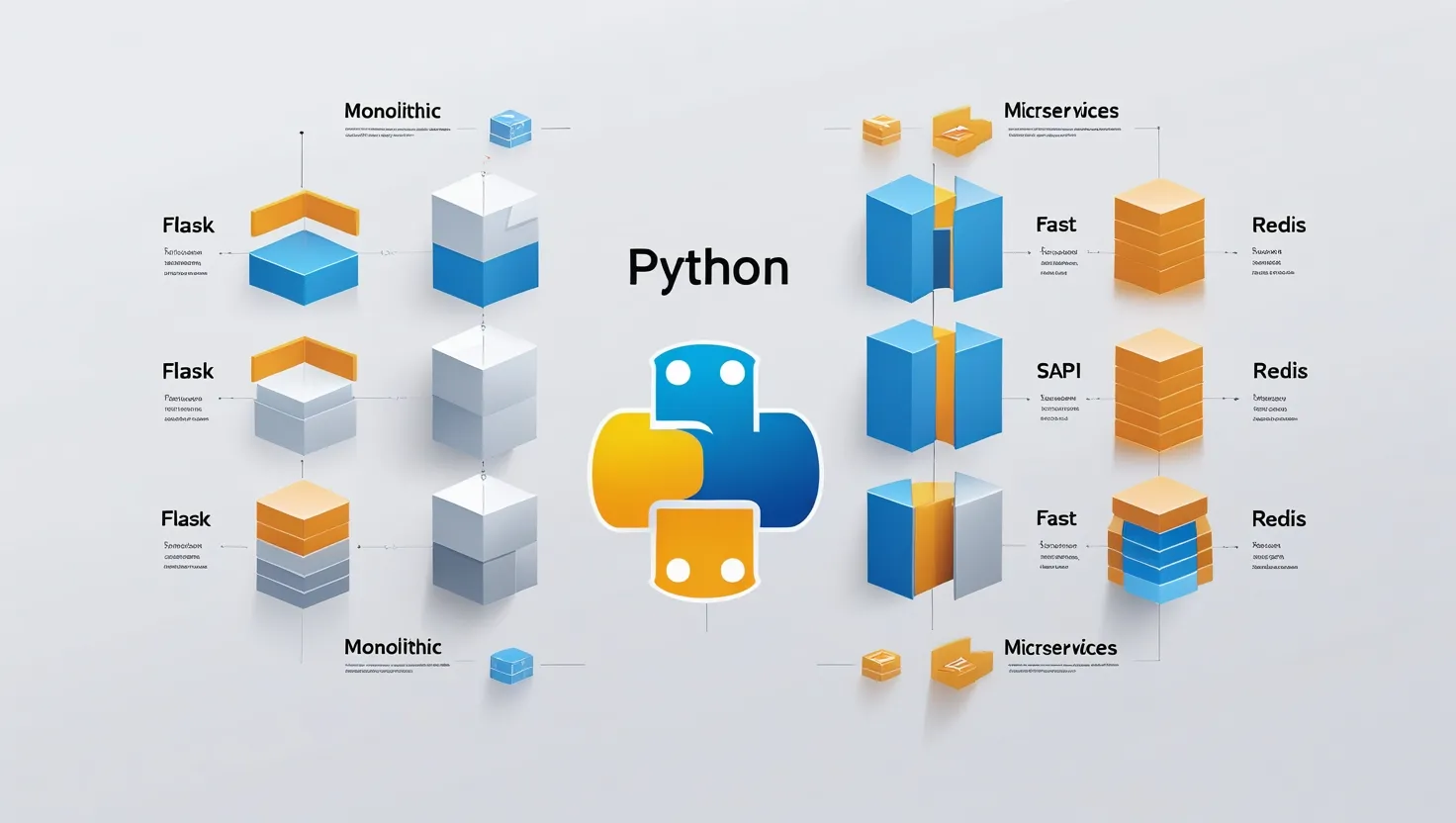
Flask, Django, FastAPI — they’re like the
Hogwarts houses of Python web development. Here’s the sorting hat rundown:
🐍 Flask – The Minimalist Magician
-
Pros: Lightweight, flexible, DIY-friendly. Great for microservices or when you want to handpick every tool.
-
Cons: No built-in ORM or admin panel. Scaling Flask requires you to make more decisions — some good, some painful.
-
Use it if: You’re building a microservice, REST API, or like to roll your own
-
solutions.
🧙 Django – The Batteries-Included Beast
-
Pros: Comes with ORM, admin panel, auth system, and more. Community support is massive. Good for large-scale monoliths.
-
Cons: Can feel rigid. Not ideal if you need ultra-lightweight APIs.
-
Use it if: You want to ship fast with opinionated defaults — think marketplaces, dashboards, or CMS-heavy apps.
🚀 FastAPI – The Speedy Modernist
-
Pros: Async-ready, automatic docs with OpenAPI, type hinting galore. Blazing fast.
-
Cons: Still maturing. Smaller ecosystem than Django.
-
Use it if: You need high-performance APIs, async I/O, or you’re building microservices.
✨ Pro Tip: Mixing frameworks in a microservice architecture is okay — Django for the core app, FastAPI for the blazing-fast API gateway? Yes, please.
🏗️ Microservices vs Monolith: The Great Debate
Here’s a truth bomb: Most startups don’t need microservices yet.
-
Monoliths are faster to build, easier to test, and cheaper to deploy.
-
Microservices shine when your team or codebase gets too big to manage in one repo.
Stick to a monolith until you start feeling the pain of scale. Premature microservices are just “monoliths with networking bugs.”
🧩 1.2 Structure the Codebase Properly
A tangled mess of app.py, utils.py, and 17 circular imports is not “micro” — it’s migraine-inducing. Let’s bring some order.
✅ Modular Design and Separation of Concerns
-
Break your code into logical domains:
auth,users,payments,notifications, etc. -
Keep business logic away from HTTP request handling.
🛠️ Configuration Management
Use .env files and tools like python-dotenv or pydantic’s BaseSettings to manage settings per environment (dev, staging, prod).
No more hardcoding credentials like it’s 1999.
📁 Recommended Folder Layout
Here’s a neat starting structure for a scalable Flask/FastAPI app:
This way, you won’t be crying into your terminal when features start piling up.
🗄️ 1.3 Database Design for Growth
Your app’s database is like your circulatory system — don’t clog it with poor design.
🚀 Choosing Scalable Databases
-
PostgreSQL: King of relational databases. Great with Django ORM or SQLAlchemy.
-
MongoDB: Flexible NoSQL option — ideal for loosely structured data.
-
Redis: Lightning-fast in-memory store. Use it for caching, sessions, or message queues.
🚨 Hot take: 95% of apps don’t need NoSQL. If your data has relationships, use Postgres and sleep soundly.
🧙 ORM vs Raw SQL
-
ORMs (Django ORM, SQLAlchemy): Developer-friendly, abstract away boilerplate.
-
Raw SQL: Fine-grained control, faster for complex queries — but riskier if not written carefully.
Best practice: use an ORM for most things, but don’t fear raw SQL when performance matters.
🌊 Connection Pooling & Migrations
-
Use connection pooling (e.g.
psycopg2+sqlalchemy.pool) to avoid crashing under high load. -
Automate schema changes with tools like Alembic (for SQLAlchemy) or Django’s built-in migration system.
✅ TL;DR for Section 1:
-
Pick a web framework that suits your team and scalability goals
-
Stick with a monolith until you have a good reason to split into microservices
-
Structure your project like a professional, not a hackathon survivor
-
Choose a database you can grow into — and set up migrations on day one.
🧪 2. Testing Like a Pro: Don’t Ship Bugs

Let’s face it — nobody likes writing tests. It’s like flossing: annoying in the moment, but you will regret skipping it when everything falls apart in production.
Testing is your shield against chaos, your early-warning system, your “oops, glad we caught that before launch” safety net. Let’s talk about how to test your Python app like a grown-up dev.
🧪 2.1 Automated Testing Strategy
You don’t need 100% test coverage (unless your manager printed that number on a mug), but you do need a solid strategy.
Here’s your testing squad:
-
Unit Tests: Test individual functions and methods. These are your fastest, simplest tests.
-
Integration Tests: Test how components work together (e.g., does your API route talk to the database?).
-
End-to-End (E2E) Tests: Simulate real user flows — logins, purchases, rage-quits.
And here’s your testing toolbox:
| Tool | Use |
|---|---|
pytest |
The de facto testing framework — clean, powerful, and plugin-friendly. |
tox |
Automate testing across multiple environments (e.g. Python 3.10 and 3.12). |
coverage.py |
Tells you what parts of your code aren’t being tested. Use with care (and reality). |
That sweet coverage percentage is your testing GPA.
🧪 2.2 TDD vs Pragmatic Testing
Ah, the age-old debate: Test-Driven Development (TDD) or “I’ll write tests eventually, probably, maybe”?
-
TDD: Write the test first, then write code to pass it.
-
Pros: Forces you to write testable code.
-
Cons: Slows you down when prototyping.
-
-
Pragmatic Testing: Write tests for critical features after they work.
-
Pros: Flexible and efficient.
-
Cons: Easier to forget (or conveniently ignore).
-
🤓 Pro Tip: Use TDD for core logic (e.g., payment processors, auth), and pragmatic testing for fluffier features like your newsletter sign-up.
🚦 Continuous Testing with CI
Once you’ve got tests, automate them in your CI pipeline. Don’t rely on your brain (or your intern) to remember to run tests before merging code.
-
GitHub Actions, GitLab CI, Jenkins — all can run
pyteston every push or pull request. -
Add linters (
flake8,black) and type checks (mypy) to catch issues early.
⚙️ Catch bugs before your users do. That’s the dream, right?
✅ TL;DR for Testing:
-
Write unit, integration, and E2E tests (even if they’re not fun).
-
Use
pytest+coverageto keep things sharp. -
Choose TDD or pragmatic testing — just don’t skip it altogether.
-
Automate tests in CI so nobody forgets (especially you).
Ready to wrap your code in a neat, portable box?
Up next:
🧳 3. Containerization with Docker
Congratulations, your app is tested and working! But… it still only runs on your machine. Cue dramatic music. It’s time to containerize — and Docker is your magic box.
Docker gives your app a consistent, portable environment. No more “it worked on my laptop” excuses. Whether you’re deploying to a cloud server or just trying to onboard a teammate without melting their soul, Docker makes your life easier.
🐳 3.1 Why Docker is a Must
Think of Docker as Tupperware for your Python app — it keeps everything neat, isolated, and easy to stack.
Why developers love Docker:
-
✅ Environment parity: Same Python version, same dependencies, same everything from dev to prod.
-
✅ Clean isolation: Say goodbye to conflicting Python versions and rogue system libraries.
-
✅ Fast onboarding: “Just run
docker-compose up” is the new “it only takes 3 hours to install everything.”
🛠️ 3.2 Writing a Lean Dockerfile

A bloated Docker image is like shipping a piano with your lunchbox. Let’s not.
Here’s a sleek, minimal Dockerfile example:
Tips for a lean Dockerfile:
-
Use Alpine images (
python:3.11-alpine) — they’re super lightweight. -
Do multi-stage builds — install deps in one layer, copy only what you need.
-
Leverage Docker layer caching — order your instructions smartly (put
COPY . .last).
🔄 3.3 Docker Compose for Local Dev
When your app talks to PostgreSQL, Redis, and maybe even Celery, you need a way to spin up everything together. That’s where docker-compose.yml shines.
Example:
Just run:
And voilà — your entire stack is humming in containers.
📁 Bonus: Managing Configuration with .env
Keep secrets out of your codebase. Use .env files and Docker’s env_file: directive to inject settings safely.
Example .env file:
Now your app reads config like:
🧳 TL;DR for Docker:
-
Use Docker to create reproducible environments — dev and prod alike.
-
Write slim Dockerfiles with Alpine and multi-stage builds.
-
Use Docker Compose to spin up full dev stacks.
-
Manage settings with .env files, not hard-coded values.
Up next:
🚀 4. Deploying the Right Way
So your app runs in Docker and passes all the tests. You sip your coffee and smile smugly. But there’s one problem — the world still can’t use it. Time to launch it into production like the magnificent, scalable space shuttle it was born to be.
Let’s talk servers, CI/CD pipelines, app servers, clouds, and of course… NGINX, the duct tape of web deployment.
🔌 4.1 App Server: Gunicorn, Uvicorn, Daphne
Python doesn’t serve web requests directly. Instead, it hands the mic to an application server.
Let’s break down the options:
-
Gunicorn (Green Unicorn): Great for WSGI-based apps like Flask and Django.
-
Uvicorn: Built for ASGI apps like FastAPI — ideal for async workloads.
-
Daphne: Specifically for Django + WebSockets. Rare but useful.
If your app is synchronous (Flask, classic Django), go Gunicorn:
If it’s async (FastAPI, modern Django with ASGI), go Uvicorn:
💡 Worker tuning tips:
-
General rule:
workers = 2 * CPU cores + 1 -
For async apps, prefer fewer, more efficient workers
-
Monitor memory usage — each worker eats RAM like snacks at a hackathon
🧱 4.2 Using Nginx as a Reverse Proxy
Nginx is still the Swiss Army knife of web servers. Why?
-
Handles static files faster than Python
-
Terminates SSL with Let’s Encrypt
-
Buffers slow clients
-
Load balances multiple app servers
Example config:
🔒 Bonus: Add HTTPS with Let’s Encrypt + Certbot in 5 minutes. It’s free, and it’s 2025. No excuses.
🔁 4.3 CI/CD for Python Apps
CI/CD (Continuous Integration / Continuous Deployment) is how you avoid shipping bugs at 2 AM.
Tools of the trade:
-
GitHub Actions (free, easy)
-
GitLab CI/CD
-
Jenkins (if you like writing Groovy at midnight)
-
CircleCI, TravisCI, Bitbucket Pipelines
A typical pipeline:
🌈 Pro Tips:
-
Run tests on every PR
-
Automate Docker builds & pushes
-
Use blue/green or rolling deployments to minimize downtime
☁️ 4.4 Deploying to the Cloud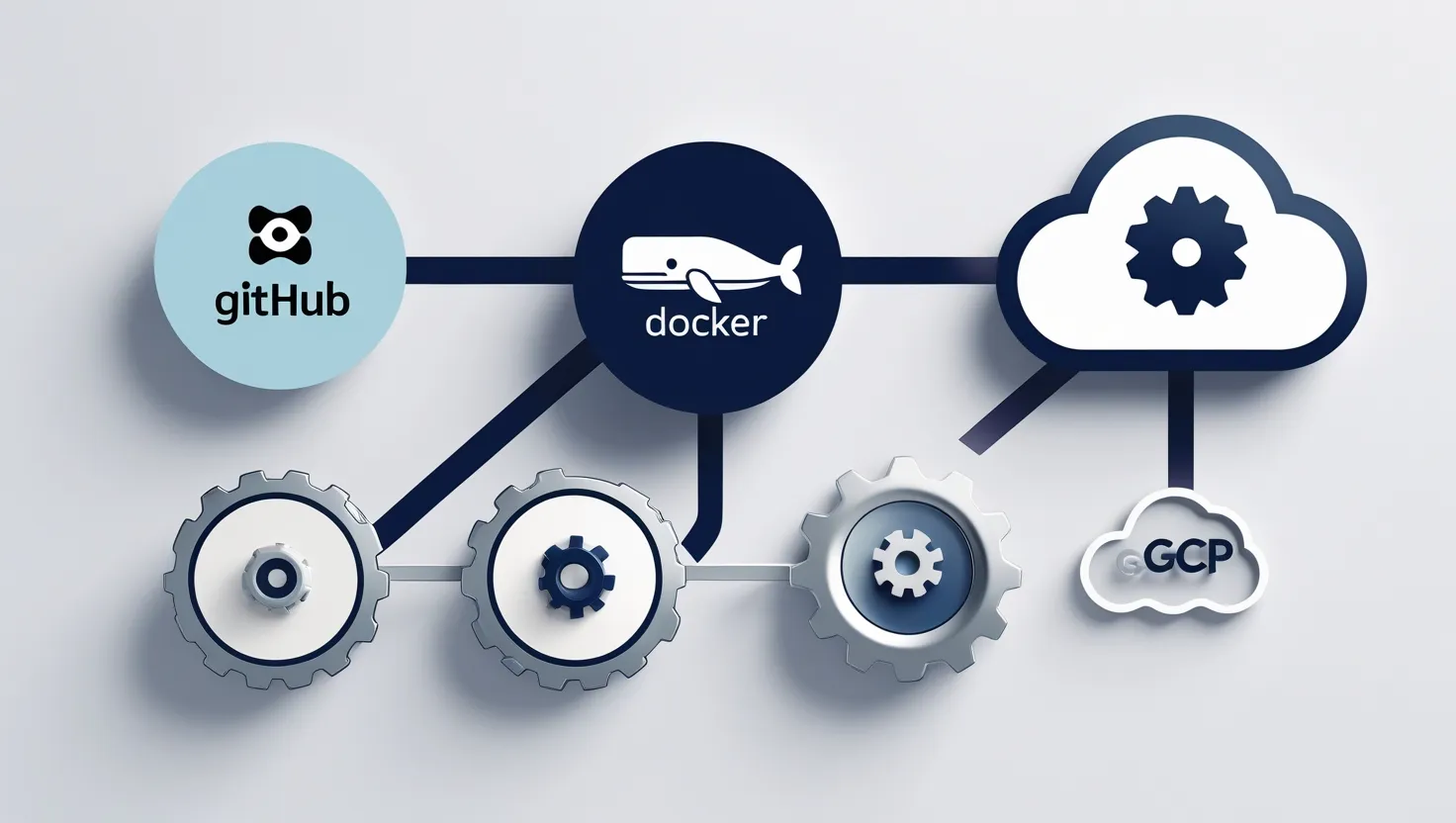
Now the big decision: where should this glorious container live?
💻 VPS (Virtual Private Server)
-
Services: DigitalOcean, Linode, Hetzner
-
You manage everything (good for control freaks)
-
Ideal for indie devs and startups on a budget
🧑💻 PaaS (Platform as a Service)
-
Services: Render, Heroku, Railway
-
Abstracts away infrastructure — just push and deploy
-
Best for fast MVPs and solo devs
☁️ IaaS (Infrastructure as a Service)
-
Services: AWS, Azure, GCP
-
You build and scale everything
-
Ideal for enterprise-grade scale and flexibility
🐳 Deploying Docker Apps on the Cloud
You can deploy your Docker container to:
-
Render: Super friendly UI, auto-deploy from GitHub
-
AWS ECS: Elastic Container Service, runs your containers with scaling
-
Kubernetes: For microservices, big teams, or if you love YAML and suffering
And if you’re ready for infra-as-code:
-
Terraform: Provision cloud infra from .tf files
-
Pulumi: Same but with Python, TypeScript, etc.
⚠️ Pro tip: If you don’t have a dedicated DevOps team, start simple. Kubernetes is powerful but overkill for many teams. Don’t summon the dragon if you just need a chicken.
🧠 TL;DR for Deploying:
-
Use Gunicorn/Uvicorn as your app server
-
Put Nginx in front for speed, SSL, and static files
-
Set up CI/CD pipelines to automate tests and deploys
-
Deploy on VPS, PaaS, or Kubernetes — based on your scale and skill level
Next up:
📈 5. Scaling the App
Okay, so your app is live, the logs are clean, and your mom can visit your homepage without the server crashing. Great start! But what happens when your next tweet goes viral and 50,000 people click it at once? 😱
Scaling isn’t just about handling more traffic — it’s about doing it gracefully. Without sweating. Let’s walk through how to level up your app without breaking the bank or your backend.
📦 5.1 Horizontal vs. Vertical Scaling
Let’s talk two classic strategies:
-
Vertical Scaling = Bigger machine (More CPU, RAM)
-
Pros: Easy to do
-
Cons: Expensive fast, has limits
-
-
Horizontal Scaling = More machines (Add more servers)
-
Pros: Infinite-ish scale
-
Cons: You need to think about distributed state
-
For web apps, horizontal is your friend.
But stateless is key! Your app should not rely on local memory to store sessions or temporary data. Offload that to:
-
Redis or Memcached for sessions or caching
-
S3 or Cloud Storage for file uploads
-
PostgreSQL with connection pooling for relational data
🧠 5.2 Database Scaling
Your app’s brain is the database. If it melts, everything dies. So let’s keep it healthy.
Scaling tactics:
-
✅ Read replicas: Offload SELECTs from the master DB
-
✅ Caching layers: Use Redis to cache common queries
-
✅ Sharding: Split data by tenant, region, etc. (for large-scale apps)
-
✅ Connection pooling: Use tools like PgBouncer or SQLAlchemy pooling
🧪 Bonus tip: Measure your DB queries. Add logging around slow ones. Optimize with proper indexing. Don’t SELECT * unless you enjoy pain.
🪄 5.3 Using Celery or RQ for Background Tasks
Some tasks don’t need to be instant. Like sending emails. Or resizing profile pics. Or syncing data from an API that’s slower than dial-up.
That’s where background workers shine.
-
Celery: The OG, super flexible, production-grade
-
RQ: Simpler and lighter, great for small to mid-sized apps
Example: Send email in the background with Celery
Use Redis as the broker, and spin up multiple worker containers to scale:
🎩 Magic happens when your web app does its thing quickly, then delegates the heavy lifting to workers behind the scenes.
🌍 5.4 CDN & Static Asset Optimization
Your Python app shouldn’t serve CSS, images, or JS directly — that’s what CDNs are for!
-
Use Cloudflare, AWS CloudFront, or BunnyCDN
-
Store static files in S3 or serve them from
/static/via Nginx -
Enable gzip compression and proper caching headers
Why this matters?
-
Static files are 70–90% of page weight
-
CDNs cache files close to users = faster load = happier people
🎨 Pro tip: Minify CSS/JS. Lazy load images. Compress everything like your app’s life depends on it — because it does.
🧠 TL;DR on Scaling:
-
Scale horizontally → more servers, not just bigger ones
-
Use Redis/Memcached for cache + state management
-
Scale databases with read replicas and pooling
-
Offload heavy jobs to Celery or RQ
-
Serve static assets via CDN to reduce load on your app
Scaling isn’t just about traffic — it’s about smart delegation, async processing, and performance love. 💖
Ready to armor up your app with battle-tested security next?