
So, you’ve decided to take the plunge into the Microsoft Office Specialist (MOS) certification world. Great choice! Whether you’re looking to boost your résumé, validate your skills for a new job, or just want to flex your Excel muscles, MOS certification can open up serious doors.
But here’s the thing: the key to passing isn’t just grinding through random YouTube tutorials or praying that Microsoft Word will magically make sense overnight. You need the right resources—ones that are up-to-date, MOS-aligned, and actually useful.
Lucky for you, I’ve been down this path (and helped a fair share of students and professionals along the way). So I’ve rounded up the best free and paid resources to prep for the MOS certification in 2025. From interactive tutorials to full-on exam simulations, this guide has it all—organized, reviewed, and wrapped up with practical tips you can actually use.
Let’s dive in.
What Is the MOS Certification Again?
Before we geek out over resources, here’s a quick refresher:
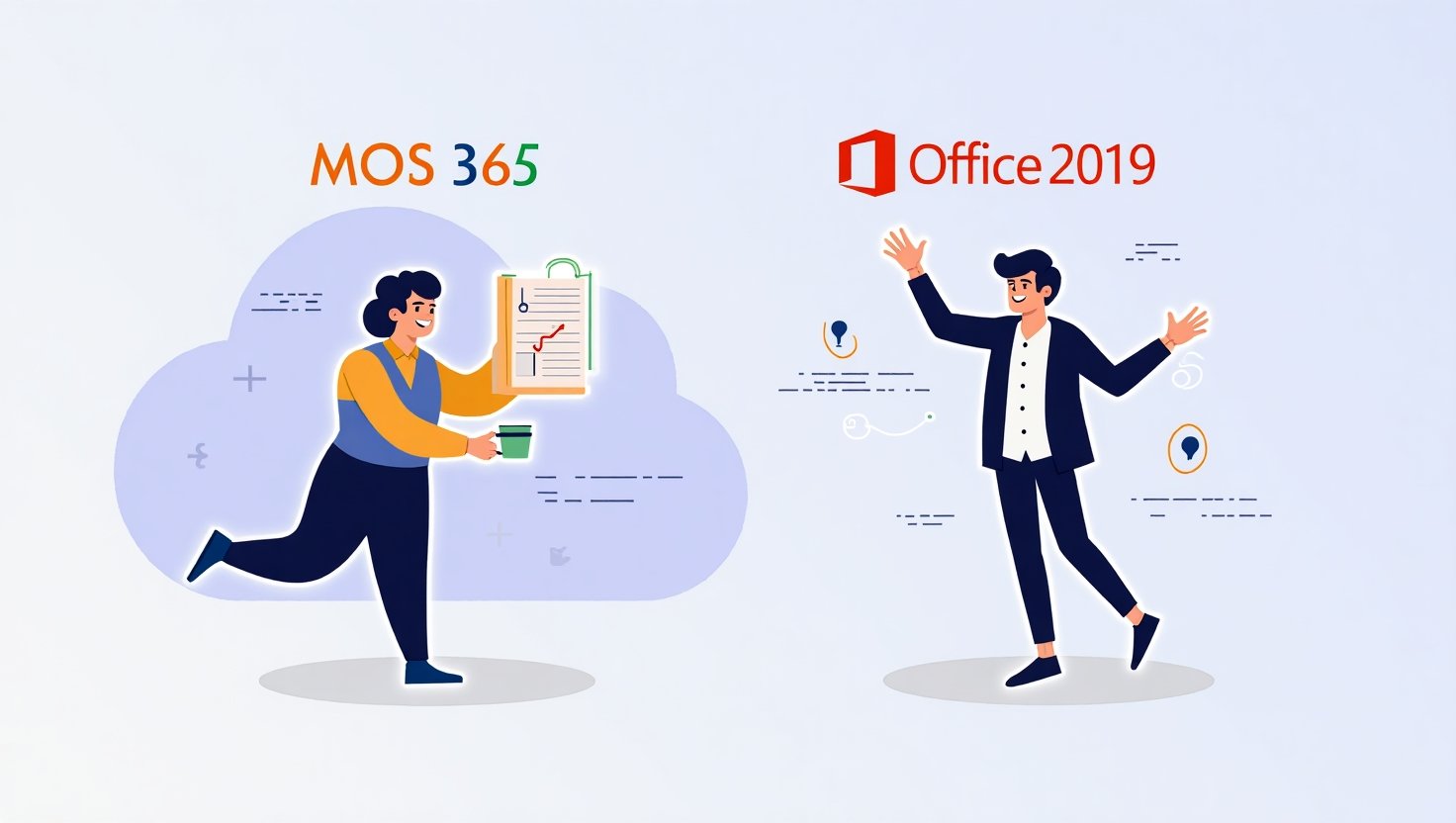
The Microsoft Office Specialist (MOS) certification is an industry-recognized credential that validates your skills in Microsoft Office applications like Word, Excel, PowerPoint, Outlook, and Access. In 2025, MOS certifications are available for both Office 2019 and Microsoft 365 Apps (cloud-based and regularly updated).
You can earn certifications in individual apps, or stack them for a MOS Expert or MOS Associate title. If you’re gunning for a role in business, education, admin, or data analysis—this credential can seriously set you apart.
🆓 Top Free Resources to Prep for MOS in 2025

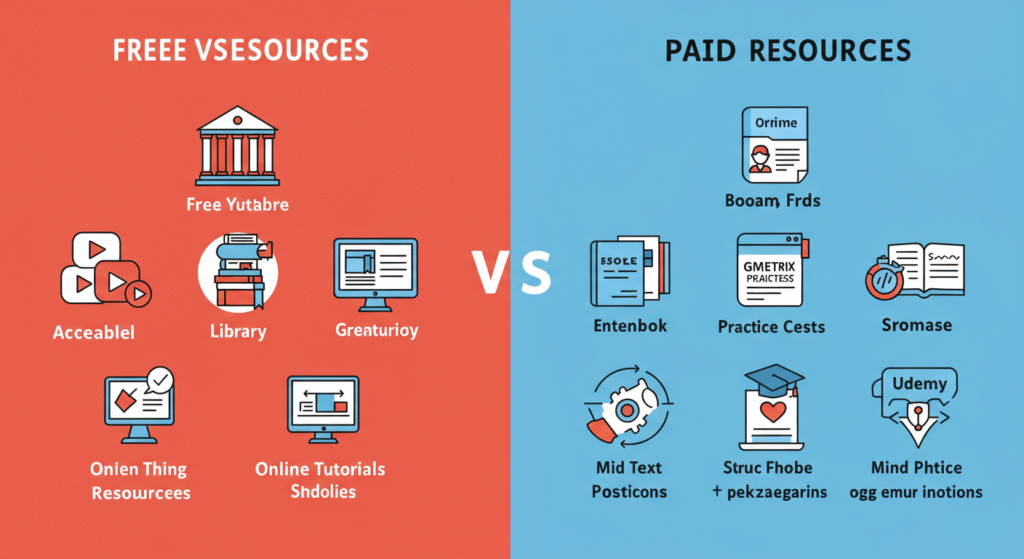
Let’s start with what your wallet will appreciate most: free but valuable resources. Don’t underestimate them—some of these can get you 90% of the way there.
1. GCFGlobal – Microsoft Office Training
Why it’s awesome:
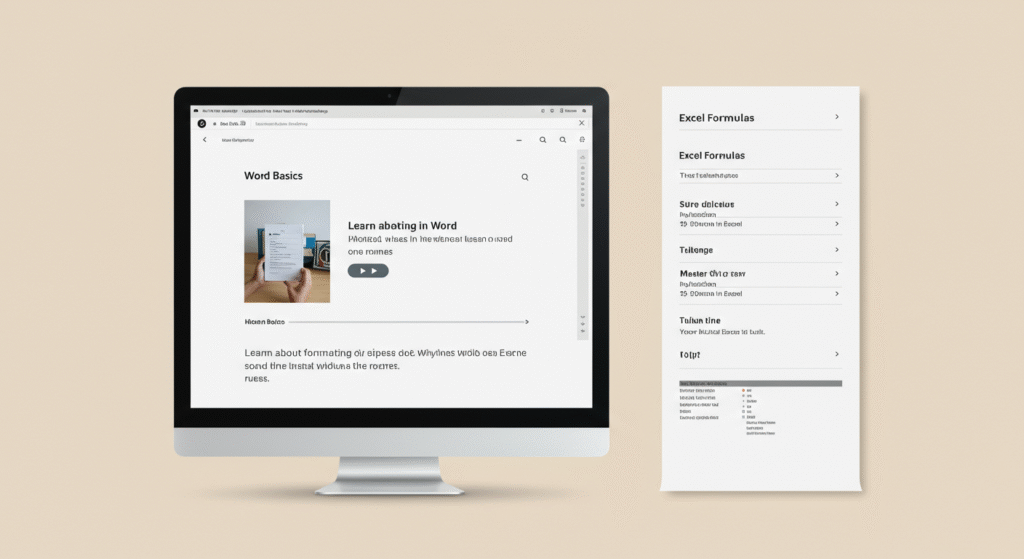
GCFGlobal offers easy-to-digest tutorials for all major Office apps—Word, Excel, PowerPoint, Access, and Outlook. They’re beginner-friendly, interactive, and updated often.
Best For:
Beginners or those returning to Office after a long break.
What You’ll Get:
- Interactive lessons and videos
- Practice exercises
- Bite-sized topics (perfect for short attention spans)
Takeaway:
Use GCFGlobal to build your foundation before moving to exam-specific training.
🔗 Visit GCFGlobal Office Tutorials
2. Microsoft Learn
Why it’s awesome:
It’s Microsoft’s own learning platform, and yes—it’s free. While it’s a bit more technical, the content is aligned with Microsoft 365 and covers many tasks you’ll face in MOS exams.
Best For:
Intermediate users or those already familiar with Office apps.
What You’ll Get:
- Detailed guides
- Task-based learning paths
- Updated for Microsoft 365
Example:
If you’re prepping for Excel MOS, search “Microsoft Learn Excel” for data manipulation and functions.
3. YouTube Channels: Leila Gharani & Simon Sez IT
Why they’re awesome:
Both creators are beloved in the Office world for their clean, clear tutorials and real-world examples. Leila is especially good for Excel and PowerPoint; Simon Sez IT covers a wide range.
Best For:
Visual learners who prefer watching over reading.
Top Features:
- Free playlists by topic
- Office 365 tutorials
- Step-by-step instructions with sample files
Takeaway:
Build your custom learning queue by subscribing to a few high-quality Office channels.
4. LinkedIn Learning (Free via Library Access)
Why it’s awesome:
Normally a paid service, but many public libraries and colleges offer free access. The courses are polished, well-structured, and sometimes include MOS-aligned paths.
Best For:
Self-directed learners who like formal courses.
Tip:
Call your local library or search online for “LinkedIn Learning + [your city] library.”
5. Practice Tests from Certiport’s Website (Limited Access)
Why it’s awesome:
Certiport is the official MOS testing provider. While full test simulations are paid, you can access practice questions, exam guides, and objectives for free.
What You’ll Get:
- Candidate bulletins
- Objective domains
- Sample question formats
Takeaway:
Download the objective domain PDF for your exam and use it as a checklist.
💰 Top Paid Resources to Prep for MOS in 2025
Now for the high-powered tools. These cost money, but they also offer full exam simulations, tracking features, and structured paths that make studying way easier.
1. GMetrix Practice Exams
Why it’s awesome:
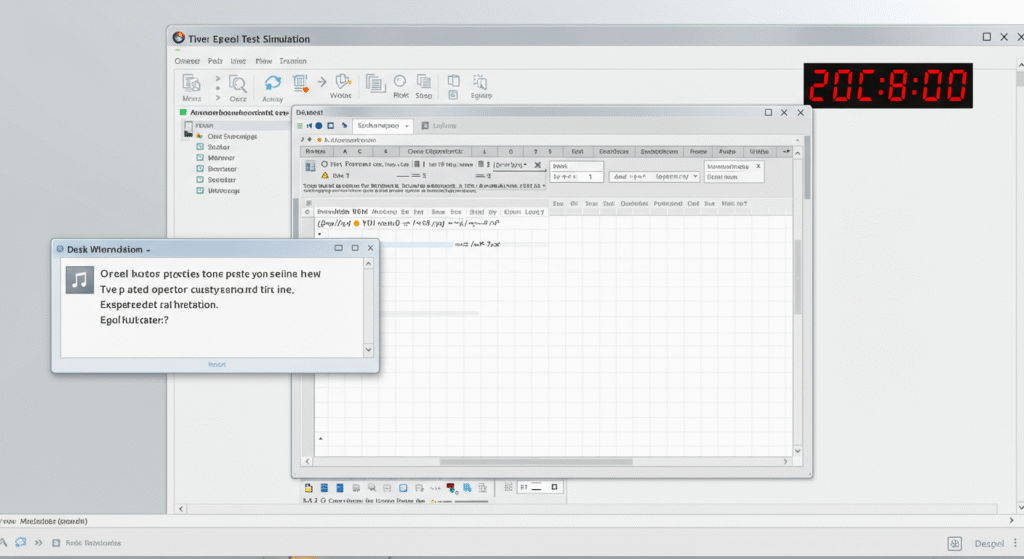
GMetrix is the official practice test platform used in schools and training centers across the world. It simulates the MOS exam environment almost perfectly.
Best For:
Anyone serious about passing on the first try.
Key Features:
- Practice in Training or Testing mode
- MOS 2019 and Microsoft 365 versions
- Tracks progress by topic
Example:
If you’re taking Excel Associate, GMetrix will test your skills with formulas, functions, and chart-building tasks—just like the real thing.
💵 Price: ~$40 per exam license
🔗 Visit GMetrix
2. MOS Study Guides (Published by Microsoft Press)
Why they’re awesome:
Written by Microsoft-certified authors, these books are tailor-made for each MOS exam and follow the exact objective domains.
Best For:
Textbook learners or those who love physical books and structured reading.
What You’ll Get:
- Real exam-style practice tasks
- Downloadable files for hands-on learning
- Self-assessments and checklists
💵 Price: ~$25-$40/book (digital and print versions)
🔗 Find on Amazon
3. Udemy MOS Prep Courses
Why it’s awesome:
Udemy offers several MOS-focused courses taught by experienced instructors. Many courses are regularly updated and include downloadable practice files.
Best For:
Learners who want everything in one place—video, files, quizzes, and lifetime access.
Look For:
- Microsoft Office 365 or 2019 keywords
- Instructor reviews and update dates
- Course previews to check pacing
💵 Price: ~$15-$50 (look for sales!)
🔗 Visit Udemy MOS Courses
4. Certiport Test Voucher Bundles with Retake Option
Why it’s awesome:
Certiport offers test vouchers bundled with a retake and GMetrix practice tests. It’s a one-stop-shop if you’re ready to commit.
Best For:
Students or professionals aiming to book their test with prep materials included.
Bundle Includes:
- One MOS exam voucher
- One retake (in case you need it)
- GMetrix practice test license
💵 Price: ~$120-$150
🔗 Buy from Certiport Authorized Partners
5. OfficePro Training Subscription
Why it’s awesome:
OfficePro is an official Microsoft partner offering professional-grade courses and simulations. It’s used in schools and businesses.
Best For:
Team training or highly structured learners.
What You’ll Get:
- Full Microsoft 365 curriculum
- Skill assessments
- LMS and instructor support (in some plans)
💵 Price: ~$99+ depending on license type
🔗 Visit OfficePro
🧠 Study Plan Example (Mix Free + Paid Resources)
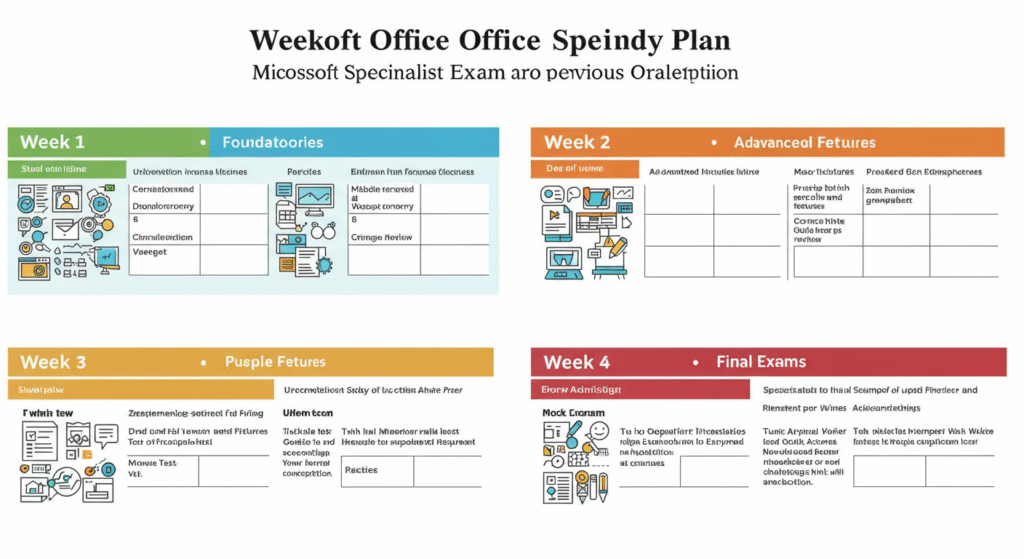
Not sure how to combine all these? Here’s a smart 4-week plan:
Week 1:
- Watch GCFGlobal tutorials to build a foundation
- Start using the Microsoft Learn path for your app
Week 2:
- Add Udemy course or textbook study (Microsoft Press)
- Download the Certiport objective domain and check off what you know
Week 3:
- Practice with GMetrix in training mode
- Watch YouTube tutorials on weaker areas (e.g., PivotTables in Excel)
Week 4:
- Take a full GMetrix test simulation
- Review errors, retake sections, and schedule your exam
🔁 Other Tips and Tricks for MOS Success
- Use the software daily. The more you use Word, Excel, or PowerPoint in real life, the faster you’ll recognize tasks in the test.
- Focus on task-based learning. MOS doesn’t test theory—it tests action. Be ready to do, not just know.
- Practice under time pressure. MOS exams are timed and require speed plus accuracy.
- Understand the interface. Learn the ribbon, Quick Access Toolbar, and contextual menus.
💬 Final Thoughts: You’ve Got This!

Prepping for the MOS certification in 2025 doesn’t have to feel like climbing Mount Everest. With the right mix of free tutorials, affordable courses, and real exam simulations, you can confidently walk into your test and come out certified—and certified awesome.
So here’s your mission:
- Pick a resource from each category above.
- Create a realistic study schedule (even if it’s 20 mins a day).
- Use the objective domains as your checklist.
- Practice, polish, and pass.
🎓 Already certified or currently studying? Drop your favorite study tips in the comments! Know someone preparing for MOS? Share this guide and spread the Office magic.