Let me guess. You poured your heart, mind, and several cups of coffee into a long-form blog post. You hit publish. It gets some love… but then? Crickets.
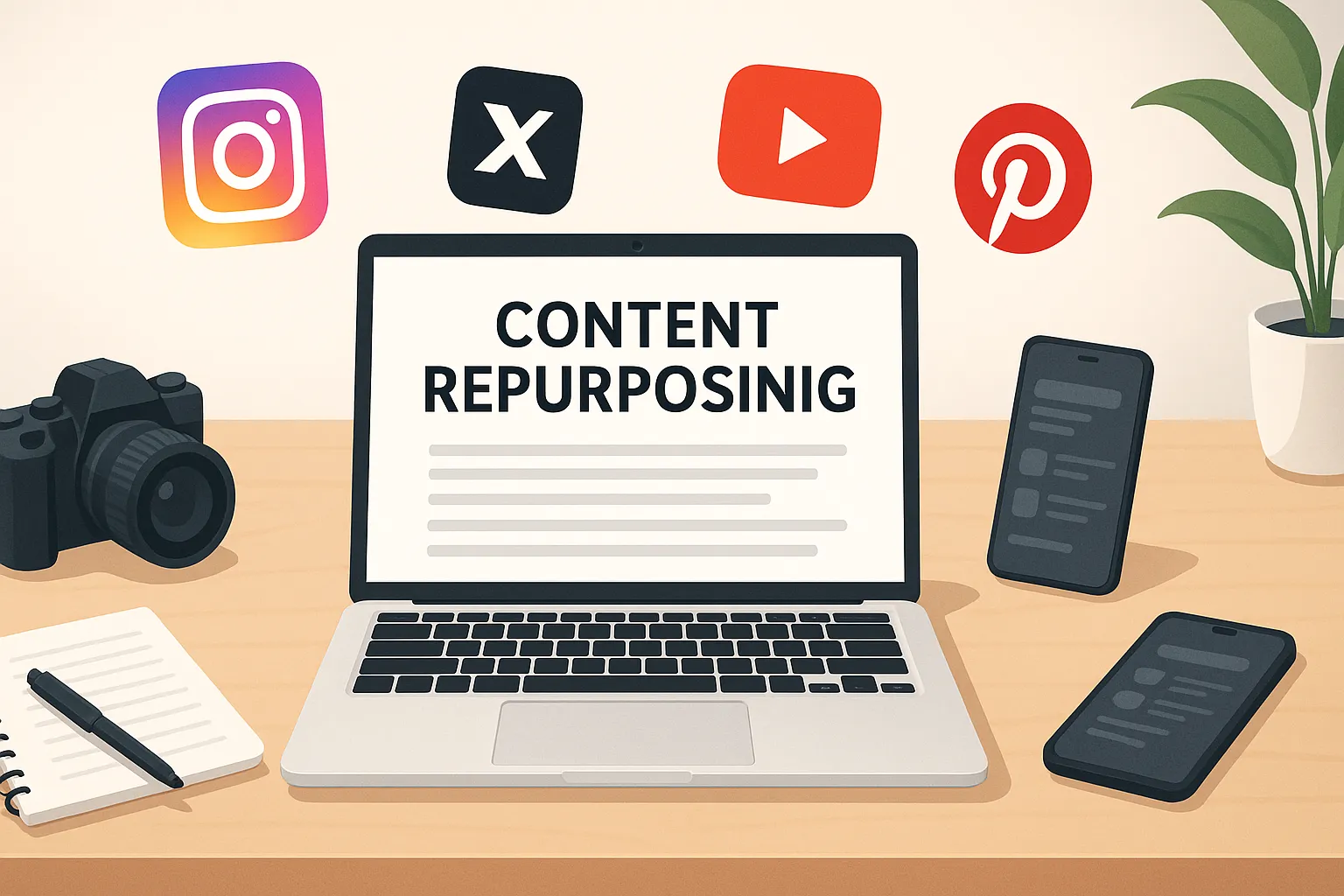
What if I told you that one blog post could live a second (or third, or tenth!) life—as a carousel on Instagram, a tweet thread on X, a short video on TikTok, a podcast snippet, or even an infographic on Pinterest? That, my friend, is the magic of content repurposing. It’s like giving your content multiple superpowers across the digital universe.
Welcome to your ultimate guide on “Content Repurposing Across Channels – Maximizing Content Value by Adapting One Asset for Multiple Platforms.” Whether you’re a solopreneur, part of a marketing team, a startup founder, or just getting into content creation—this guide is for you.
We’re diving into clever content repurposing ideas, breaking down step-by-step workflows, exploring the most effective tools, and sharing tried-and-tested cross-posting tips that actually work. You’ll walk away knowing how to turn one piece of content into an engine of visibility, engagement, and value.
Why Content Repurposing Is a Game-Changer
Before we get into the “how,” let’s answer the “why.” And no, it’s not because we’re lazy—it’s because we’re smart.
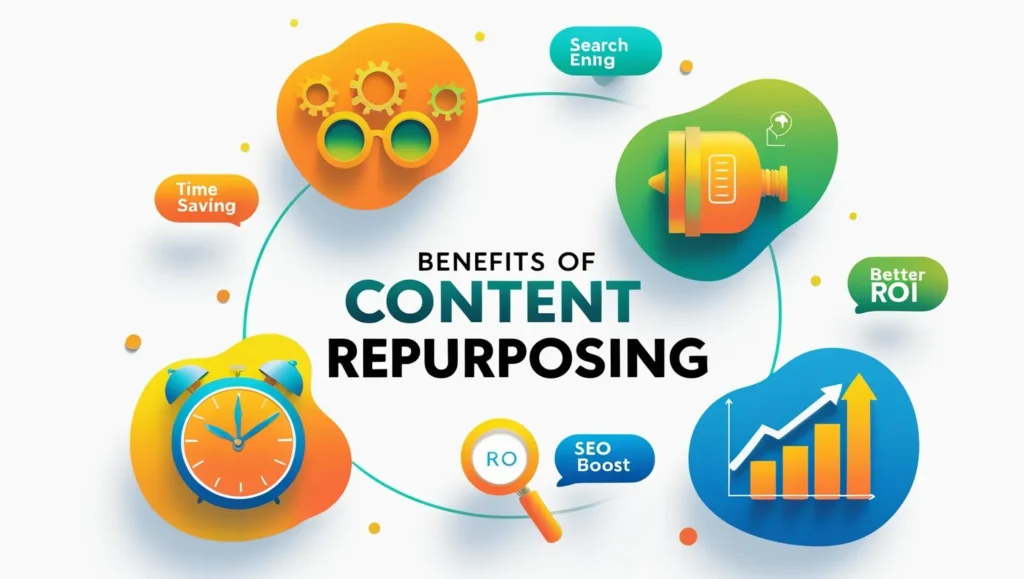
Repurposing content is:
- Strategic efficiency: Create once, distribute often
- Visibility booster: Different platforms = more eyeballs
- Audience-centric: People consume content differently—meet them where they are
- SEO and branding: More formats = better search performance and brand presence
In today’s crowded digital space, one piece of content = endless touchpoints.
1. From Blog Post to Infographic

Why it works: Blogs are full of insight but can be a heavy read. Infographics let you visualize your message, making complex info snackable and shareable.
How to do it:
- Pick out key stats, processes, or lists from your blog.
- Use design tools like Canva, Visme, or Piktochart.
- Add branding elements and clear, readable fonts.
- Share it on Pinterest, LinkedIn, Instagram Stories, or within your blog.
Bonus Tip: Add it to SlideShare or embed it in an email campaign.
Takeaway: Think of infographics as high-performing “trailers” for your full content.
2. Turn Blog Content into a Tweet Thread
Why it works: Threads help unpack ideas step-by-step and boost organic reach. Twitter/X loves short, punchy, thought-provoking nuggets.
How to do it:
- Summarize your blog into 7–12 clear, valuable tweets.
- Begin with a bold hook to catch attention.
- Use emojis, numbered lists, and line breaks for flow.
- End with a CTA—ask a question or link to your full blog.
Tool tip: Try Typefully, Hypefury, or Chirr App to draft and auto-schedule.
Takeaway: Threads are like mini-blog posts with huge potential reach.
3. Repurpose into Short-Form Video (Reels, Shorts, TikToks)
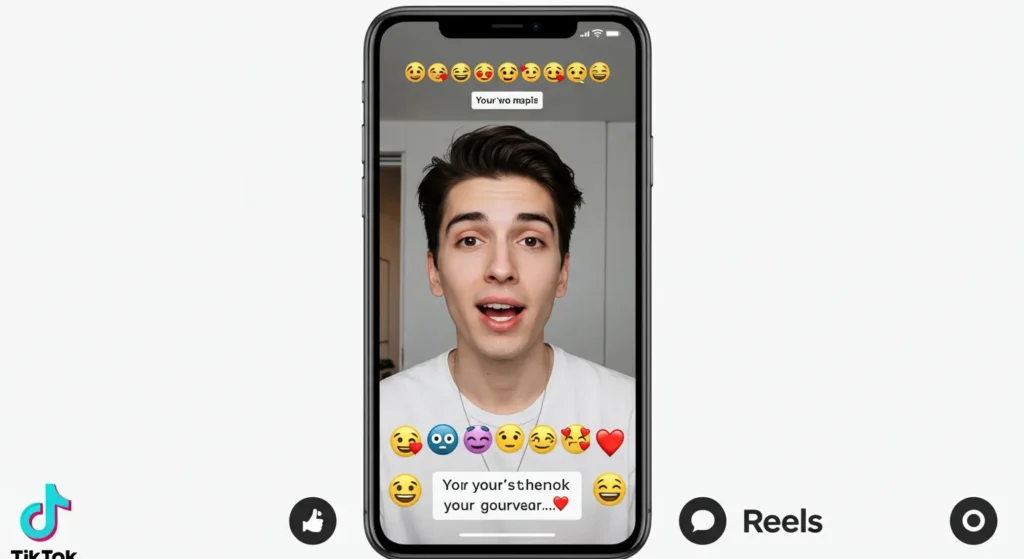
Why it works: The algorithm loves video. And viewers retain 95% of a message in video compared to 10% from reading.
How to do it:
- Pick one insight, hack, or tip.
- Record a casual 15–60 second video explaining it.
- Add auto-captions using CapCut, Veed.io, or Descript.
- Overlay B-roll if needed.
Advanced Tip: Batch shoot 3–5 in one sitting for consistency.
Takeaway: Authenticity > production. Share valuable info quickly and naturally.
4. Create Carousel Posts for Instagram and LinkedIn
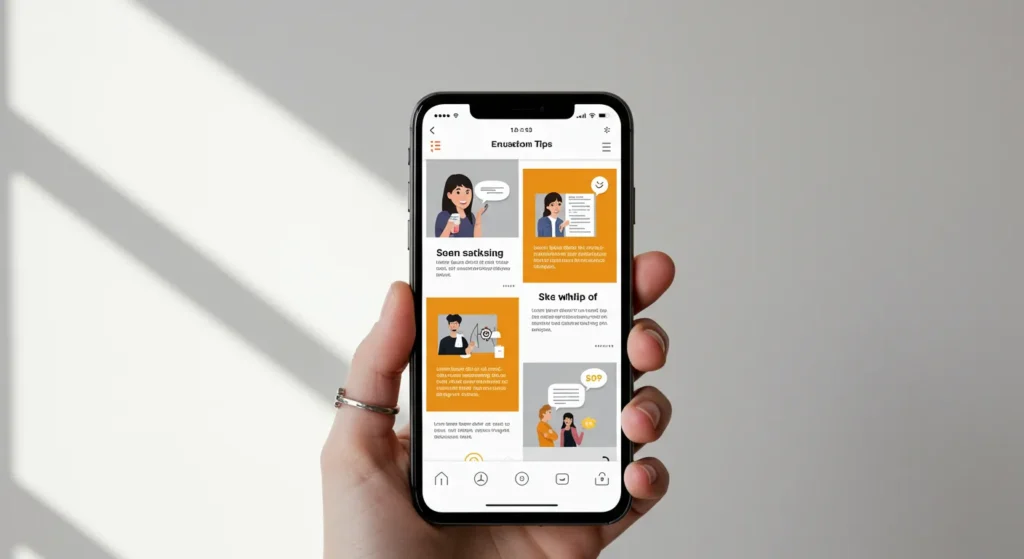
Why it works: Carousels = engagement. They encourage users to pause, swipe, and save.
How to do it:
- Break your blog into 5–10 slides covering a single idea per slide.
- Use consistent fonts, brand colors, and clear headings.
- Slide 1 = Hook, Last Slide = Call-to-action
Tools: Canva, Adobe Express, PowerPoint
Pro Move: Add “swipe left” arrows and prompt engagement.
Takeaway: Carousels visually guide your reader through bite-sized lessons.
5. Turn Content into a Newsletter

Why it works: Emails create a direct line to your audience—no algorithms in the way.
How to do it:
- Write an engaging intro based on your blog hook.
- Condense your content into 3–4 paragraphs.
- Include 1–2 links to full blog or related resources.
- End with a personal note or CTA.
Recommended Platforms: ConvertKit, Mailchimp, Beehiiv
Bonus: Use segmentation to tailor which emails go to which subscribers.
Takeaway: Email helps build trust and nurture readers into loyal followers.
6. Create Audio Snippets or Podcasts

Why it works: Podcasts are perfect for multi-taskers. Audio content is intimate and flexible.
How to do it:
- Record yourself explaining the blog post in 3–10 minutes.
- Edit using Descript, Anchor, or Audacity.
- Turn snippets into audio reels or story highlights.
Next Level: Interview an expert on your blog topic and publish as a bonus episode.
Takeaway: Great for commuting listeners and podcast lovers.
7. Transform into Slide Decks for Webinars or LinkedIn

Why it works: Especially effective for B2B and educational content—adds depth and credibility.
How to do it:
- Break the blog into a 10–15 slide PowerPoint or PDF.
- Add diagrams, icons, and titles to make it engaging.
- Upload on LinkedIn, SlideShare, or use in webinars.
Pro Tip: Repurpose the deck into training material or internal documentation.
Takeaway: Slide decks are versatile, professional, and timeless.
8. Turn Key Stats or Quotes Into Visual Graphics
Why it works: Stats and quotes are scroll-stoppers, especially with good design.
How to do it:
- Pull quotes, stats, or testimonials from the original content.
- Design simple branded graphics using Canva or Easil.
- Add your website URL or Instagram handle to drive traffic.
Advanced: Post in stories with a “see more” link.
Takeaway: One quote can go a long way on social.
9. Use Audience FAQs to Create Q&A Content
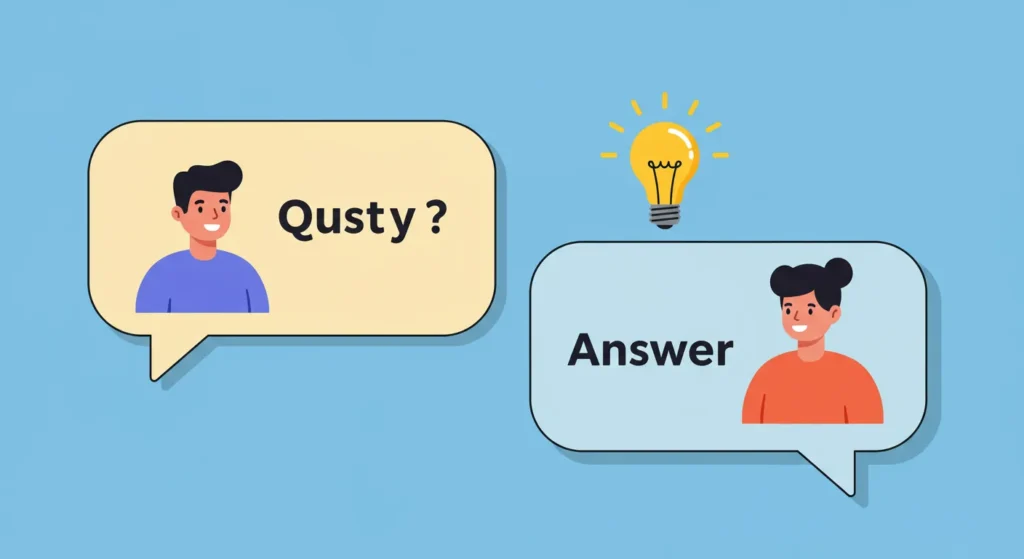
Why it works: FAQs show you’re listening. Answering real questions adds massive value.
How to do it:
- Monitor blog comments, DMs, YouTube, or Reddit.
- Use their exact wording to build videos, posts, or replies.
- Credit the commenter if possible—it builds trust.
Bonus: Turn FAQs into a mini course or ebook.
Takeaway: Your audience gives you repurposing gold—just listen.
10. Combine Multiple Posts Into Lead Magnets or Courses
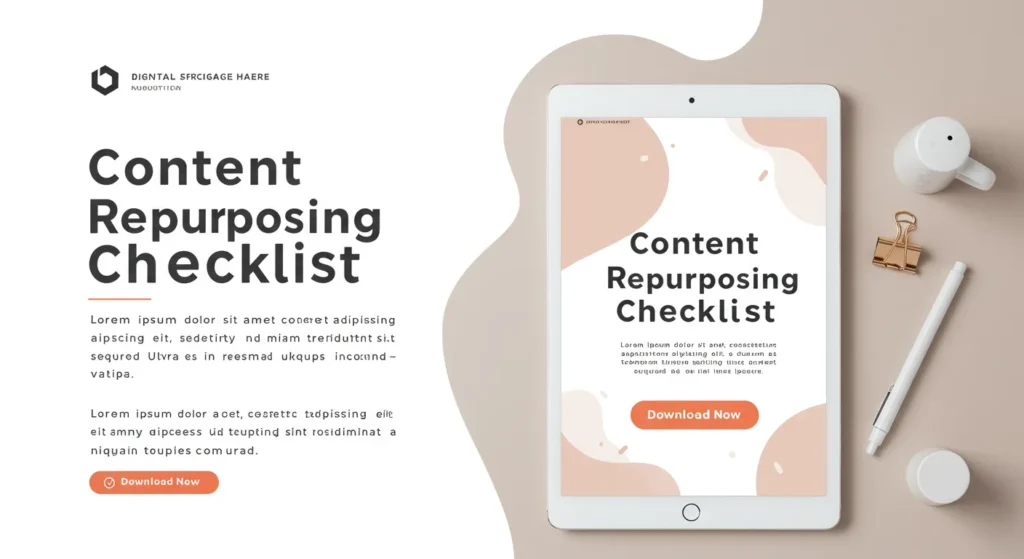
Why it works: Turns readers into subscribers and future buyers.
How to do it:
- Bundle 2–5 related blogs into a guide, ebook, checklist, or free email course.
- Create a landing page to collect emails.
- Promote it across your social platforms.
Tools: Beacon, Systeme.io, Notion → PDF
Pro Move: Make different lead magnets for different audience segments.
Takeaway: Use repurposing to build your list AND your authority.
Tools to Supercharge Your Repurposing
Let’s make your workflow smoother than ever:
- Canva – Design templates, carousels, infographics, graphics
- CapCut / Veed / Descript – Quick and smart video editing
- Descript – Transcription + video/audio editing
- Repurpose.io – Automate posting to multiple channels
- Hootsuite / Buffer / Later – Scheduling powerhouse
- ChatGPT – Idea generation, scripting, rewriting
- Notion, Airtable, Trello – Content calendars and pipelines
Repurposing Workflow: The Smooth System
Want a step-by-step approach to keep the machine running?
- Create your core content (blog post, podcast, video)
- Extract key points and micro-content opportunities
- Assign formats based on platform (e.g. Twitter = threads, Instagram = carousels)
- Design and script the repurposed versions
- Batch create and schedule using tools
- Track performance with platform analytics
- Refine and iterate based on what resonates
Pro Tip: Use content buckets and templates to make it scalable.
Cross-Posting Tips That Don’t Feel Robotic
Yes, you can share across platforms—without annoying your followers.
- Customize your tone for each platform (LinkedIn ≠ TikTok)
- Resize visuals to match platform specs
- Tailor CTAs based on the native behavior (clicks vs. shares vs. saves)
- Stagger the timing to avoid duplicate overload
- Use variations in captions, headlines, or hooks
Final Thoughts: Make Content Work Harder So You Don’t Have To
The smartest creators aren’t hustling 24/7—they’re repurposing wisely.
You don’t need more ideas—you need more leverage. Content repurposing helps you:
- Save time
- Build consistent branding
- Reach more people in more ways
- Maximize your ROI
So—ready to stretch your content 10x further?
👇 Tell me how YOU plan to repurpose your next post. Or drop a link—I’d love to give feedback.
And if this guide helped, go ahead and share it with your team, your creator buddy, or your LinkedIn feed. Let’s help more people do more with what they’ve already created.
Remember: one post, endless possibilities. 😉