1. Introduction
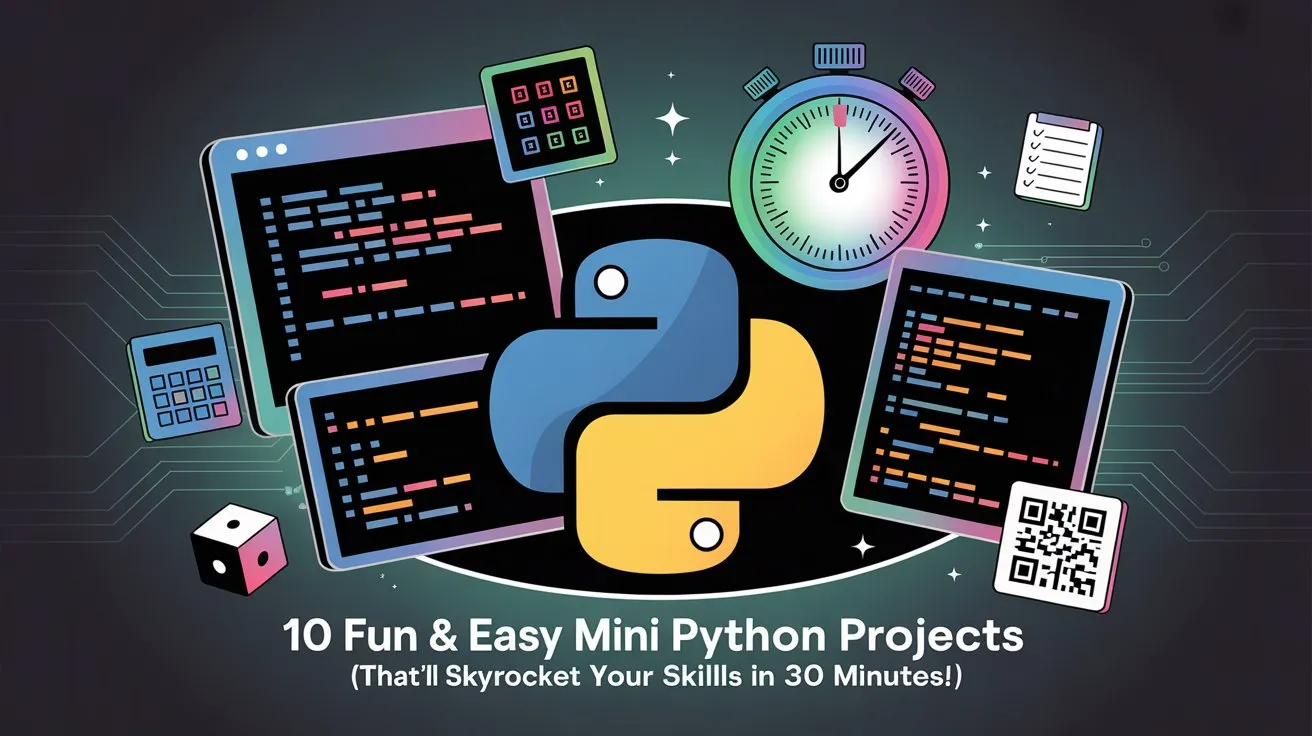
Ever heard the saying, “You learn to code by coding”? Well, spoiler alert—it’s absolutely true. If you’ve been stuck in the “read tutorials → forget everything → repeat” loop, you’re not alone. Most beginners think they need to build the next Instagram clone to become a Python pro. Truth bomb: you don’t. What you need are mini Python projects—tiny coding adventures that take less time than making a cup of fancy pour-over coffee (okay, maybe two cups).
Learn beautiful Animations in PowerPoint – Click Here
Learn Excel Skills – Click Here
Learn Microsoft Word Skills – Click Here
Why? Because short, focused projects are like snacks for your brain. They’re quick, satisfying, and keep you coming back for more—unlike those monstrous 3-month projects that make you want to switch careers and become a llama farmer.
So, why 30 minutes? Because that’s the sweet spot. It’s long enough to challenge you and short enough to avoid burnout. These quick Python projects will help you practice core concepts without feeling like you’re coding in a dark tunnel with no end in sight. Think of it as a workout for your Python muscles—except no sweating (unless you’re debugging, then all bets are off).
And the best part? These projects aren’t just beginner fluff. They’re practical, fun, and teach real-world skills that’ll make you confident enough to say, “Yeah, I can code that!” in any conversation.
Whether you’re a complete newbie, a hobbyist looking for weekend fun, or an intermediate learner who wants to sharpen their tools, this guide is for you. By the end of this, you’ll have 10 mini Python apps under your belt, each taking under 30 minutes.
Call to Action: Ready? Grab a coffee (or three), open your favorite IDE, and promise me one thing: you’ll try all 10 projects. Deal? Cool. Let’s dive in.
2. Why Mini Projects Matter for Learning Python
Why waste weeks reading theory when you can learn Python fast by actually building stuff? Mini projects are your golden ticket. Here’s why these Python practice projects aren’t just cute—they’re game-changers.
1. Concept Reinforcement Without the Boredom
Reading about loops and conditionals is like reading about swimming techniques while sitting on the couch. You might get the idea, but you’ll never feel the water. Mini projects throw you in (gently) so you can practice what you learn in real-time.
2. Builds Problem-Solving Superpowers
Programming isn’t about memorizing syntax; it’s about breaking problems into smaller chunks and solving them logically. A 10-minute Python project forces you to think like a developer: “What’s the input? What’s the output? How do I get there without setting my laptop on fire?”
3. Boosts Confidence Before the Big Stuff
Big projects like web apps or AI bots can be intimidating. Mini projects give you quick wins—tiny victories that whisper, “You’ve got this!” Once you nail 10 of these, you’ll feel unstoppable tackling something bigger.
In short, mini projects make you smarter, faster, and less likely to quit halfway. They’re the secret sauce to learn Python fast without losing your mind.
Alright, you’re convinced mini projects are the holy grail. But before we dive headfirst into coding glory, let’s make sure your Python toolbox is ready. Because nothing kills motivation faster than staring at an error message that says, “Python not found”. Let’s gear up!
3. Tools & Setup Required
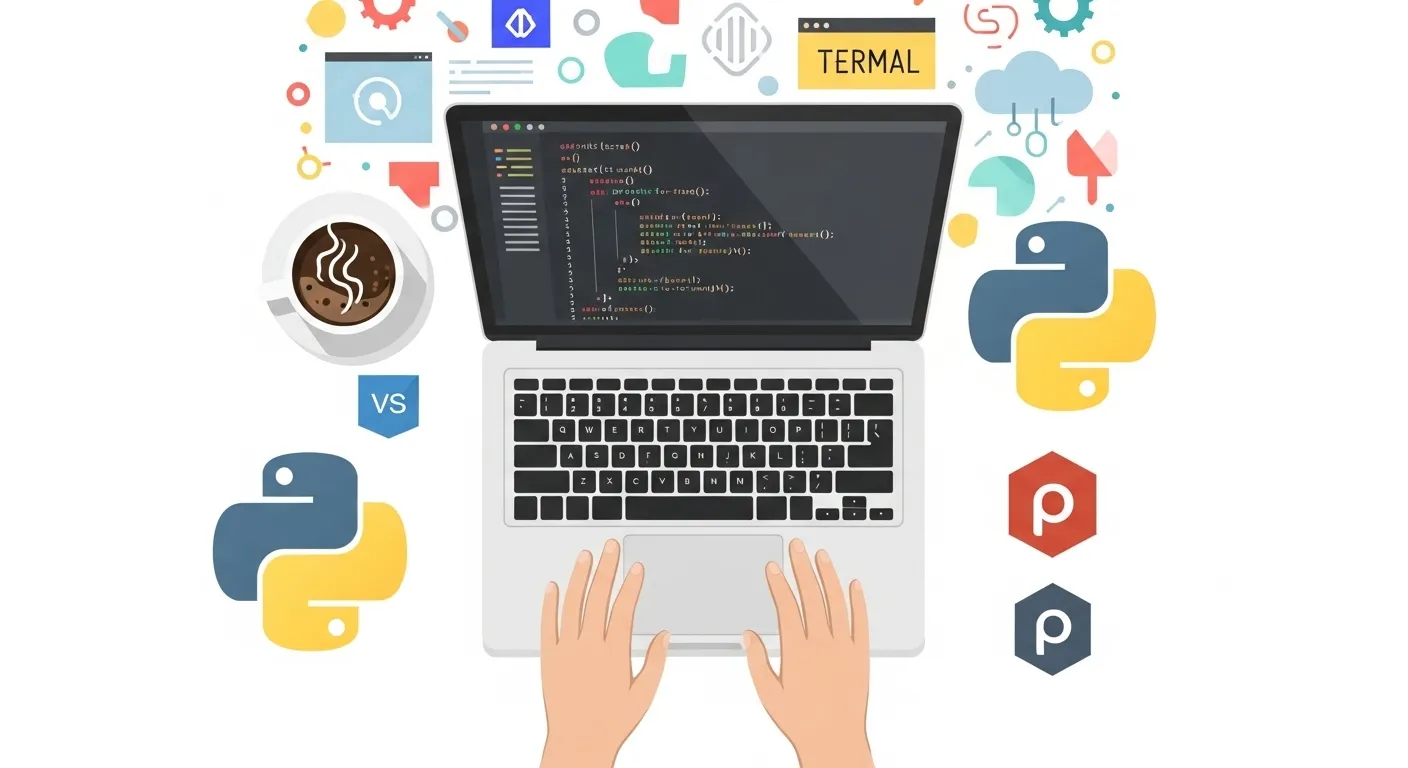
First things first: you can’t build castles without bricks. And you can’t build mini Python projects without a proper Python setup. Don’t worry—this isn’t a pain. It’s a two-coffee job at most.
✅ Step 1: Install Python (Latest Version)
Head over to python.org/downloads and grab the latest version (at least Python 3.10 or newer). During installation:
✔ Check the box that says “Add Python to PATH” (trust me, this one checkbox saves you from future tears).
To confirm installation, run this in your terminal:
If you see something like Python 3.x.x, you’re golden.
✅ Step 2: Pick Your IDE (Your Code Playground)
The best IDE for Python depends on your style:
-
VS Code – Lightweight, fast, and extensions galore.
-
PyCharm – Feature-packed, great for big projects.
-
Thonny – Minimalist and beginner-friendly.
-
Jupyter Notebook – Perfect for experiments and data science.
My pick? VS Code for versatility. It’s like a Swiss army knife with syntax highlighting.
✅ Step 3: Optional But Cool: GitHub
Want to look fancy and build a portfolio? Push your code to GitHub. Employers love seeing code history. It’s like showing your homework—but cooler.
✅ Step 4: Common Libraries for Mini Projects
You’ll need these Python pals:
-
random (for games and generators)
-
time (for timers, alarms)
-
datetime (for date & time magic)
-
requests (for APIs like weather data)
-
qrcode (for QR code generation)
Install any library using:
Ready? Tools: ✅, Coffee: ✅, Attitude: ✅. Now comes the fun part: building stuff.
4. The 10 Mini Python Projects
(Core Section – each project includes skills, estimated time, keywords, code, explanation, enhancements)
✅ Project 1: Number Guessing Game
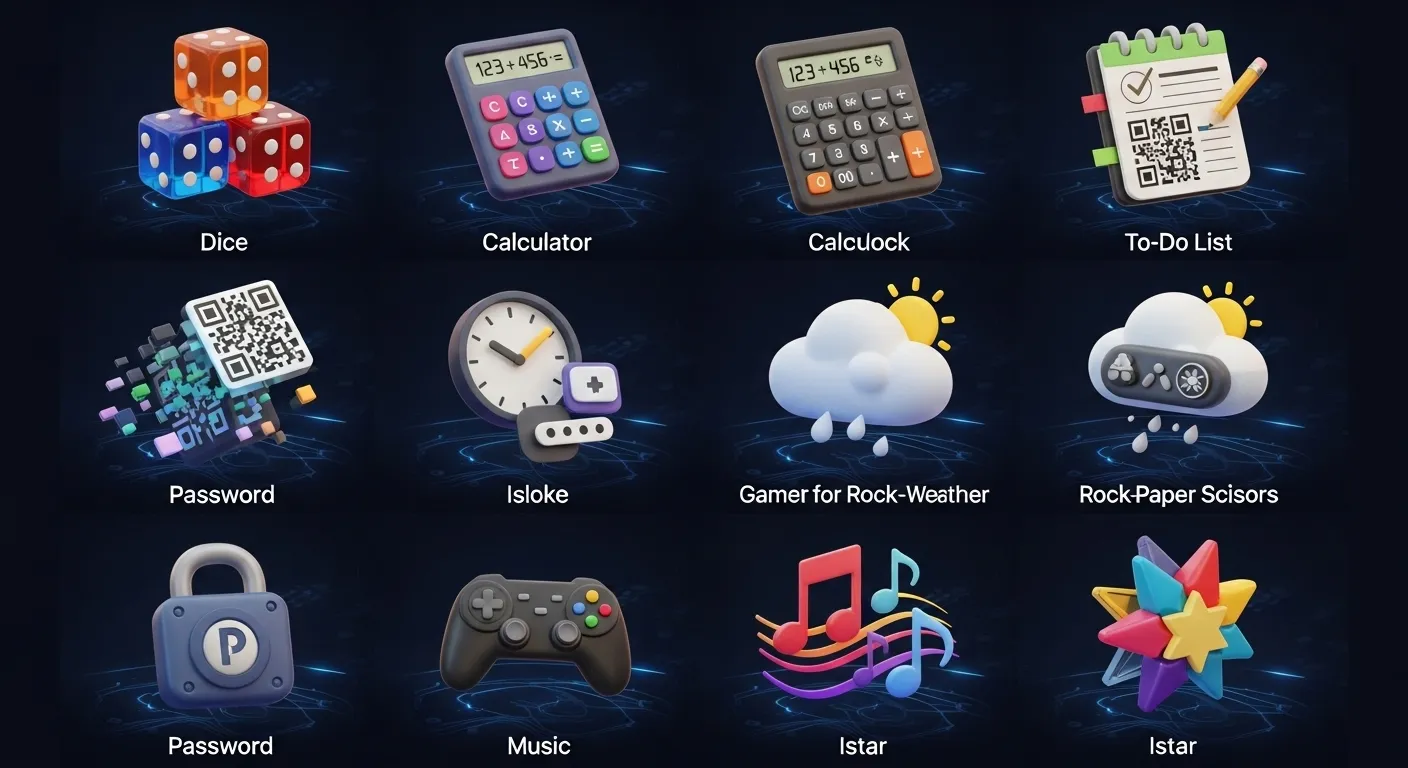
(Keywords: Python number guessing game, beginner Python project)
Skills learned: Loops, conditionals, user input, random module
Estimated time: 10–15 mins
Problem Statement
Create a Python script where the computer picks a random number, and the player tries to guess it. The game should give hints: too high or too low.
Code Snippet
Explanation
-
random.randint(1, 100)→ Picks a secret number between 1 and 100. -
Infinite loop keeps running until the guess is correct.
-
We use
try-exceptto handle invalid input like letters.
Possible Enhancements
✔ Limit attempts (e.g., 10 tries)
✔ Add difficulty levels (easy, medium, hard)
✔ Make it multiplayer
✅ Project 2: Simple Calculator (CLI)
(Keywords: Python calculator project)
Skills learned: Functions, user input, basic arithmetic, error handling
Estimated time: 10 mins
Problem Statement
Create a basic calculator that supports addition, subtraction, multiplication, and division. Users pick an operation and enter numbers.
Code Snippet
Explanation
-
while True:→ Keeps the calculator running until the user quits. -
Handles division by zero gracefully.
-
Uses
float()for decimal operations.
Enhancements
✔ Add more operations like modulus (%) or exponentiation (**).
✔ Implement a command-line argument version for pro users.
✔ Build a GUI later with tkinter.
✅ Project 3: To-Do List (Console-based)
(Keywords: Python to-do list project)
Skills learned: Lists, file handling, loops, user input
Estimated time: 15–20 mins
Problem Statement
Build a console-based to-do list app where users can:
✔ Add tasks
✔ View tasks
✔ Remove tasks
✔ Save tasks to a file for persistence
Code Snippet
Explanation
-
Persistent storage: Uses
todo.txtto save tasks so they don’t disappear after program ends. -
enumerate()→ Nicely lists tasks with numbers. -
Handles invalid inputs with exceptions.
Enhancements
✔ Add “Mark as Completed” feature.
✔ Add due dates using datetime.
✔ Build a GUI version with tkinter later.
✅ Project 4: Dice Roller Simulation
(Keywords: Python dice roller script)
Skills learned: random module, loops, user input
Estimated time: 10 mins
Problem Statement
Simulate rolling a dice. The user chooses how many dice to roll, and the program displays the results.
Code Snippet
Explanation
-
List comprehension → Rolls multiple dice in one line.
-
random.randint(1, 6)→ Simulates a standard dice roll.
Enhancements
✔ Add ASCII art for dice faces.
✔ Add probability simulation (track frequency of numbers).
✔ Make a GUI version for fun.
✅ Project 5: Countdown Timer
(Keywords: Python countdown timer)
Skills learned: time module, loops, user input
Estimated time: 10–15 mins
Problem Statement
Create a countdown timer where the user enters the number of seconds, and the program counts down to zero.
Code Snippet
Explanation
-
divmod(seconds, 60)→ Converts total seconds into minutes and seconds. -
end="\r"→ Updates the timer in the same line (clean output). -
time.sleep(1)→ Waits for 1 second between updates.
Enhancements
✔ Play a beep sound when time’s up (playsound or winsound).
✔ Add pause/resume feature.
✔ Build a GUI countdown using tkinter.
✅ Project 6: Rock, Paper, Scissors Game
(Keywords: Python rock paper scissors)
Skills learned: Conditional logic, loops, random.choice
Estimated time: 10 mins
Problem Statement
Classic game: Rock beats Scissors, Scissors beats Paper, Paper beats Rock. User vs Computer.
Code Snippet
Explanation
-
random.choice(choices)→ Lets the computer pick a move. -
Conditions check all winning possibilities.
-
Loops until the user says no.
Enhancements
✔ Add a scoreboard.
✔ Make a best of 3 or first to 5 points mode.
✔ Build a GUI with buttons for each choice.
✅ Project 7: Basic Alarm Clock
(Keywords: Python alarm clock script)
Skills learned: datetime, time modules, loops
Estimated time: 15–20 mins
Problem Statement
Build a Python alarm clock that takes a time input from the user and alerts them when the time matches.
Code Snippet
Explanation
-
datetime.datetime.now().strftime("%H:%M")→ Gets current time in HH:MM format. -
while True:→ Keeps checking every second. -
playsound("alarm.mp3")→ Plays an alarm sound. (Requires an MP3 file in your directory.)
Enhancements
✔ Add multiple alarms.
✔ Support AM/PM input.
✔ Add a GUI alarm clock with tkinter.
✅ Project 8: Weather App (CLI)
(Keywords: Python weather app project)
Skills learned: API requests with requests module
Estimated time: 15–20 mins
Setup
-
Sign up for a free API key from OpenWeatherMap.
-
Install
requests:
Code Snippet
Explanation
-
requests.get(url)→ Fetches weather data from API. -
data["main"]→ Extracts temperature and humidity. -
data["weather"][0]["description"]→ Provides weather condition.
Enhancements
✔ Add a 5-day forecast using OpenWeatherMap’s forecast API.
✔ Convert units (Celsius ↔ Fahrenheit).
✔ Build a GUI weather app.
✅ Project 9: Password Generator
(Keywords: Python password generator script)
Skills learned: random, string module
Estimated time: 10–15 mins
Problem Statement
Build a script that generates strong random passwords with letters, numbers, and symbols.
Code Snippet
Explanation
-
string.ascii_letters→ Includes both uppercase and lowercase letters. -
string.digits→ Numbers 0–9. -
string.punctuation→ Special characters for stronger security. -
random.choice()→ Randomly selects characters to build password.
Enhancements
✔ Add an option for only letters/numbers or strong mix.
✔ Save passwords to an encrypted file.
✔ Build a GUI password generator with copy-to-clipboard button.
✅ Project 10: QR Code Generator
(Keywords: Python QR code generator project)
Skills learned: qrcode library
Estimated time: 10 mins
Setup
Install the QR code library:
Code Snippet
Explanation
-
qrcode.QRCode()→ Creates a QR code object. -
add_data()→ Adds text or URL to encode. -
make_image()→ Generates an image with chosen colors.
Enhancements
✔ Customize QR colors and add a logo in the center.
✔ Generate QR for WiFi credentials or vCards.
✔ Build a web app using Flask for generating QR codes online.
✅ That’s all 10 mini Python projects, each under 30 minutes!
We’ve covered loops, conditionals, file handling, API calls, and external libraries—all in fun, bite-sized projects.
5. How to Make the Most of These Mini Projects
Congratulations! You’ve got 10 mini Python projects under your belt, but here’s the kicker: if they sit on your hard drive collecting dust, you’re leaving major value on the table. Let’s talk about squeezing every last drop of goodness from your new coding arsenal.
✅ 1. Combine Projects into Bigger Apps
Think of these as LEGO bricks. A to-do list app + alarm clock = a personal productivity suite. Add the weather app, and boom—you’ve built something that can wake you up, tell you what to do, and whether you need an umbrella. This not only flexes your creativity but also helps you understand how different components work together in real-world applications.
✅ 2. Share Your Code on GitHub
Employers, recruiters, and fellow devs love seeing active GitHub profiles. Upload each project to a separate repository, or better yet, create a Python mini-projects collection. Include:
✔ Clear README with instructions
✔ Screenshots (or GIFs if you’re feeling fancy)
✔ A brief note on what you learned
This transforms your practice coding projects into a Python portfolio that screams, “Hire me, I build cool stuff!”
✅ 3. Use Virtual Environments
If you’re planning to keep building (and you should), learn to use virtual environments. Why? So you don’t end up in dependency hell when different projects need different library versions. Quick tip:
✅ 4. Add Your Personal Touch
Don’t settle for the bare minimum. Add features, improve the UI, or turn a console app into a GUI with Tkinter or PyQt. These customizations will help you stand out in coding communities and interviews.
Practice is great. Showcasing is better. Make these projects visible, enhance them, and you’ll turn simple exercises into portfolio-worthy apps.
6. Common Mistakes Beginners Make
Let’s be honest—every beginner (including you, me, and that guy who wrote Python itself) makes mistakes. The difference? Some people learn from them, others rage-quit and become goat farmers. Don’t be the second type. Here are the most common pitfalls in Python projects—and how to dodge them like a ninja.
✅ 1. Copying Code Without Understanding It
You found a cool Python number guessing game on Stack Overflow. You copy-paste it, it works, and you feel like a rockstar. Except… when someone asks, “Why does this line exist?”, your soul leaves your body.
Fix: Break the code down. Add comments. Ask yourself, “What happens if I change this?” Experiment. Make mistakes—just not the same mistake twice.
✅ 2. Skipping Documentation
You installed a library, got confused, then screamed at your screen for 20 minutes. Why? Because you didn’t read the docs.
Fix: Documentation is your friend. It’s not boring; it’s a treasure map. Start with official docs, then hit tutorials for real-world examples.
✅ 3. Ignoring Debugging
When your code breaks (and it will), some beginners just give up. Or worse, they randomly delete lines hoping magic will happen. Spoiler: it won’t.
Fix: Learn to read error messages. Use print() strategically. Eventually, graduate to debuggers (VS Code and PyCharm have amazing ones). Debugging isn’t punishment—it’s where you actually learn.
✅ 4. Writing Spaghetti Code
Beginners often write 200 lines of code with zero functions. That’s not a project; that’s a bowl of tangled noodles.
Fix: Start using functions early. They keep your code organized, reusable, and less frustrating when you revisit it later.
✅ 5. Never Sharing Your Work
If your Python projects live and die on your laptop, no one can appreciate your brilliance.
Fix: Share on GitHub, post on LinkedIn, even tweet about it. You never know who’s watching (future employer?).
Mistakes are normal, but repeating them isn’t. Build smart habits now and thank yourself later.
7. Additional Tips & Resources

You’ve built 10 mini Python projects, you’ve survived beginner mistakes, and you’re officially on the Python map. But here’s the truth: Python is an ocean, and these projects were just a dip in the shallow end. Ready to dive deeper? Here are some killer resources and tips to supercharge your skills.
✅ 1. Follow a Structured Learning Path
Jumping randomly from topic to topic is like assembling IKEA furniture without the manual—you’ll end up with extra screws and tears.
Suggested Path:
-
Basics → Variables, loops, conditionals
-
Data structures → Lists, dictionaries, sets
-
Functions & OOP → Write clean, reusable code
-
Modules & Libraries → Expand your toolkit
-
Projects → Apply everything
✅ 2. Free Resources to Bookmark
-
Python Official Docs: Not as scary as it looks. Start small.
-
Automate the Boring Stuff with Python: A beginner’s bible for practical coding.
-
W3Schools Python: Simple, snackable lessons.
✅ 3. Video Tutorials & Platforms
-
YouTube Channels: Corey Schafer (clear explanations), Tech With Tim (project-based), freeCodeCamp (full courses).
-
Coding Practice:
-
LeetCode – Sharpen problem-solving skills.
-
HackerRank – Quick challenges.
-
Exercism – Mentor-led exercises.
-
✅ 4. Build Daily Coding Habits
Consistency beats intensity. Even 20 minutes a day keeps your Python sharp. Use tools like:
-
Habitica – Gamify your learning.
-
Pomofocus – For 25-min focused coding sprints.
Pro Tip: Don’t just learn—teach. Write blog posts, create GitHub READMEs, or make TikToks explaining concepts. Teaching locks knowledge in your brain like a vault.
8. Conclusion
If you’ve made it this far, give yourself a round of applause (or at least a high-five in the mirror). You’ve not only learned about 10 mini Python projects, but you’ve also picked up tips on how to turn these simple scripts into serious skills.
Why do these mini Python apps matter so much? Because small wins stack up. Each quick project you build sharpens your logic, boosts your confidence, and prepares you for the big leagues—whether that’s web development, automation, or diving into AI.
Remember: consistency is key. Don’t stop at these 10 projects. Add your own twists, combine ideas, and keep experimenting. Today it’s a Python number guessing game, tomorrow it could be your own productivity suite or a weather-powered smart alarm.
Most importantly, share your work. Post on GitHub, write about your process, and connect with other learners. Your portfolio is your golden ticket to internships, jobs, or freelance gigs. Even if coding is “just a hobby” for you, nothing beats the joy of creating something useful from scratch.
Now, here’s your challenge: pick a project from this list and start coding right now. Don’t bookmark this article and forget it—action beats intention every time. And when you’re done? Come back, build the next one. Ten projects, one step at a time—you’ve got this.