
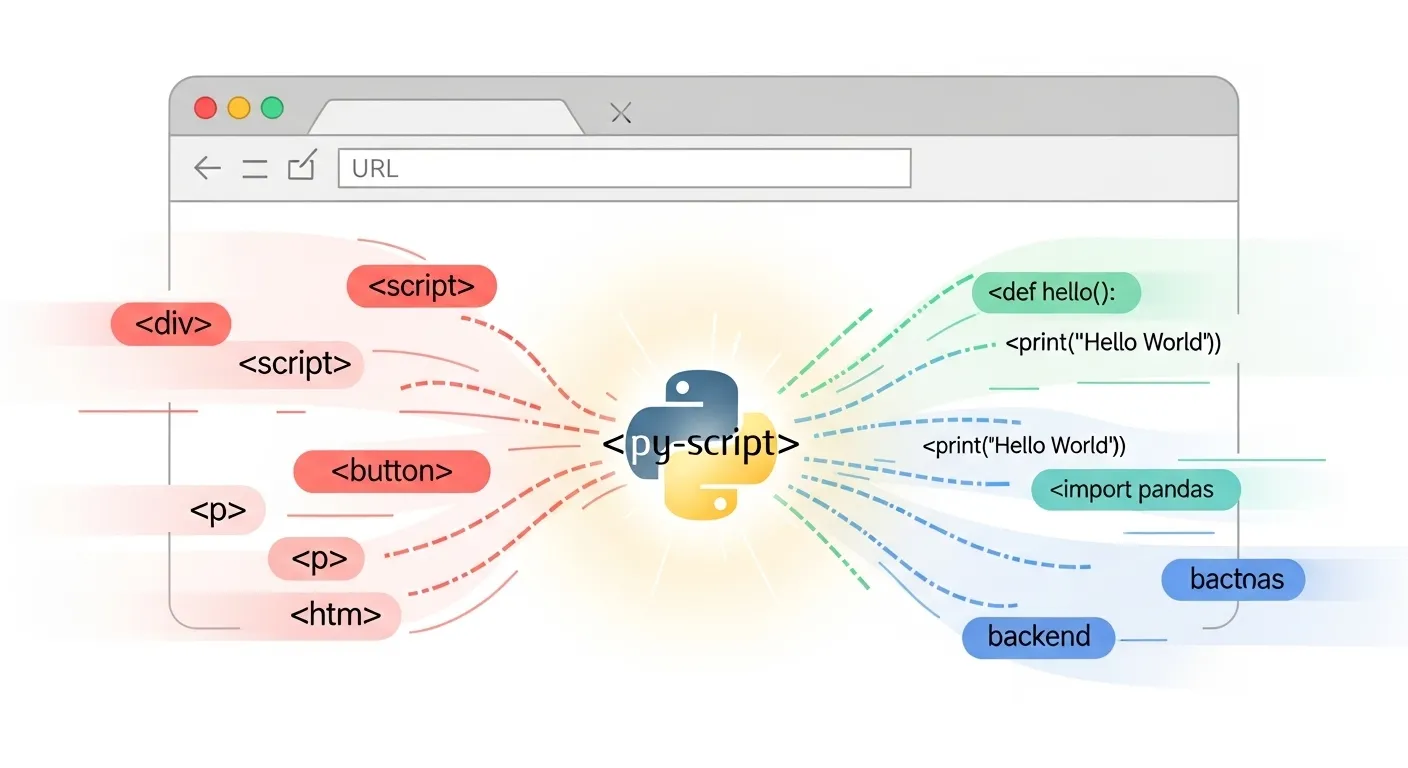
I. Introduction: Python Invades the Browser
Imagine a world where you can build a full web app—frontend and all—without touching a single line of JavaScript.
Table of Contents
ToggleNo curly braces.
No semicolons.
Just pure, beautiful Python.
If that made your inner Pythonista giggle with joy, then welcome to PyScript—an ambitious framework that lets you run Python in the browser using WebAssembly.
Yes, really.
No backend. No server (unless you want one). Just an file with Python code embedded inside
PyScript is a bit like the cool younger cousin of Flask and Django, but instead of running on a server, it’s doing its thing in your browser. Developers are buzzing because it delivers on a long-standing dream: “Python everywhere.”
But of course, with great promise comes great…quirkiness.
In this blog, we’ll explore:
-
What PyScript actually is and how it works
-
How to set it up in minutes (no pip install needed!)
-
Real-world PyScript examples and use cases
-
How it compares to JavaScript and other web stacks
-
A walkthrough project where we build a web app with PyScript
-
Limitations, gotchas, and what the future holds
-
Alternatives like Brython, Transcrypt, and Pyodide
If you’re a Python web developer, a CTO experimenting with new stacks, or a full-stack explorer looking for your next adventure, you’ll find this ride full of code, insight, and a touch of sarcasm.
Let’s go. Python is crashing the frontend party.
II. What Is PyScript?
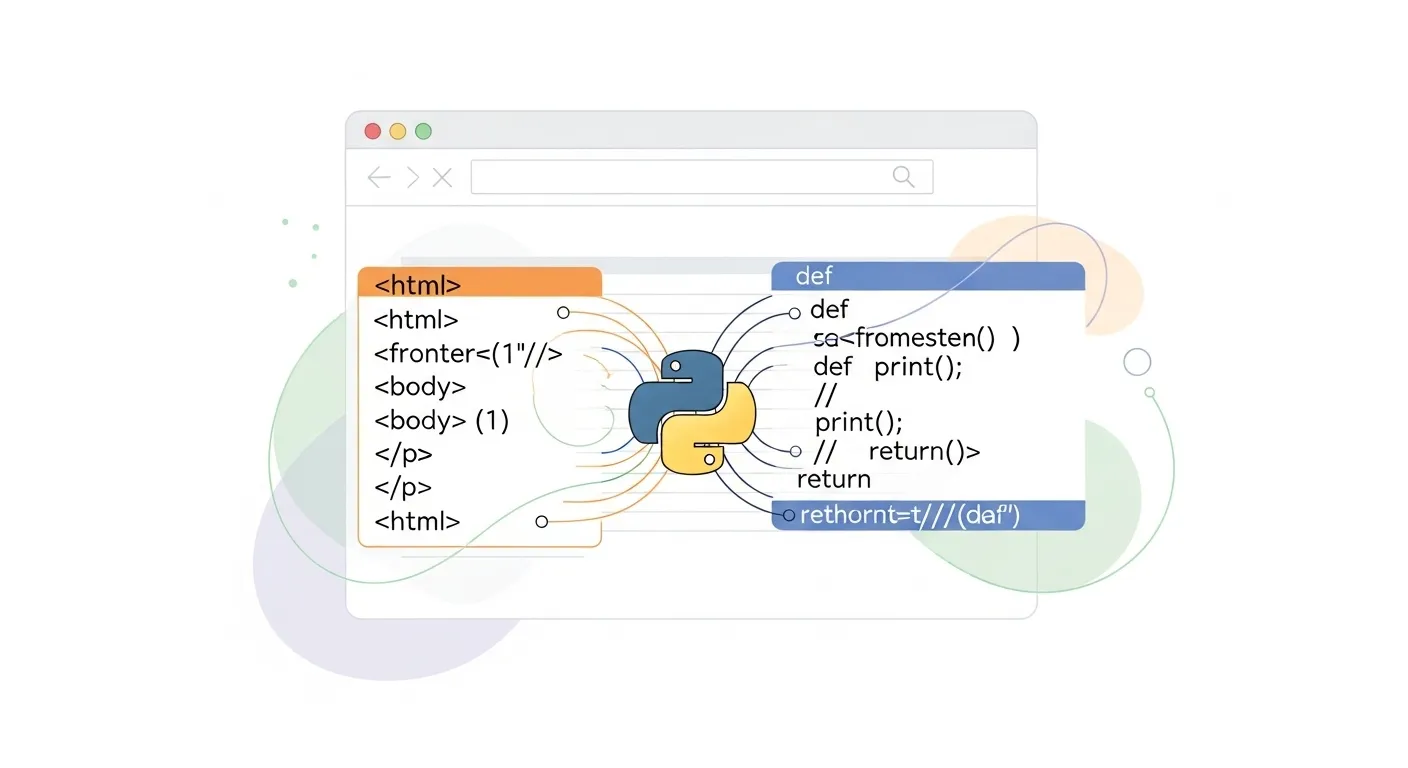
To understand PyScript, we need to rewind a bit to the rise of WebAssembly and a nerdy project called Pyodide.
Pyodide is a version of CPython (yes, the real Python interpreter) compiled to WebAssembly—a low-level bytecode that browsers can run efficiently. WebAssembly was originally created to make C++ code run in browsers, but someone said, “Wait, can we do this with Python?” and Pyodide was born.
Then came Anaconda, the people behind your favorite conda install numpy command, who saw potential in Pyodide. They decided to wrap it in a developer-friendly layer and sprinkle in some HTML integration—and boom, PyScript happened.
So what is PyScript?
It’s a framework that lets you write Python code directly in your HTML file, using special tags like:
<py-script>

print("Hello from the browser!")

py-script>
Yep. It runs in your browser. No server. No setup. No JavaScript required (well, not for you, the dev—PyScript still uses JS under the hood).
It’s powered by:
-
Pyodide (Python compiled to WASM)
-
A runtime that interprets
-
A tiny JavaScript library to glue it all together
PyScript merges HTML + Python + WASM, and even supports loading external packages like numpy and pandas (with some caveats—more on that later).
It’s not a replacement for React or Vue (yet), but it is a glimpse of what Python web development could look like when the stars align—and the browsers cooperate.
Think of it as the Jupyter Notebook experience, but in your browser and web-native.
III. Setting Up PyScript: Hello, Python Web
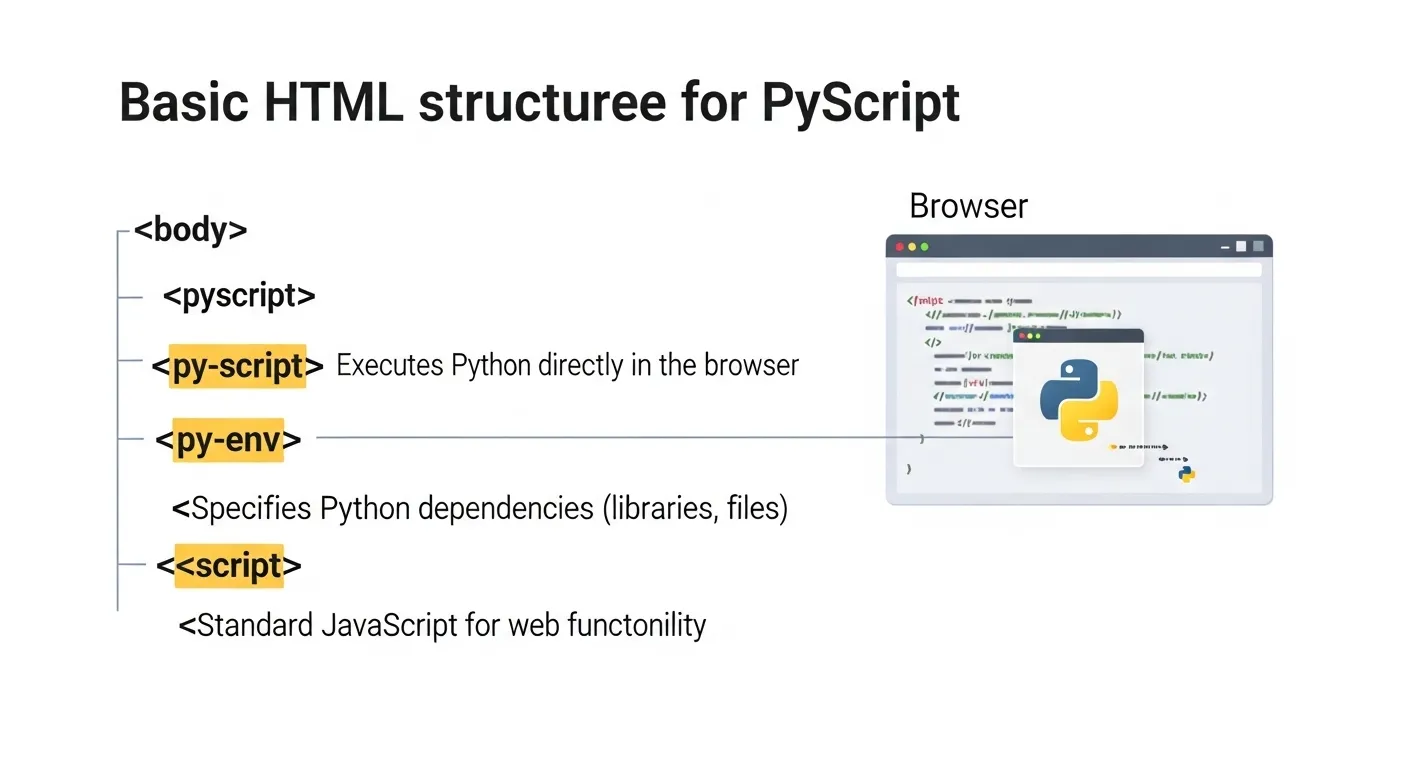
Okay, let’s get our hands dirty.
🔧 Prerequisites:
-
You know Python basics.
-
You’ve dabbled in HTML.
-
You have a browser (Congrats, you qualify).
Step 1: Create a basic HTML file
html>

<html>

<head>

<title>My First PyScript Apptitle>

<link rel="stylesheet" href="https://pyscript.net/latest/pyscript.css" />

<script defer src="https://pyscript.net/latest/pyscript.js">script>

head>

<body>

<h1>PyScript Tutorial: Hello Pythonh1>

<py-script>

name = "PyScript"

print(f"Hello from {name}!")

py-script>

body>

html>
That’s it. Save this as index.html and open it in your browser.
You’ll see Hello from PyScript! printed to the developer console or on the page depending on how you configure it.
🧠 What’s Happening?
-
The

Valerie Rodriguez
Dolor sit amet, adipiscing elit. Ut elit tellus, luctus nec ullamcorper mattis, pulvinar dapibus leo.
Latest Posts
- All Posts
- Advance MS Office
- Blog
- C Programming!
- Expert In Digital Marketing
- Microsoft Office Specialist
- Python programming
- Social Media Marketing







Website Design
We design modern, responsive websites that help your brand grow online effortlessly.
"Industry-Relevant courses for career growth" and "Practical learning for real-world success!"
- Contact
- Linked In